I am attempting to set this skin up and have gotten most things customized so that it is usable but I have one major issue left to resolve. The only way I can see artist names when viewing my music library is to use list view. Both wall view versions just show artist images and I can only see the artist name for whatever band the focus is on. This makes it nearly impossible to browse my music library. I’ve attached two screenshots to help show what I am talking about.
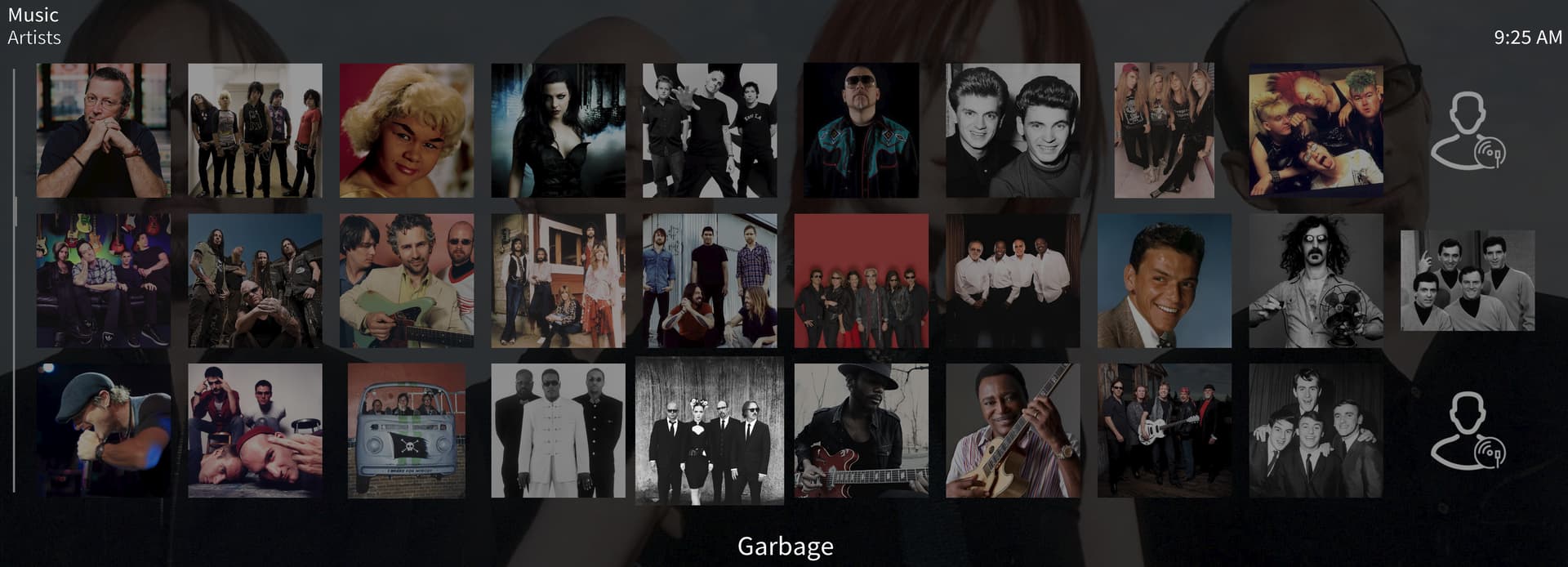
The first screenshot is of OSMC and it shows only the artist images without any text below.

This second screenshot shows Jriver’s interface and how each artist has the appropriate artist name text below the image.
I’ve scoured the settings and have been unable to locate where I can modify this behavior.
