Hi. Given that I have two Vero V’s, I thought it was about time I tried to set up a shared database to keep my library in sync, so set up MariaDB on my rpi5 4gb via a docker compose file/ Portainer.
Followed the Kodi wiki (adding advancedsettings to both Vero’s and some CLI commands on rpi) and it was up and running in no time at all and working really well - library was syncing perfectly between both devices. However, one thing I can’t stand is the glitch/ flicker I can see when opening a TV show into episode view on each of my Veros.
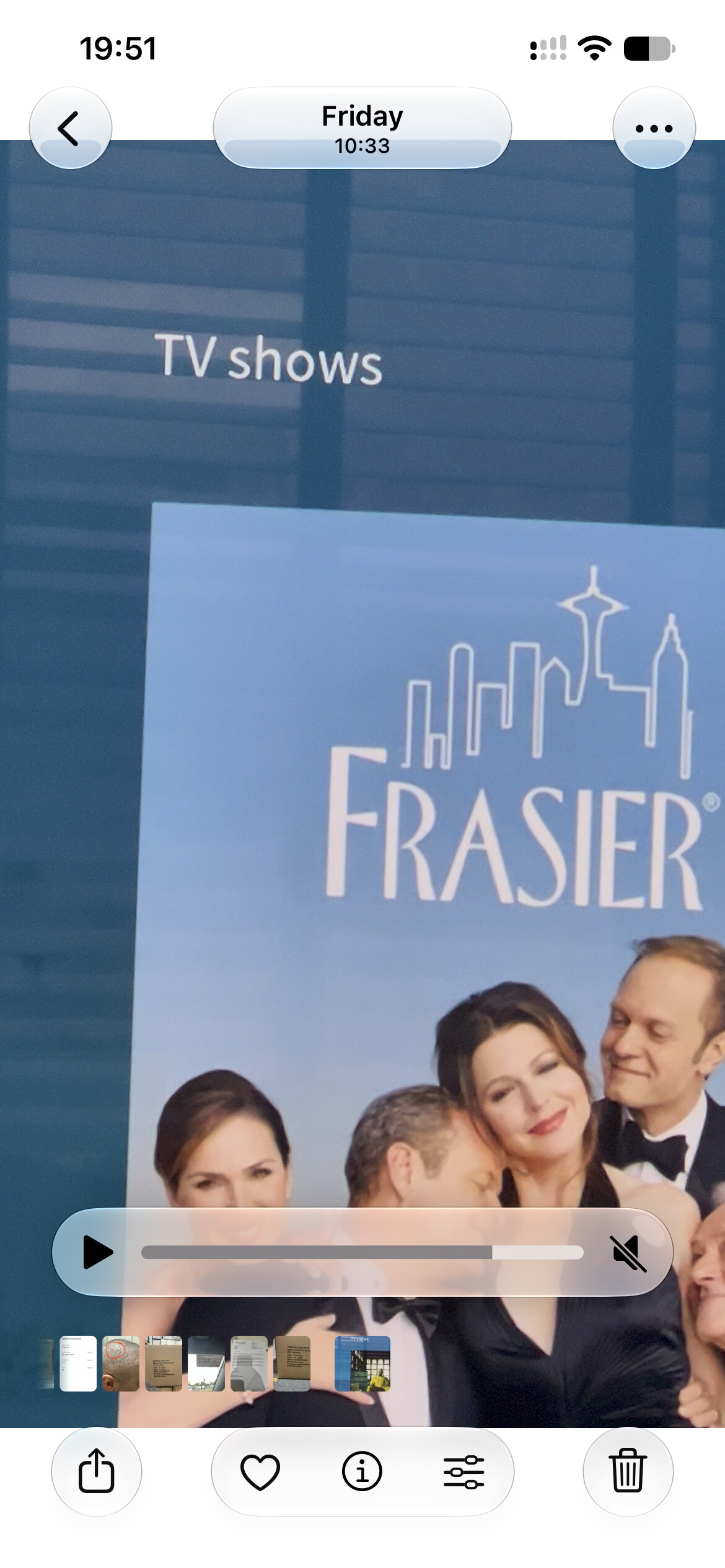
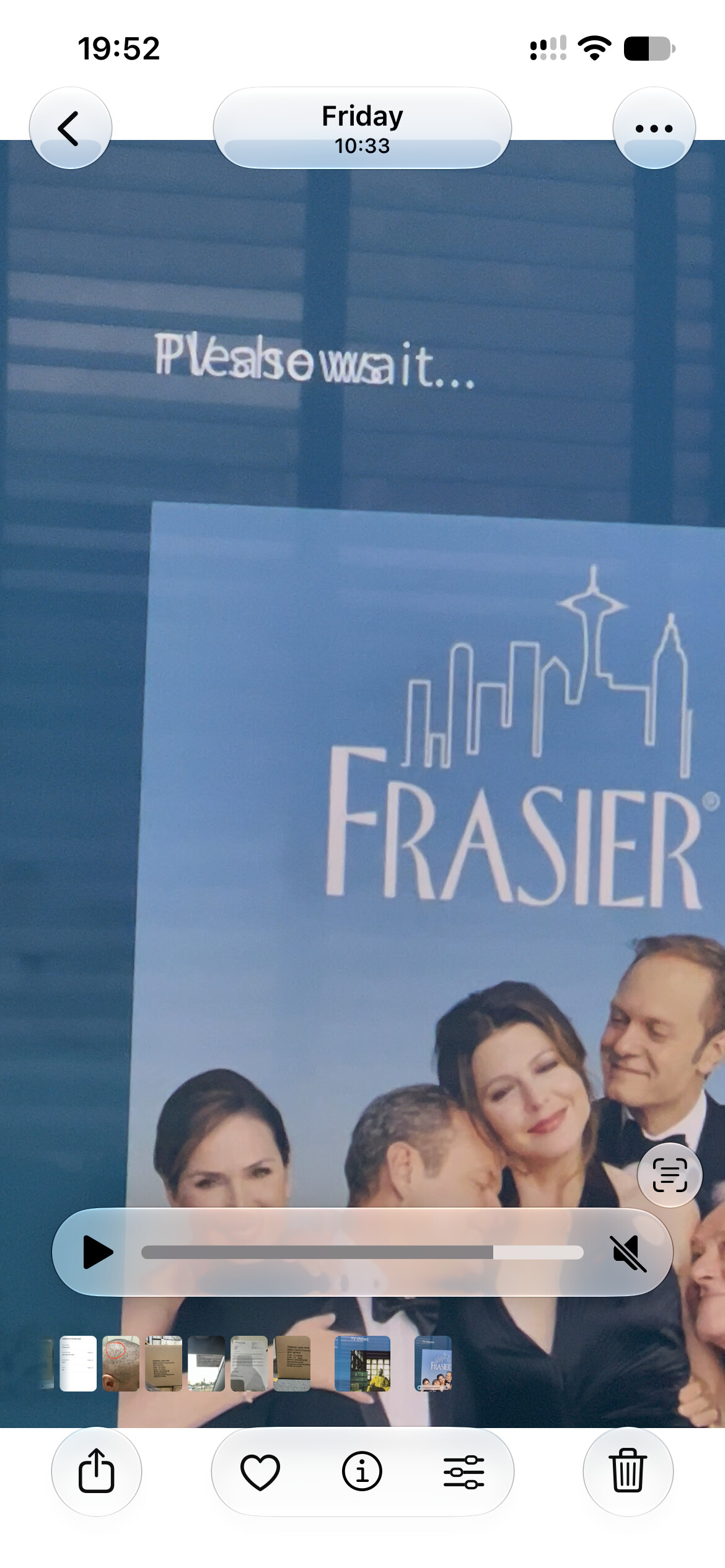
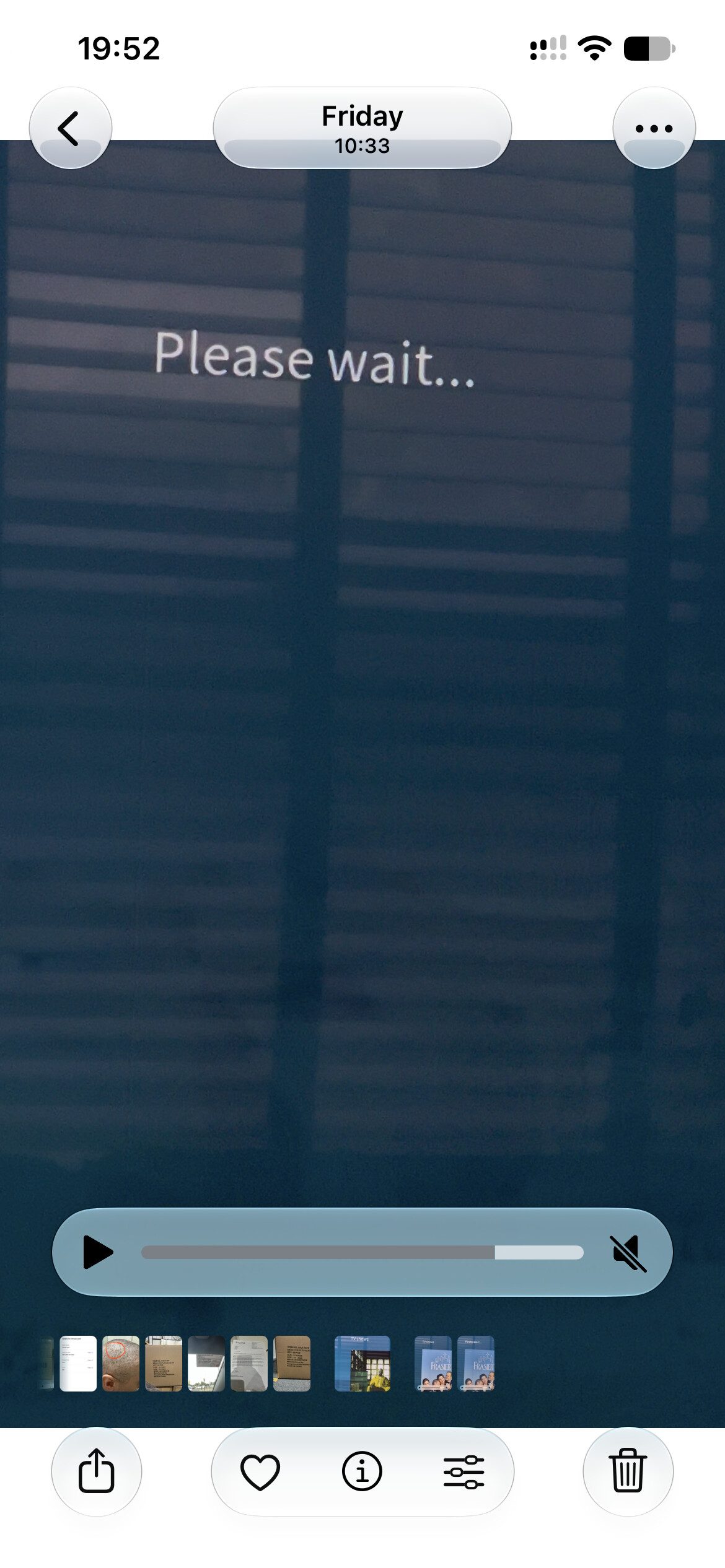
I see a ‘please wait’ sign pop up for a millisecond (took a recording and played back in slo mo so I could read the message) and the show title flickers briefly before entering episode view. It’s a small thing, but detracts from the Ui experience. This doesn’t happen all of the time - sometimes it’s glitch free and smoothly transitions into episode view.
When in episode view, sometimes (but not every time) the episode title itself is greyed out, and needs another press on the remote to actually highlight the item.
Does anyone have any experience with this and any potential solutions?
Currently removed this setup but happy to try again if there’s anything obvious I’ve missed. Thanks
Are you maybe just seeing the effect of a new library needing to cache its artwork for the first time? Is it only happening the first time you go into a show that you hadn’t since you switched to the new system? I can’t say that I ever noticed the behavior like your describing (and I’ve been running a shared database for a very long time) but whenever I setup a new system the delay in things coming up the first time (Kodi caches the artwork on demand) is noticeable and drags down the system a little bit when it is doing it. I tend to store my artwork locally so the effect is minor but I’d image if it has to pull all the artwork online the delay would be significantly longer.
Also if you hadn’t I’d google mariadb my.cnf/my.ini performance tweak for Kodi. There are some things like disabling reverse DNS lookups and cache tweaks that you can do to speed things up. If memory servers there is also one database tweak that needed doing on mysql to deal with certain shows like Doctor Who or The Simpsons where the size or type of one of the tables needed tweaking due to the large number of episodes. I forget the details but it should be easy enough to find if you go looking on the interwebs.
Appreciate the response @darwindesign - encouraging to know you’ve been running this setup for a long time without issues.
Unfortunately not. Same behaviour happens having already been into the show several times.
as in, your artwork is stored next to your local movie/ tv show files on your storage drive? That’s also what I do. Not quite sure of the relationship between MariaDB and Kodi’s own artwork thumbnails.
Thanks for the heads up. I tried a few things I’d googled (can’t remember what exactly now, but think ‘skip-name-resolve’ was one) which made no difference.
I’ve read some stuff about manually adding database indexes to the MariaDB server or increasing RAM/ buffer configuration - which I haven’t tried yet - but wasn’t expecting to have to do any of this to improve performance for a very small library (currently 5 shows, 4 of which only have several episodes from one season).
Correct, artwork stored next to all media. The issue is not directly to do with MySQL vs SQLite but rather just when you have new database entries Kodi will go through the process of caching thumbnails locally which slows things down. It is generally much faster for Kodi to pull the file from your LAN than it is to pull it from the internet.
I wouldn’t expect it to make much of a difference in such a small collection either. I can assure you in my much larger library that the database tweaks very much do make a significant difference. When you installed Maria it came with just general purpose defaults as they had no idea what it would be used for or what hardware it would have to work with. Tweaking its configuration file is a normal part of the process.
There is only a very minor speed difference in the UI of mine vs when I’ve tested the same library setup with a regular install. I have only ever run the MySQL/Maria database off a full blown PC on a regular Windows installation so I don’t know what the performance impact is running it through docker on a lower powered device. I wouldn’t think it should make much of a difference in a small library. You might want to check to make sure you don’t have a network bottleneck (ie something like a bad cable or a slow wireless link) or issues with DNS. If you’re not already, it would be a good idea to run the RPi on a fixed IP address and use that in your advancedsettings.xml to avoid any name resolution delays.
I see ‘please wait’ text flash up briefly in the top left corner of the osmc gui (just above ‘TV shows’ from memory - I don’t have it installed currently).
It’s sounding like a setup issue. Maybe I need to do some research and play with some settings.
@Chillbo Meanwhile I can reproduce this “Please wait …” message with “View: List” in TV shows … and an extreme throttled mariadb on a RPi 3b+. It is then visible for a fraction of a second.
Without throttling it does not show at all and I guess with a standard mariadb installation on a RPi 4/5 it should be even faster.
@Tee77 Can you try a pure/native mariadb installation on your RPi 5 without that docker containerization stack?
Tried a native install on rpi5 and getting the exact same behaviour (pi is running on an nvme ssd by the way). Sometimes the transition from tv show to episode list is perfect, other times the glitch is happening on entry and exit. Can share a short video if helpful, or logs of course).
The busy dialog is triggered and thus the headline changes briefly. Something is slow enough so Kodi thinks the busy dialog is needed. So, nothing on the skin side that would really help here…
When these “wait” messages appear, something is evidently slowing down communication significantly. Even if it is merely a cosmetic issue, it is still worth trying to determine the source of this delay. I see two potential causes:
The network communication is extremely poor, causing intermittent, significant delays.
The MariaDB installation on the Pi 5 is not functioning as intended.
Something inside kodi takes longer than expected.
Perhaps it would make sense to collect debug logs:
The best way to get this information is for you to upload logs that demonstrate your problem. You can learn more about how to submit a useful support request here.
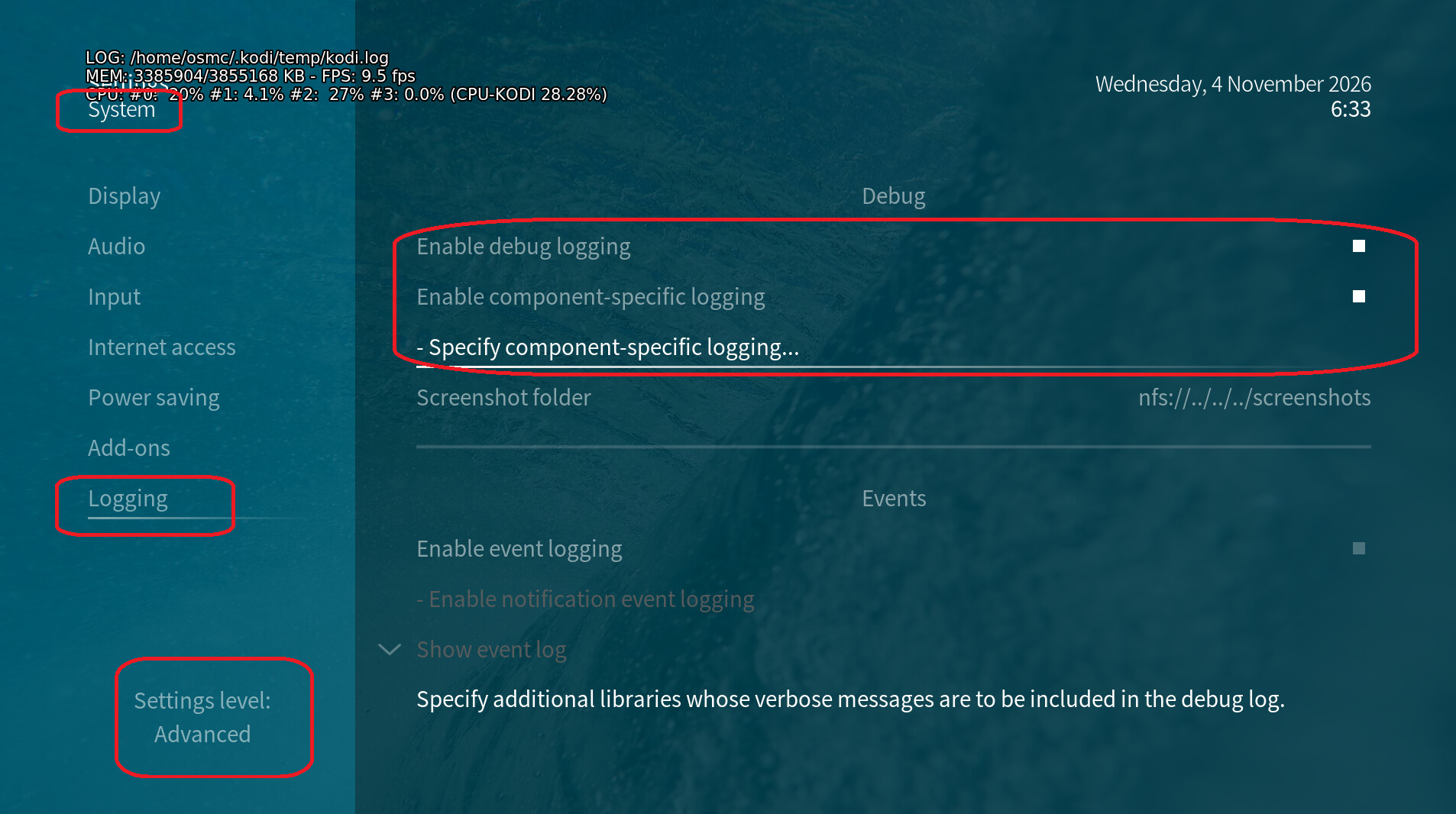
Depending on the used skin you have to set the settings-level to standard or higher, in summary:
enable debug logging at settings->system->logging
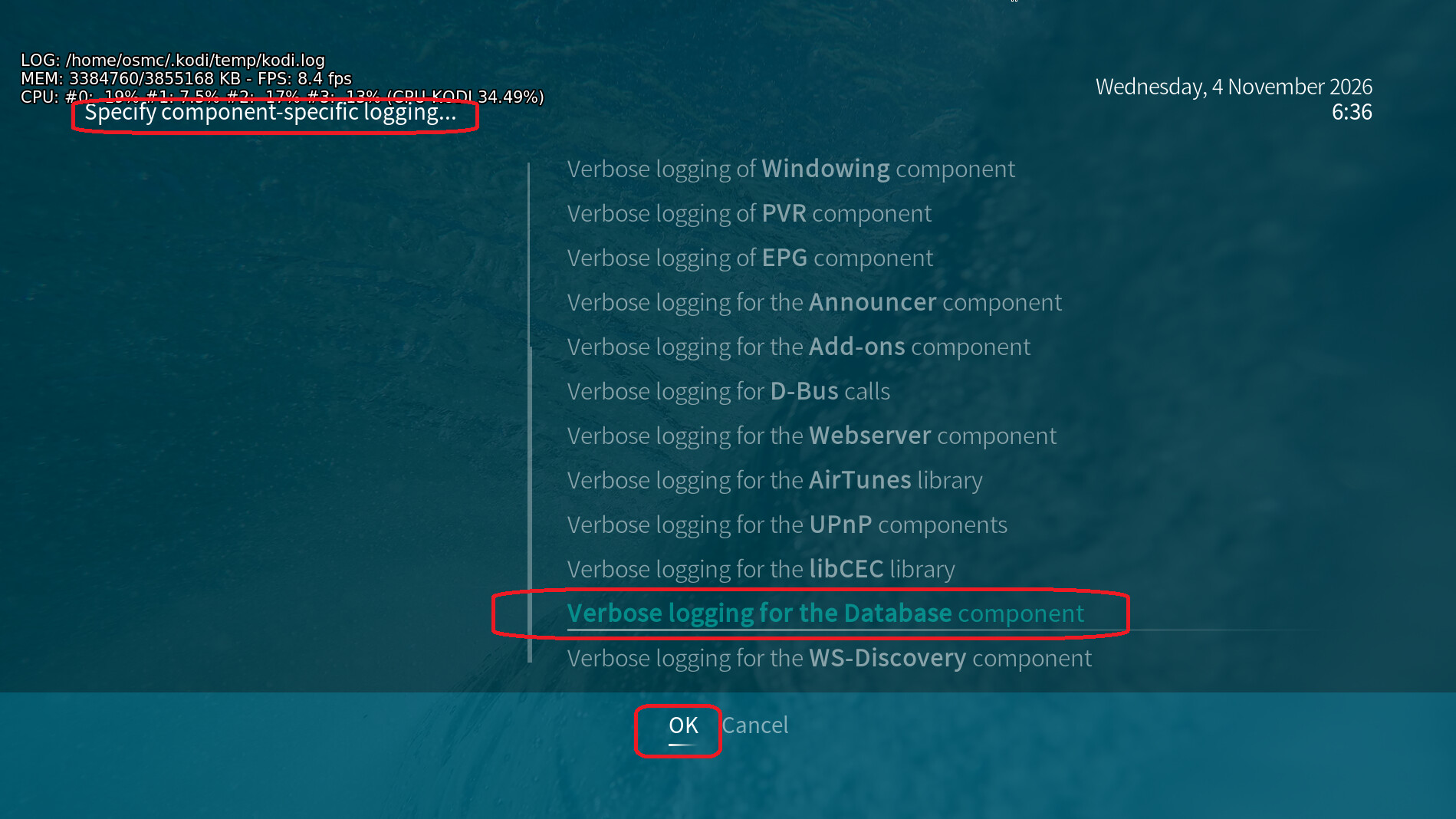
enable component specific logging and here activate the Database component, only
reboot the OSMC device twice(!)
reproduce the issue means directly go to TV shows and open some of them entering the episodes view until you see the waiting message
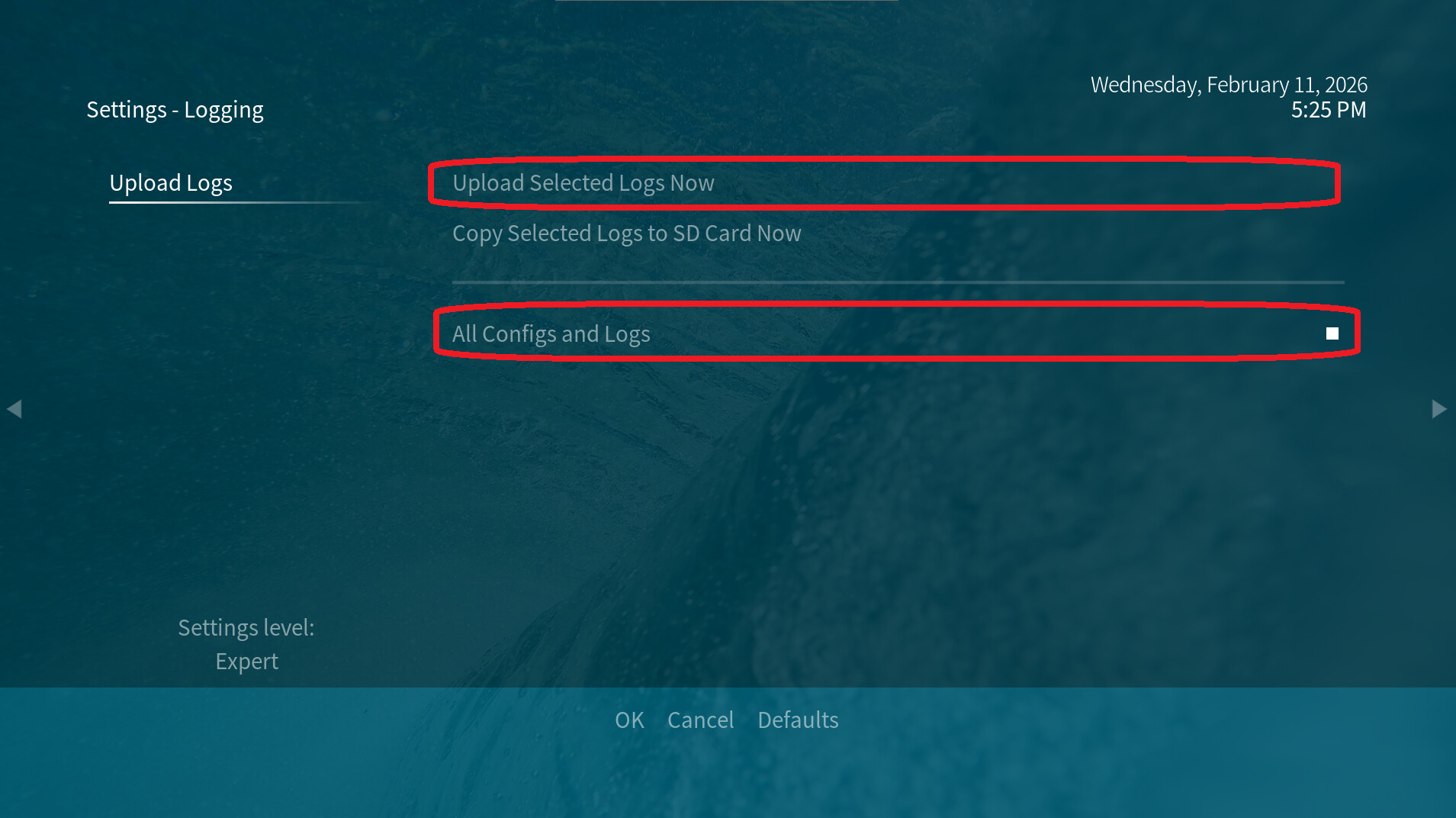
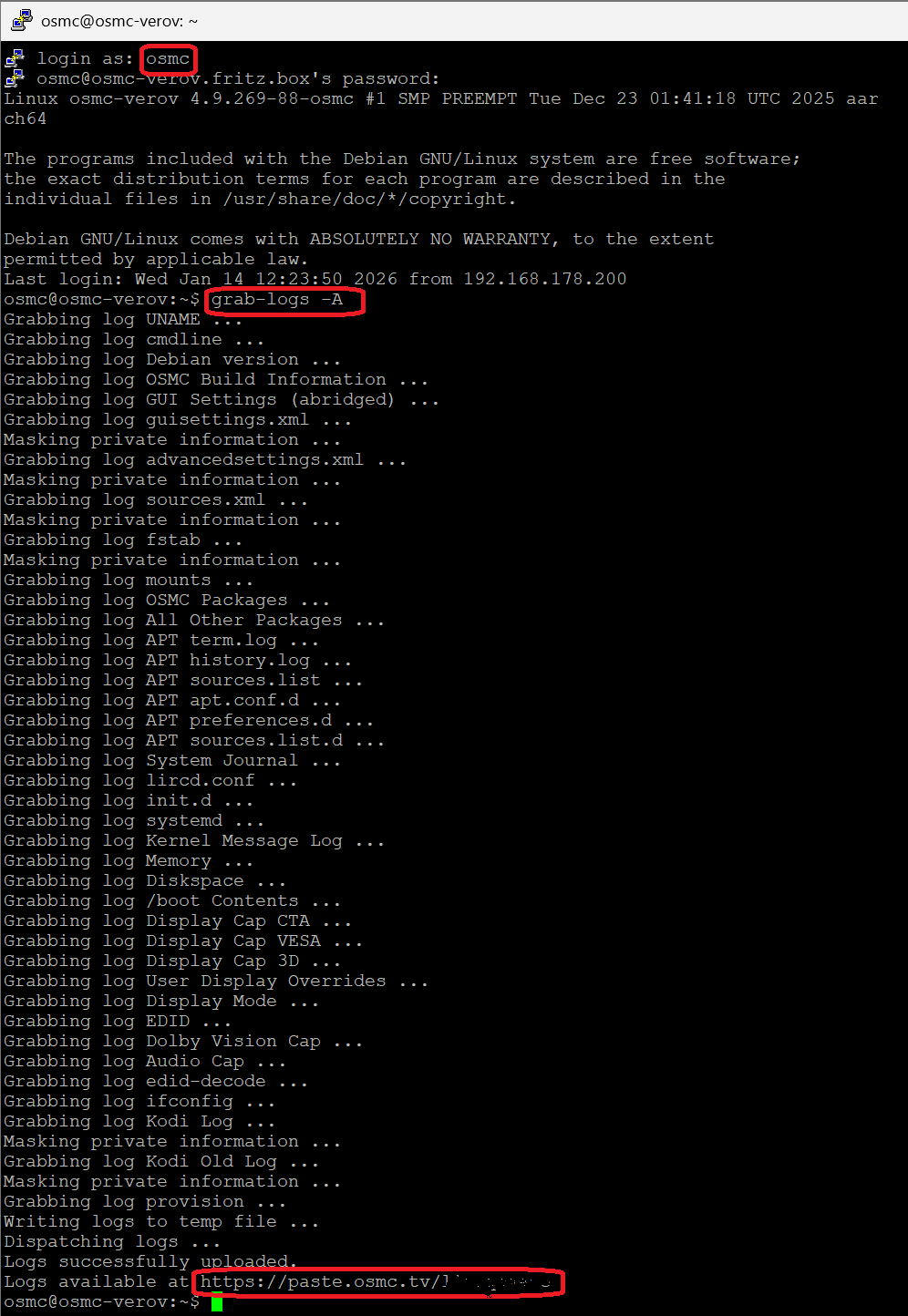
upload the log set (all configs and logs!) either using the Log Uploader method within the My OSMC menu in the GUI or the ssh method invoking command grab-logs -A
publish the provided URL from the log set upload, here
Thanks for your understanding. We hope that we can help you get up and running again shortly.
This should allow us to see how long database access queries take; here is an example from one of my VeroV units and a MariaDB installation on an RPi 3 B+:
2026-11-04 06:18:08.716 T:593 debug <general>: RunQuery took 26 ms for 8 items query: SELECT * FROM tvshow_view
… and by that we should know whether this “glitch” happens while the database access at all or is located within kodi’s processing.
Kodi only reads the first block with a given name, so importwatchedstate and importresumepoint are ignored. All three settings need to be in one block:
But I don’t think that this has anything to do with what you are seeing.
The SQL queries themselves only take 0–11 ms (RunQuery took … ms in the debug log), so the delay seems to come from connecting to the database, not from the database itself.
Good catch re advanced settings. Made this mistake while setting everything up again to test and provide logs. Advanced settings were correct when I initially set this up and still experienced problems.
These logs are actually from a native install on rpi5 rather than docker.
I’m assuming @JimKnopf is using a rpi3 to run his MariaDB database and isn’t experiencing any issues, which should mean the pi5 is capable of running this well enough and that the issue is something specific to my setup.
I have my two Veros and the rpi pluggged into the same TP-link network switch, which is plugged into my Sky router. Very simple setup.
As you mentioned before @darwindesign, some additional MariaDB setup may be required to get this working properly, and don’t think it’s particularly fair to ask support to go there.
As long as I know the rpi5 should be capable of running MariaDB well, and that other Vero users aren’t experiencing this issue, this is probably one for me to research further.