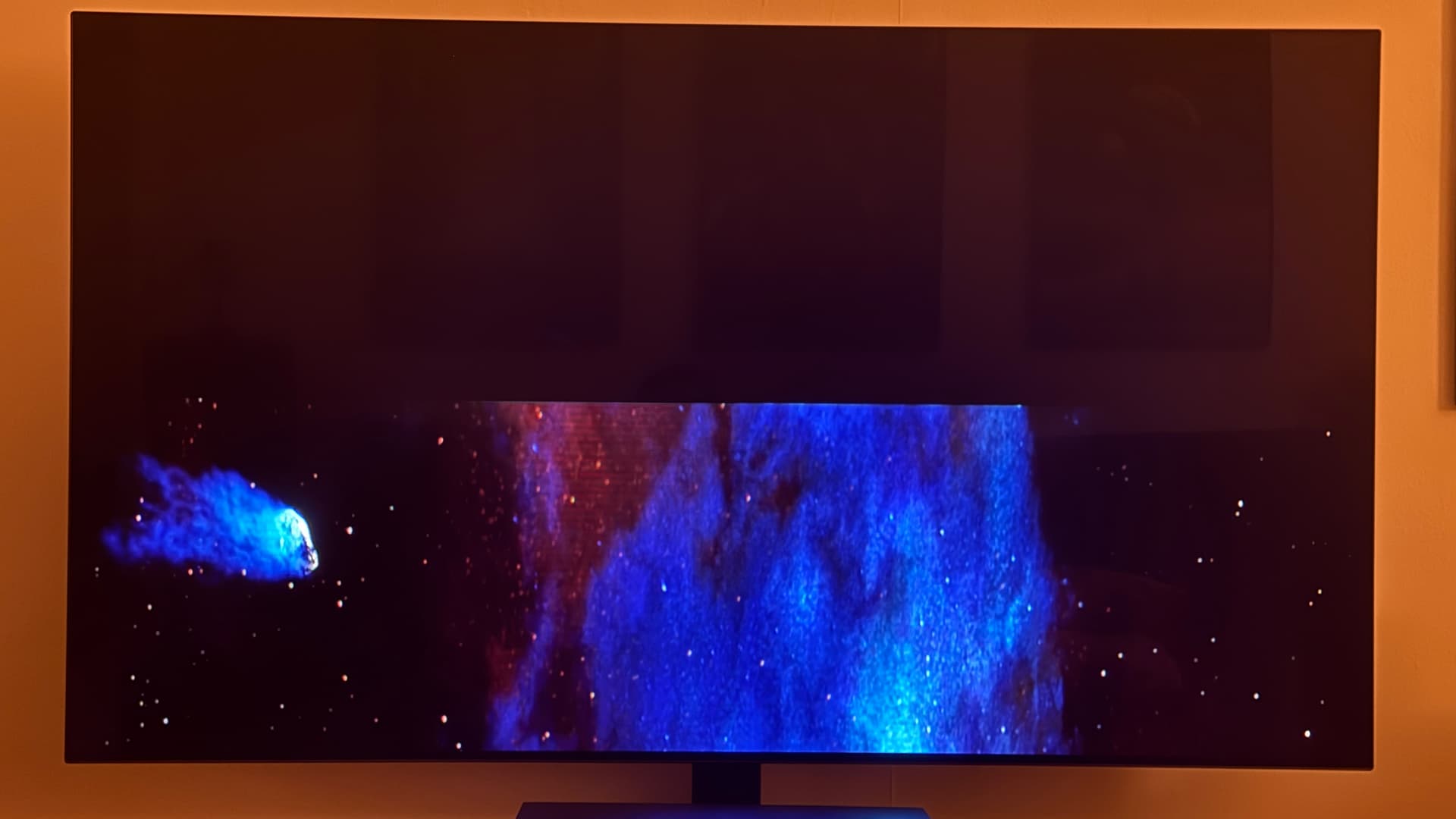
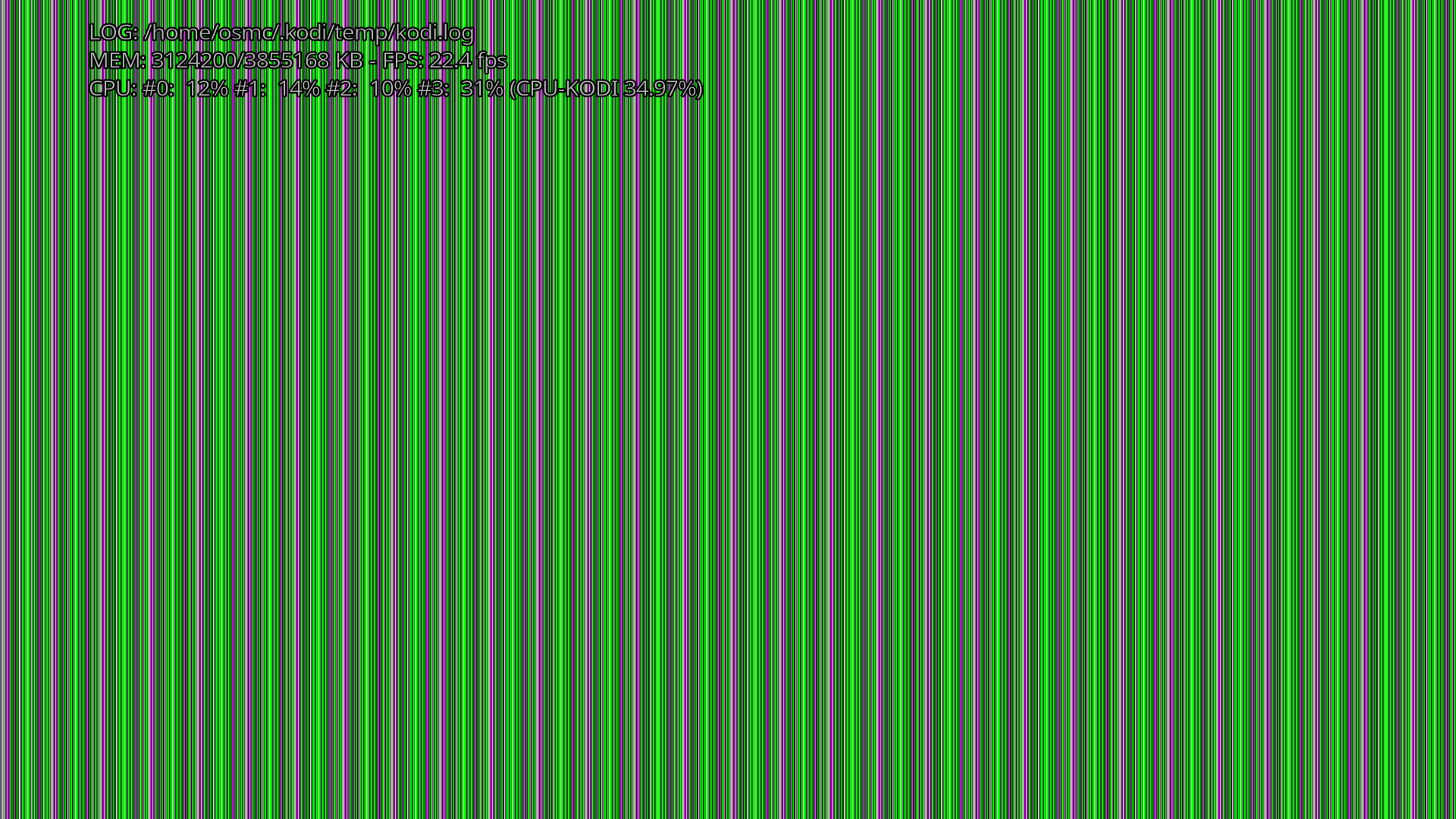
I have a Problem with some Video files. I do not know which Update caused this, but it was working with the same files before, but when I play them now I see this:
To get a better understanding of the problem you are experiencing we need more information from you. The best way to get this information is for you to upload logs that demonstrate your problem. You can learn more about how to submit a useful support request here.
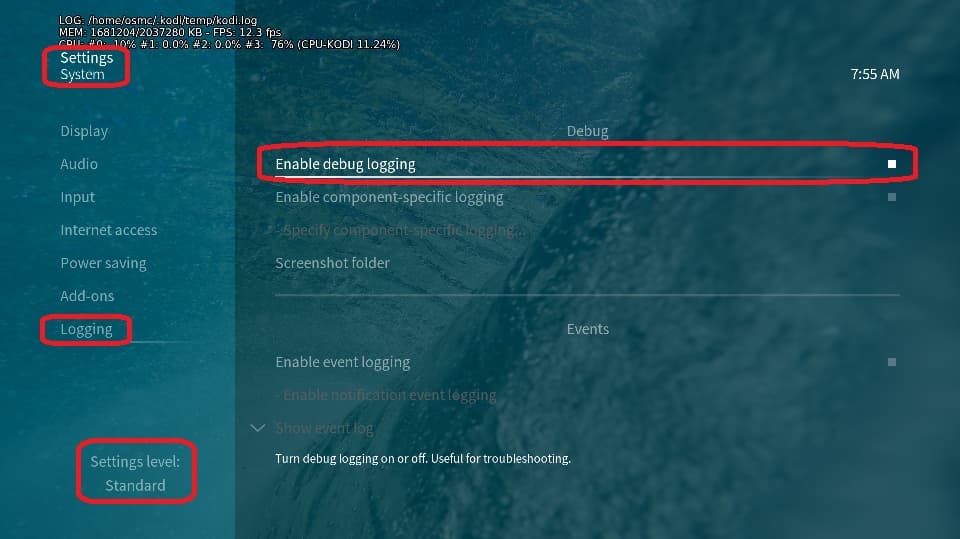
Depending on the used skin you have to set the settings-level to standard or higher, in summary:
enable debug logging at settings->system->logging
reboot the OSMC device twice(!)
reproduce the issue
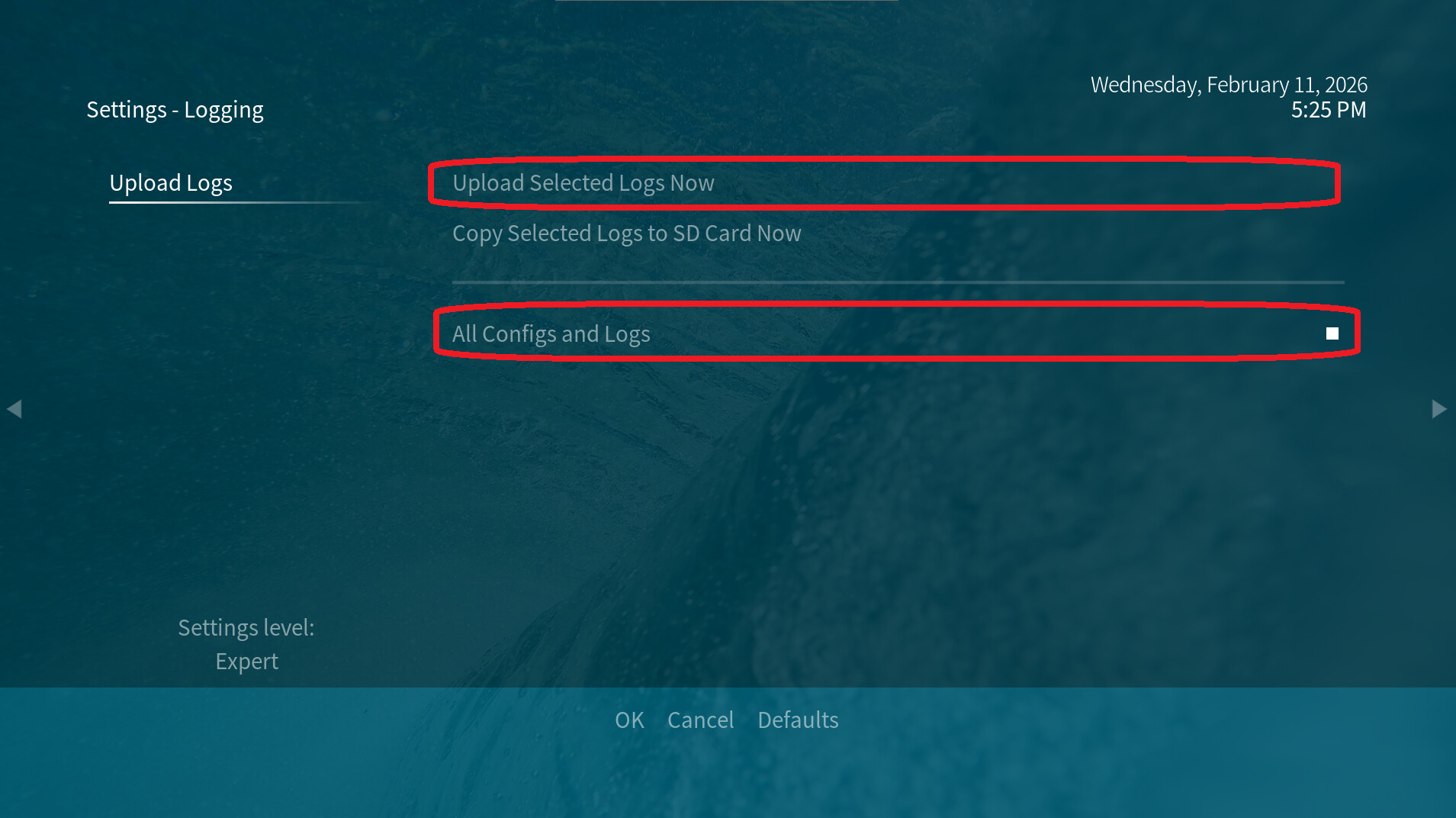
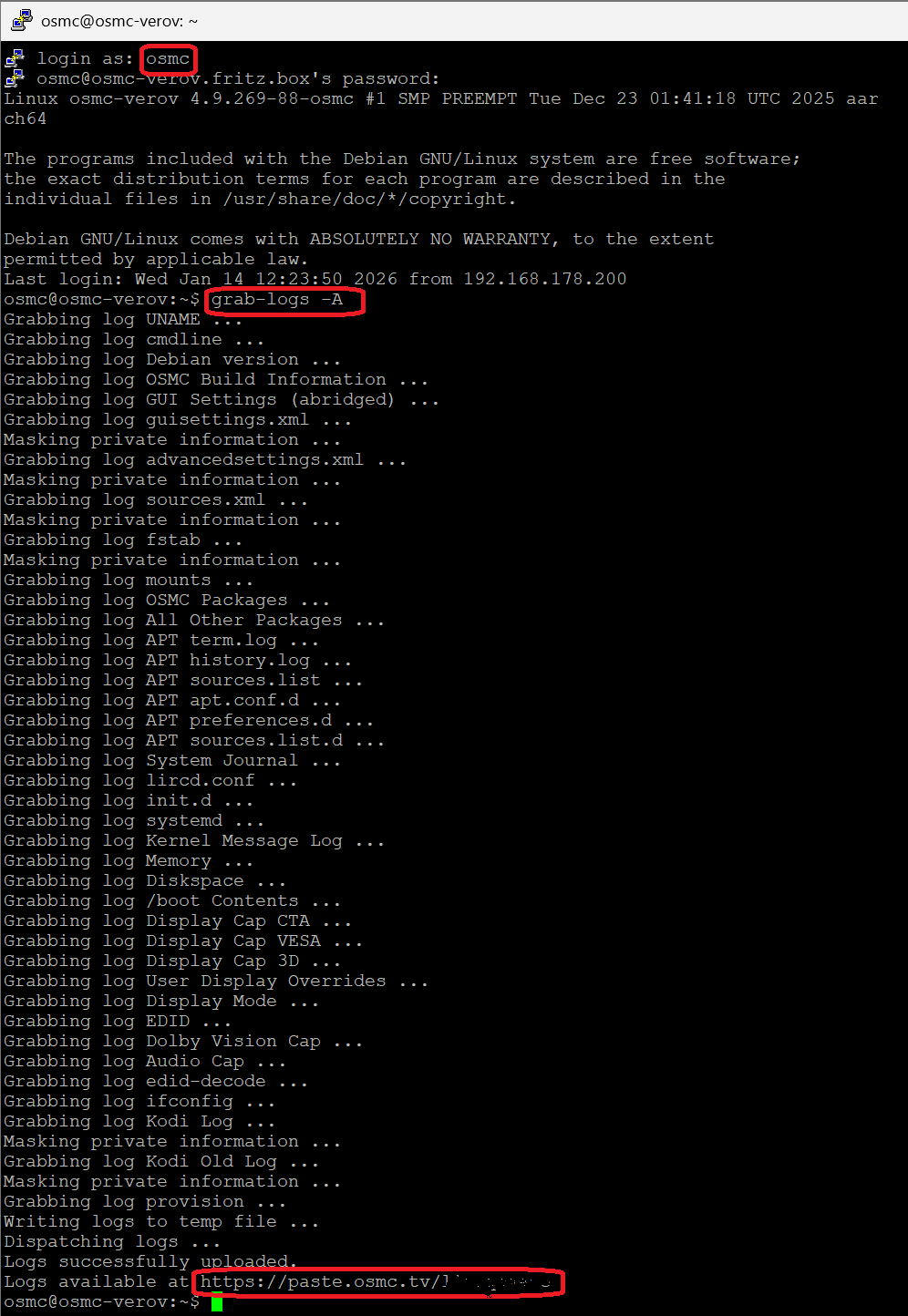
upload the log set (all configs and logs!) either using the Log Uploader method within the My OSMC menu in the GUI or the ssh method invoking command grab-logs -A
publish the provided URL from the log set upload, here
Thanks for your understanding. We hope that we can help you get up and running again shortly.
I startetd one video file i know does not work, let it run for 15 seconds and stopped the playback.
If i take a screenshot with kodi itself, it looks like this:
On the screen it looks like the photo i send in the first message.
To clarify: the same mkv file worked perfectly before one of the last updates. i watched it on the same setup (VeroV, lg monitor).
i added the mediainfo for the mkv file: https://paste.osmc.tv/facurawoba.mel