The OSMC 4k definitely doesn’t connect to the TV’s remote control. What you’re probably seeing is the effect of CEC (Consumer Electronics Control), which allows you to control other HDMI devices with the TV remote.
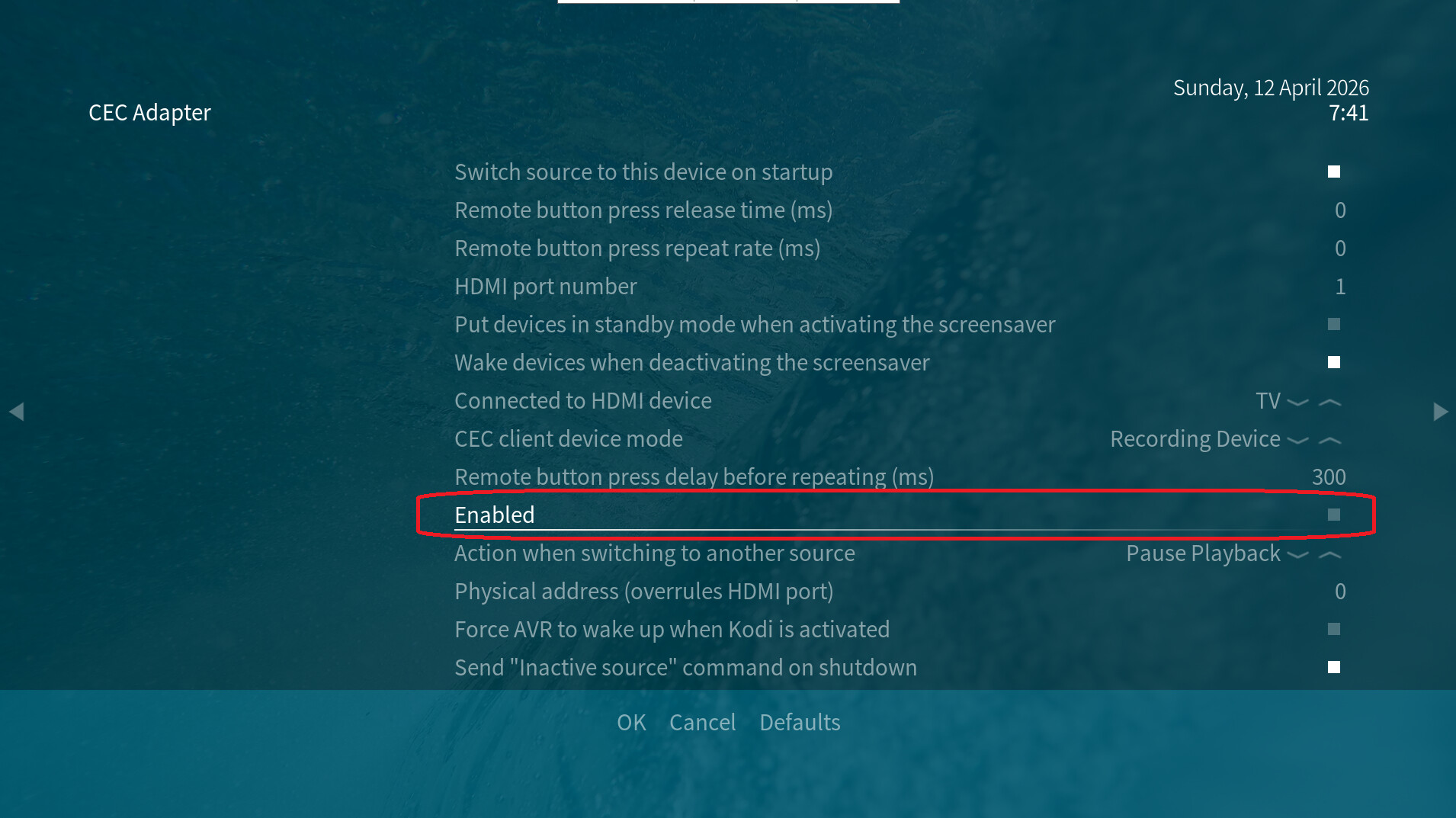
You can disable this under Settings -> System -> Input -> Peripherals > CEC Adapter on the Vero, as shown in the attached image. Then restart the Vero. Alternatively, you can disable this CEC function on your TV.
Regarding your original remote control, I can only refer you to this wiki article. If, despite new batteries and troubleshooting on your Windows PC, there is still no connection between the remote control and the USB receiver, it is probably defective. You can find a new, original OSMC remote control in the OMSC shop on top of this menu.