Vero remote stopped working after system freeze and reboot
I have a Vero V device running OSMC.
Today the system froze while I was using it. I had to restart the device, and since then the remote control has completely stopped working.
What I have observed:
Kodi starts normally and the Vero boots successfully.
The remote control LED flashes briefly when a button is pressed.
Replacing/reseating the CR2032 battery did not help.
The remote was working perfectly before the freeze.
SSH access works (before reboot), and networking appears normal.
eventlircd service is running.
bluetooth.service exists but appears to stop immediately after starting.
bluetoothctl list returns no adapters.
hciconfig -a returns no output.
lsmod | grep -i bt returns no output.
cat /proc/device-tree/model returns Vero.
dmesg | grep -i bluetooth shows Bluetooth initialization messages, but no Bluetooth adapter becomes available.
After rebooting, Kodi loads normally but the remote still does not work.
I suspect the Bluetooth subsystem failed after the freeze, but I am not sure.
Could someone advise what additional diagnostics I should run or how to restore the Bluetooth adapter?
To get a better understanding of the problem you are experiencing we need more information from you. The best way to get this information is for you to upload logs that demonstrate your problem. You can learn more about how to submit a useful support request here.
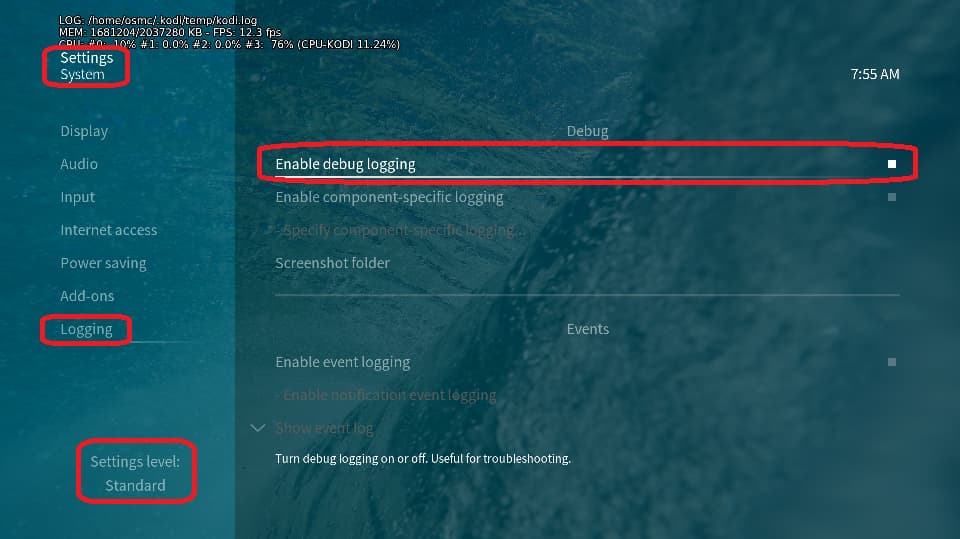
Depending on the used skin you have to set the settings-level to standard or higher, in summary:
enable debug logging at settings->system->logging
reboot the OSMC device twice(!)
reproduce the issue
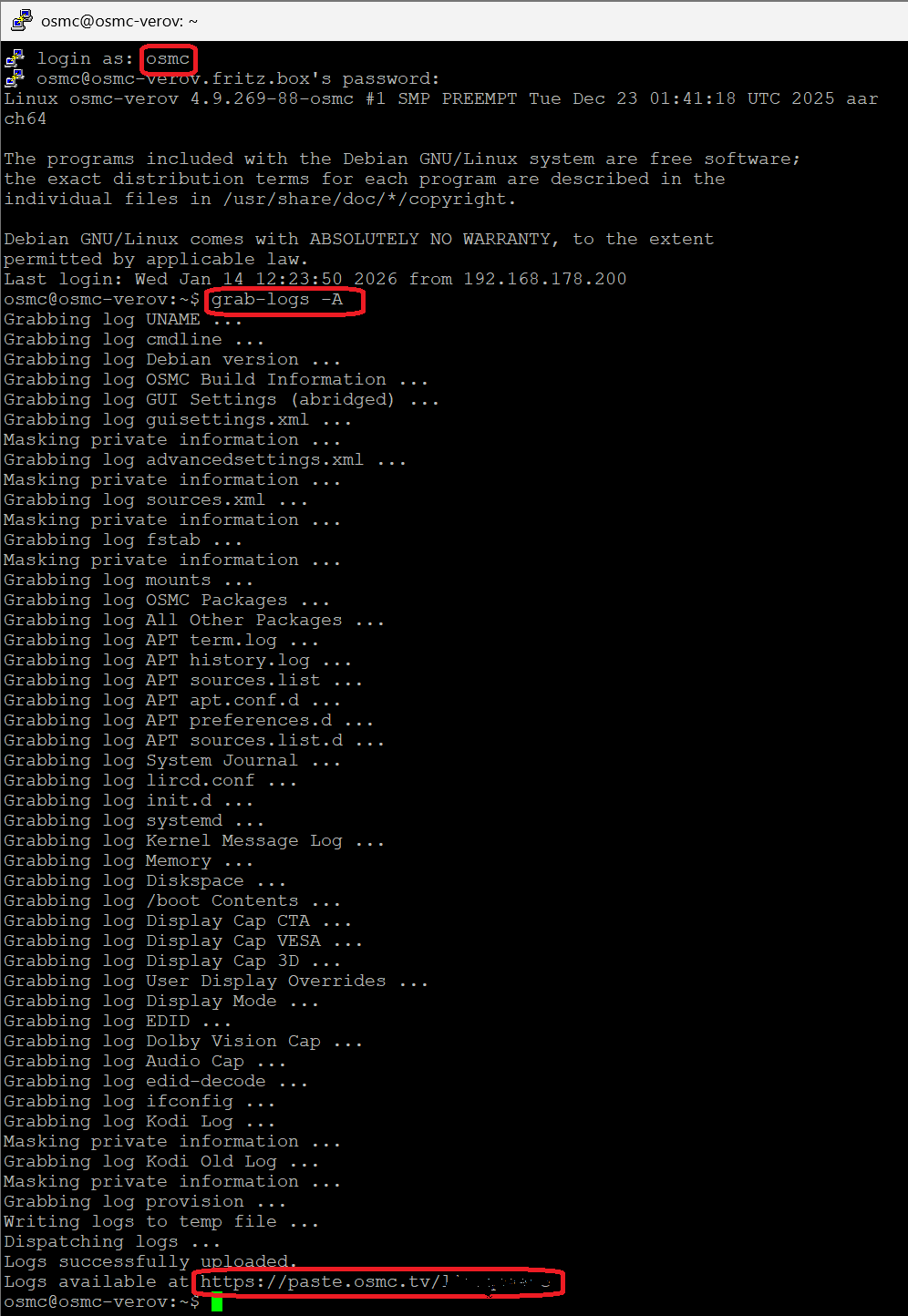
upload the log set (all configs and logs!) either using the Log Uploader method within the My OSMC menu in the GUI or the ssh method invoking command grab-logs -A
publish the provided URL from the log set upload, here
Thanks for your understanding. We hope that we can help you get up and running again shortly.
I enabled debug logging, rebooted the device twice, reproduced the issue, and uploaded the logs.
The issue started after a system freeze and reboot. The original OSMC remote no longer works, but HDMI-CEC TV remote control and a USB mouse still work normally.
I replaced the CR2032 battery with a new one, but the issue remains. There is no blue LED flashes briefly when I press buttons on the remote, I saw the blue LED light once yesterday but no luck today.
I tried holding Home + OK for more than 10 seconds as described in the pairing guide, but it does not enter pairing mode and there is no visible response.
My remote is the original OSMC remote for Vero V (built-in receiver, no USB dongle).
Is there anything else I can check or any way to force re-pair the remote with the Vero V?