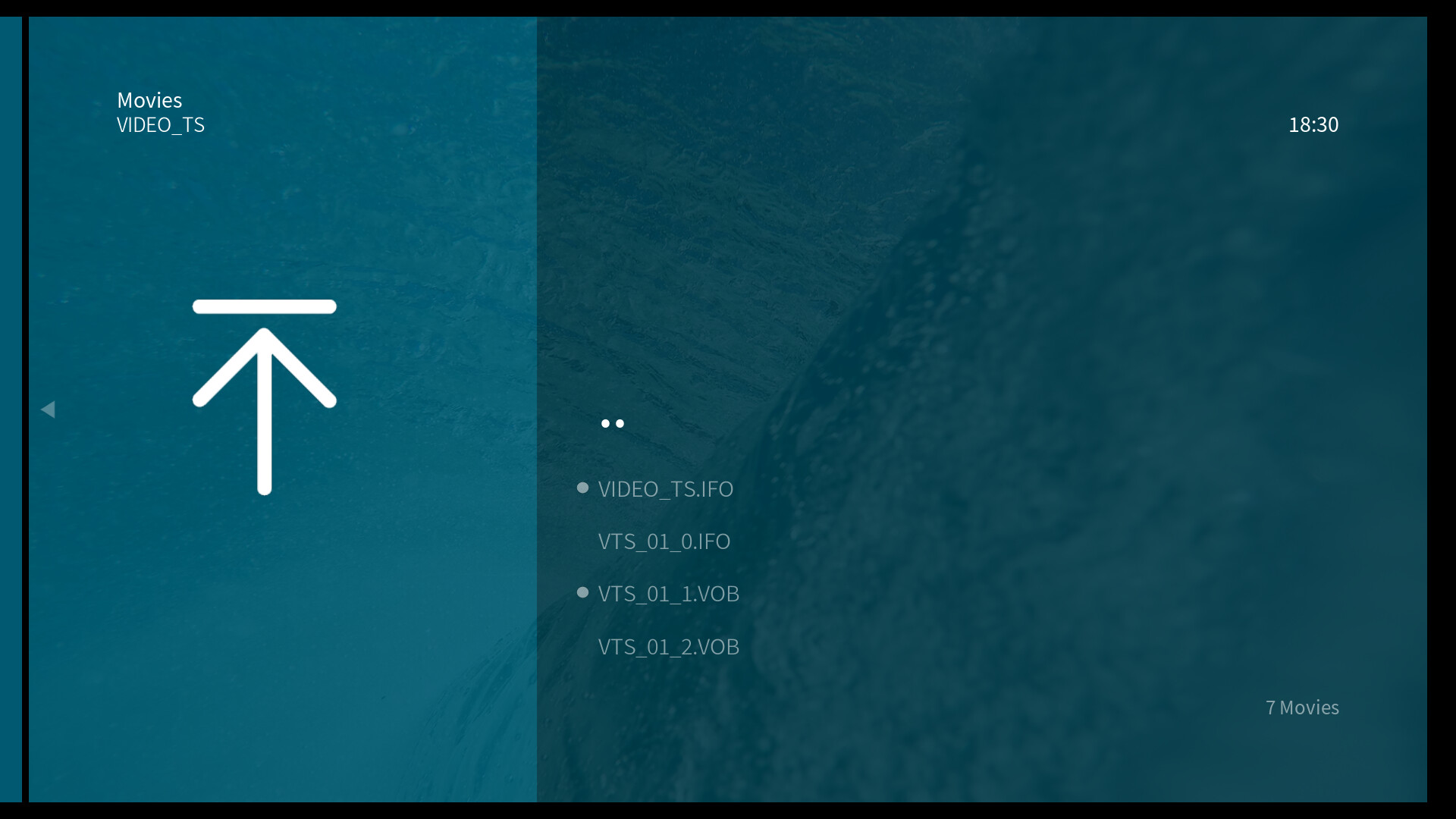
I’ve seen quite a few posts (osmc / kodi) regarding playback problems of DVD files but haven’t found a conclusion.
If I rip a whole DVD (with menus etc) they will play as expected. If I only rip, say the main title, this still keeps the usual DVD format in the Vero folder but it is not possible to navigate the movie (move forwards / backwards etc).. If I pick one of VOB files and press play it works fine.
Has anyone found the answer to this?
Can you explain in a bit more detail exactly what this particular rip that isn’t working contains. Are you saying your keeping the menu system but not including all the video tracks? Are you using the DVD menu and after playing a track it doesn’t respond to the remote, or just ff/rw and or skip steps isn’t working? This may be a keymapping issue but I’m at a bit of a loss of what that would be. I don’t remember seeing anyone posting about this particular issue. Also, what are you using for your remote control?
The DVD file only contains the main title, eg.the main movie, no menus, just the movie itself in the format:
Sorry, “DVD navigation” might be misleading, I’m not referring to running through menus, they’re not there. If they are included all works ok., I mean I can’t get a response from pressing right / left, pause etc. Only Stop & Play works with just the basic movie ripped.
I tried to reproduce this using a couple different programs and couldn’t reproduce the errant behavior. So I asked an AI about it and it stated that this is a known issue where someone is playing a vob that contains menu/navigation information and it basically shits the bed because it follows keymapping for the OSD instead of fullscreen playback. It mentioned some workarounds but honestly it seems silly to me for anyone to bother going that route. If you have only a single video file then there really is no reason to keep it as a vob. You could use something like makemkv to just convert it to something that is standard and plays back normally regardless of media player.
Yes, that’s what I was reading. There’s a great many to do - it’ll keep me quiet for a considerable while.
It will be something to do on a rainy day!!!
Thanks….
Only if you do it the manual way. Makemkv has a command line interface and you can utilize that to batch process files. You can ask an AI to write a script that will automate this for you. Let your PC do the work when your not sitting in front of it.
Thanks, I’ll take a look…
I’m confused. Shouldn’t VOBs be encrypted?
These are from home video DVDs years ago so I suppose not.
1 Like