When watching videos the Gui interface is choppy, there us to be a settings where i could set the Gui update to unlimited which fix the problem but after updating i have lost that settings and my Gui is choppy again when watching videos
To get a better understanding of the problem you are experiencing we need more information from you. The best way to get this information is for you to upload logs that demonstrate your problem. You can learn more about how to submit a useful support request here.
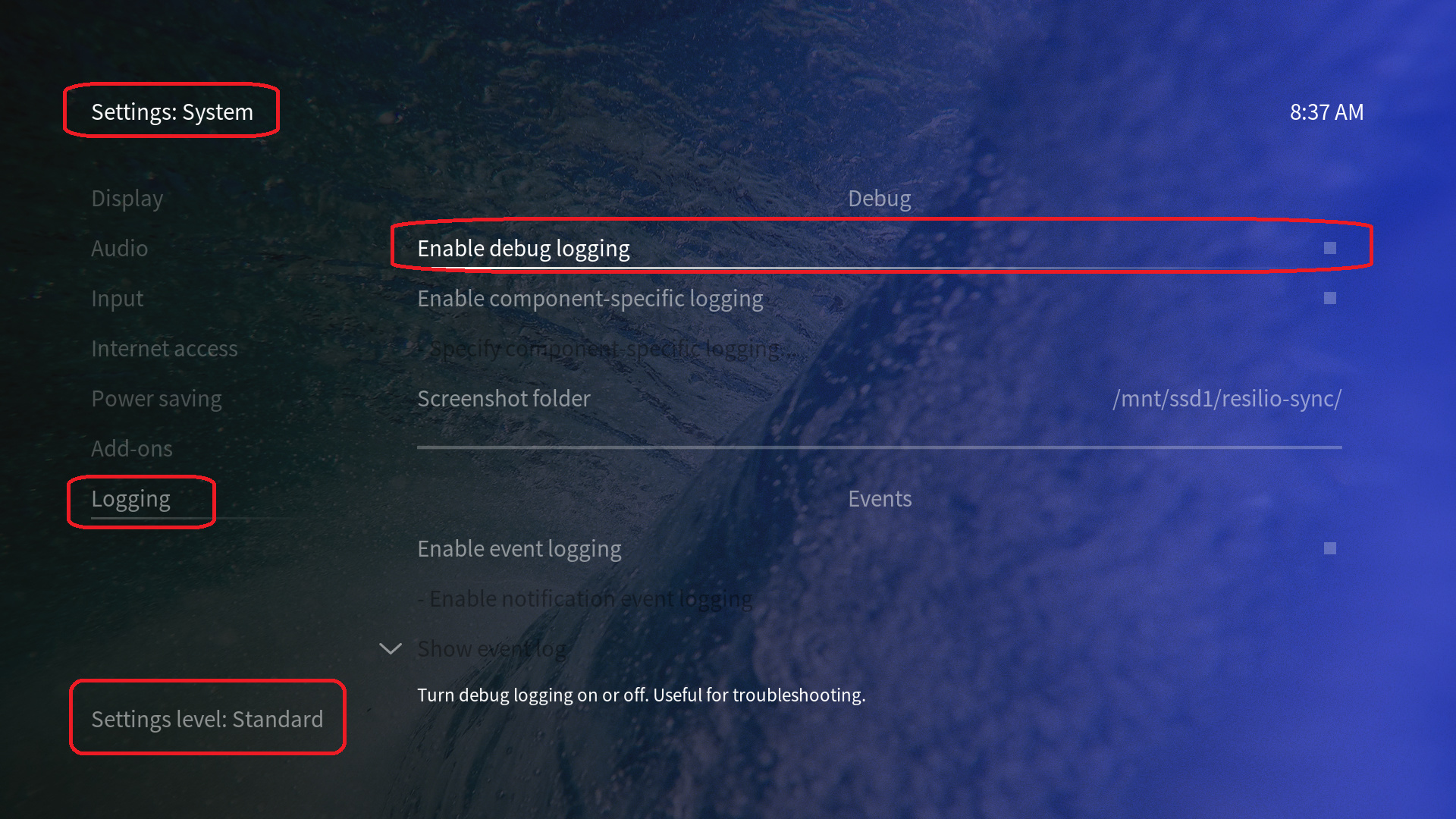
Depending on the used skin you have to set the settings-level to standard or higher, in summary:
-
enable debug logging at settings->system->logging
-
reboot the OSMC device
-
reproduce the issue
-
upload the log set either using the
Log Uploadermethod within the My OSMC menu in the GUI or thesshmethod invoking commandgrab-logs -A -
publish the provided URL from the log set upload, here
Thanks for your understanding. We hope that we can help you get up and running again shortly.
OSMC skin screenshot:
Thanks selecting advance in the settings level has brought back the option. Cant believe i forgot about the advance level in the settings. Thanks a million
1 Like