There are main directories in /home like Movies, Music, TV Shows
And the content from those folders appear in Chorus.
I have some movies in different places and tried to have them in Chorus as well
So in Movies folder I created a symlinc to the folder where I have my movies but that didn’t make Chorus see them
Are there any ways instead of coping the data there?
I’m using pi3 if that matters
No need to symlink. Chorus is not showing files but your library. So every movie (regardless of folder) you add to your library will be shown in Chorus.
Also every folder you add as source will also be shown in the Chorus Browser menu.
1 Like
Hi
I have added my external drive, some directories as sources
I refreshed library and still have nothing in Chorus
If I browse the files I can see they are there but not in Movies category
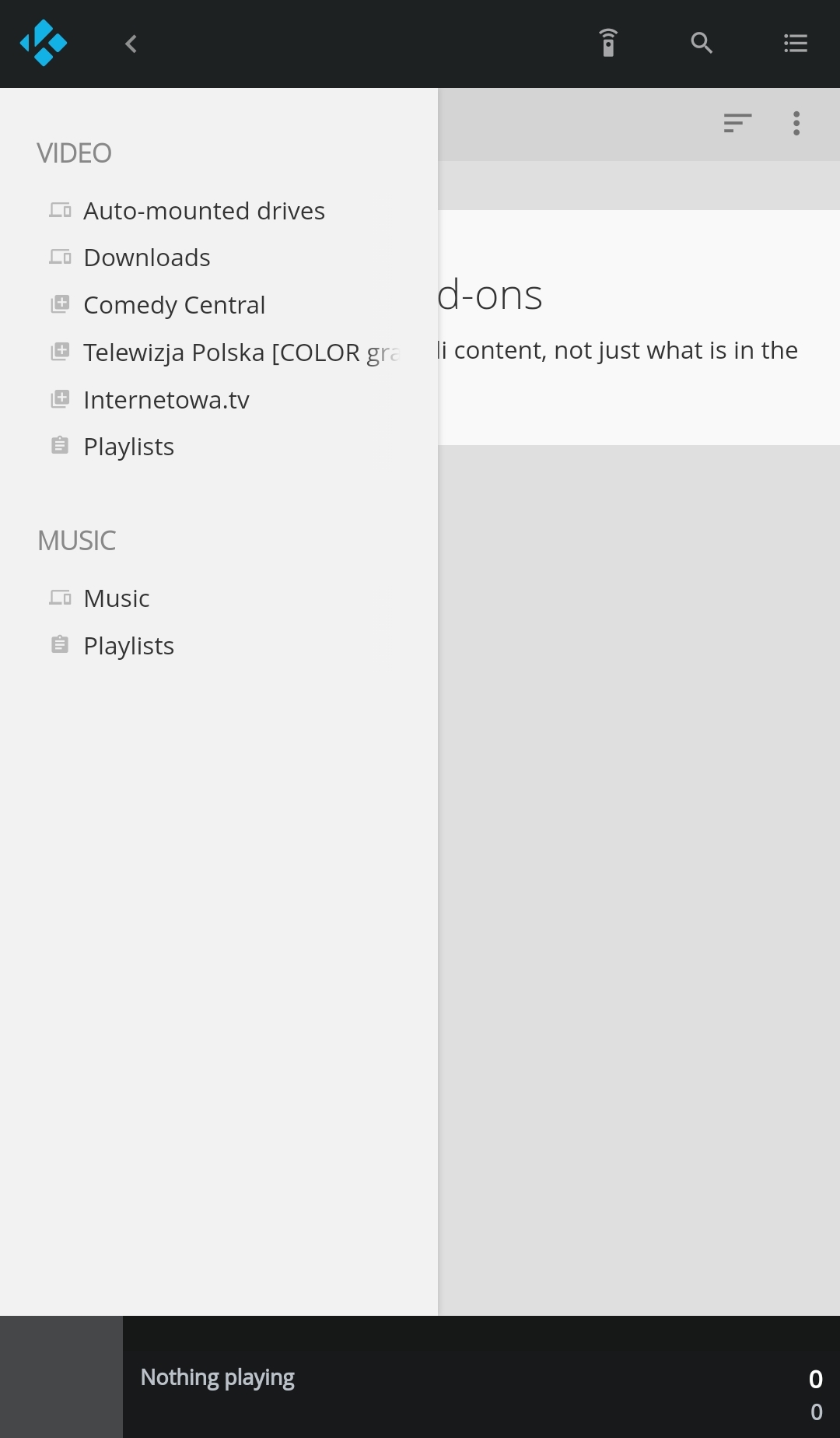
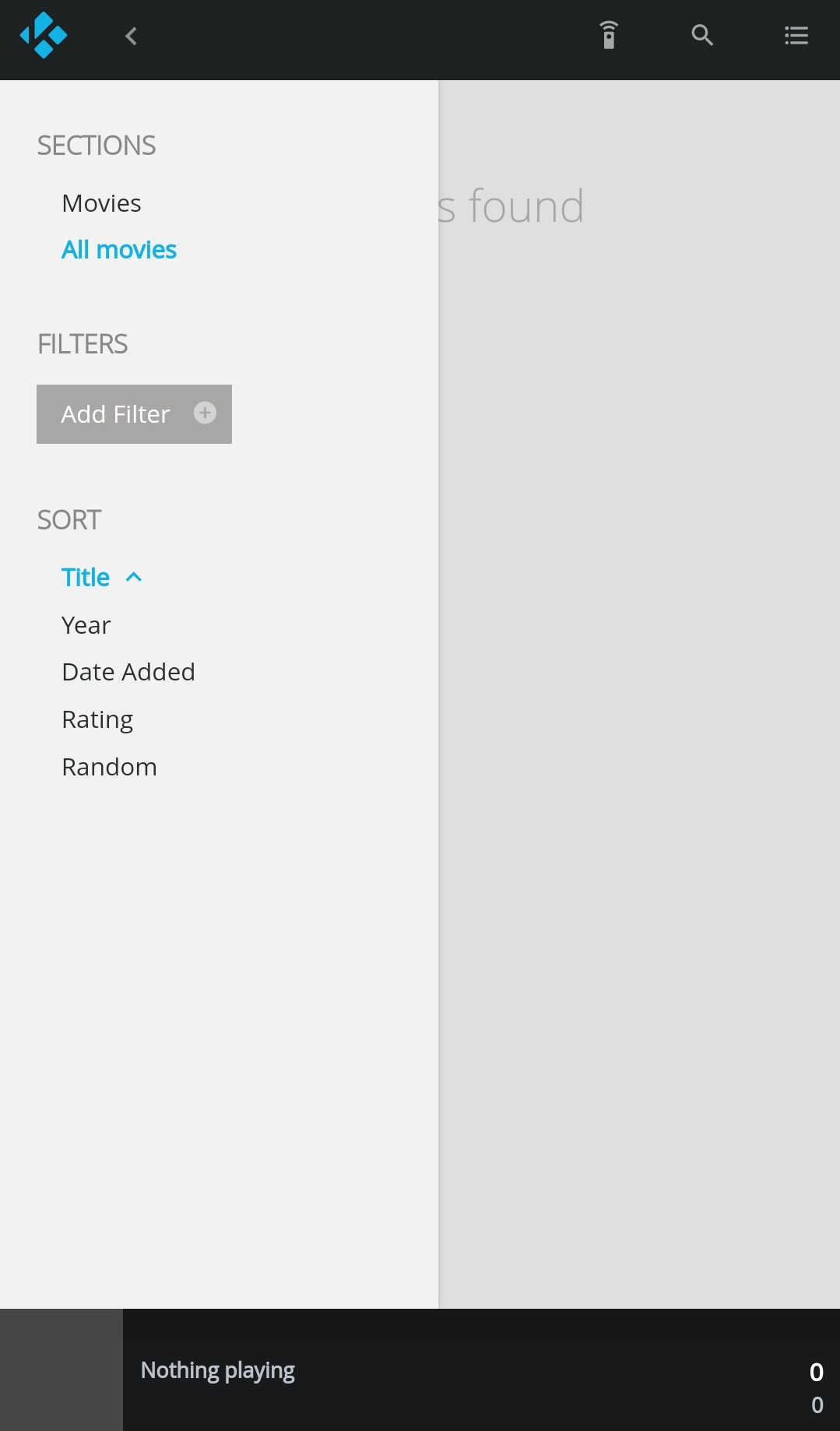
Did they scrape correctly (means did they had the right names to be detected by the scraper)?
Names are according to Scene rules.
Meaning: Movie.Name.Year.mkv
Folders have the same name, without the extension
Should I install some other scrapper?
Well normally the default scraper should find them. So maybe upload debug logs to check what went wrong
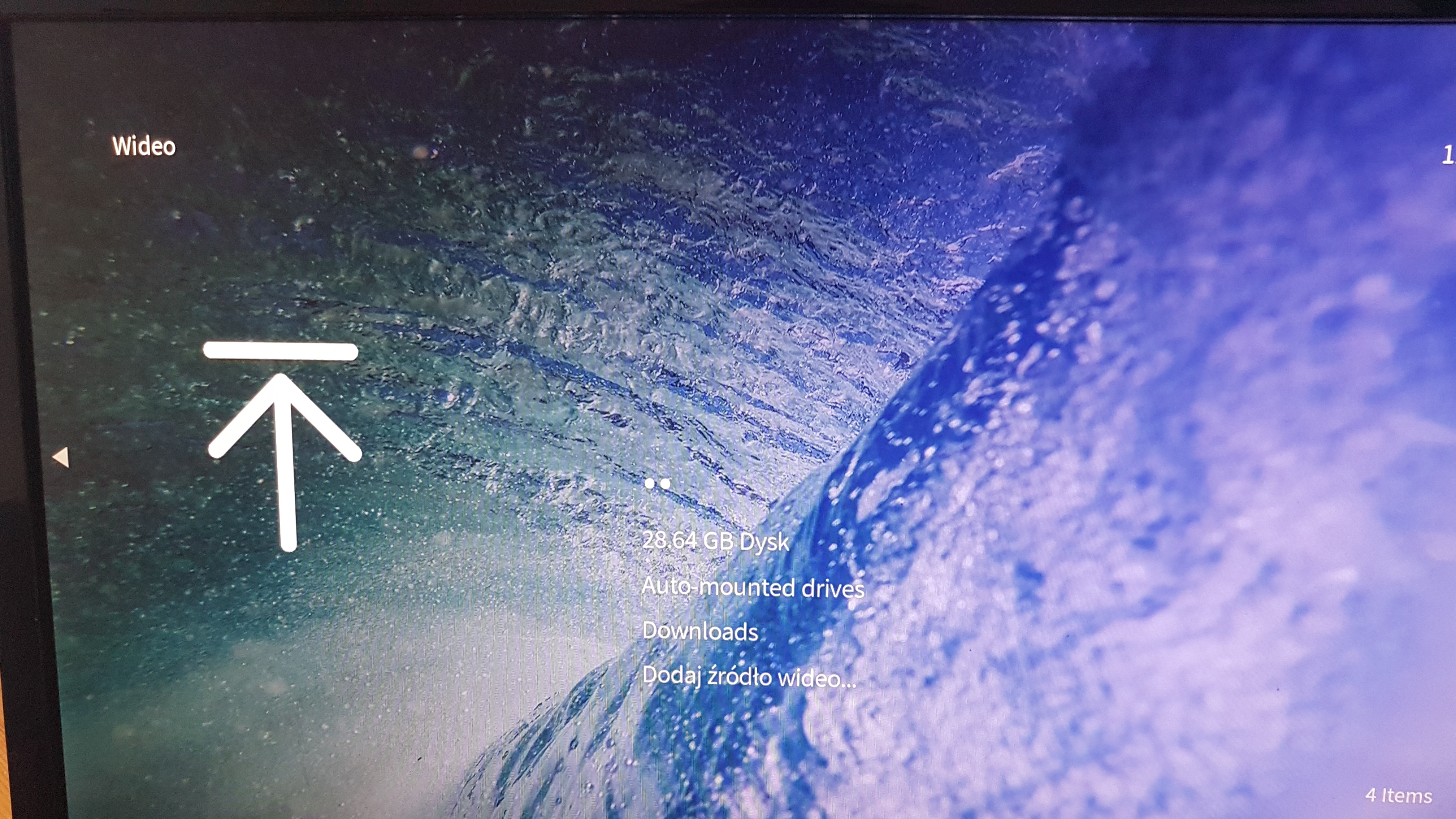
Are you sure your sources are actually setup?
You guys are right. I didn’t set the content type so it was left blank it empty
One question though, can I have one source with both Movies and Series type?
I tried adding one folder two times with different content type but it didn’t split it in two, more like overwrote the previous content type
No, Movies and Series need to be in two sources to be scrapped respectively.
Just as a general note it would behoove you to spend some time reading the Kodi wiki to understand exactly how you should name and organise your files before scraping them as it will generally lead to a much smoother experience with minimal errors and mucking about trying to fix individual files that don’t scrape correctly.
1 Like
I’ve noticed for TV shows it’s complicated.
For example having this structure didn’t work well:
TV Shows
- Inside No. 9 S01-S04 720p
- S01
- Inside_No._9_S01E04.mp4
- Inside_No._9_S01E05.mp4
- S02
- etc…
- S01
I had to add another folder at the top:
TV Shows
- Inside.No.9
- Inside No. 9 S01-S04 720p
- S01
- Inside_No._9_S01E04.mp4
- Inside_No._9_S01E05.mp4
- S02
- etc…
- S01
- Inside No. 9 S01-S04 720p
And then it showed up.
What’s more, for each storage I need to have separate folders for movies and TV shows. And I need to add them as a source.
It requires a lot of clicking around in the UI
What if we only had two sources in Kodi:
- Movies folder
- TV Shows folder
And in each of those folder would be a symlink to the whole storage so the scrapper would scrap those storages for both Movies and TV shows
Would it work?
Why is there a need to include this “S01-S04 720p”? Regardless, the issue is that if Kodi is using the folder name to figure out the shows title it is going to take that entire string “Inside No. 9 S01-S04 720p” as what the show is called and obviously a TV show by that particular name does not exist. You can either replace that with just the shows name “Inside No. 9” or encapsulate the extra bits in brackets so Kodi will ignore the extraneous info “Inside No. 9 [S01-S04 720p]”. Alternatively you could use nfo file (either full or just parsing) so Kodi would acquire the proper information from there instead of trying to derive it from the folder name.
Kodi supports multipath sources.
https://kodi.wiki/view/Sources.xml
As for using symbolic links I think it would depending on your exact situation and exactly where you were trying to use them. I know one of the other mods was playing with them a while back and had some issues. I don’t remember the details. On my personal setup I use some directory junctions to feed to a shared Video folder and it works fine but a) I could have gotten the same result in Kodi by using separate shares and multipath sources and b) my directory junctions are contained entirely in Windows and the networked devices are oblivious to the redirection.