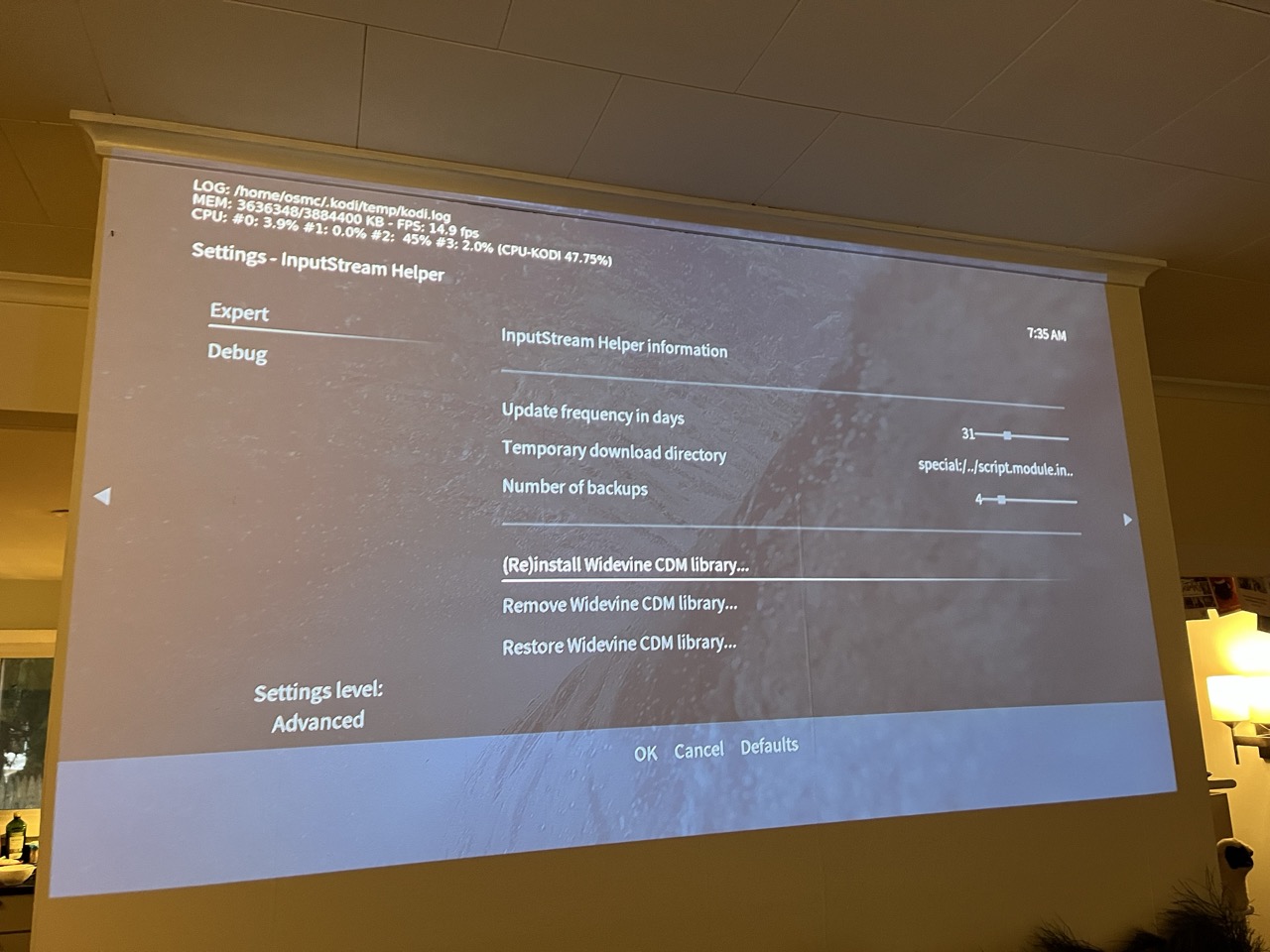
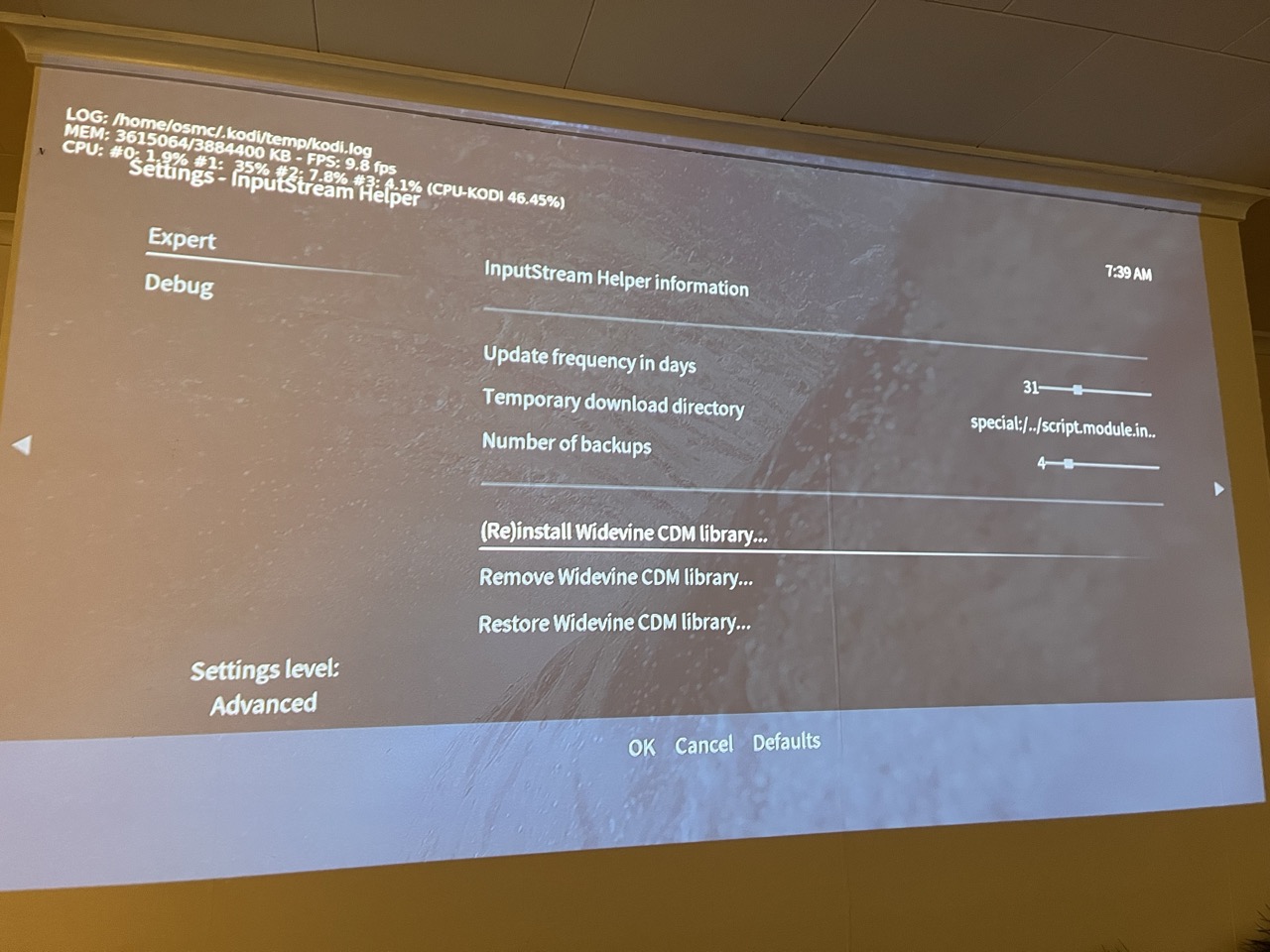
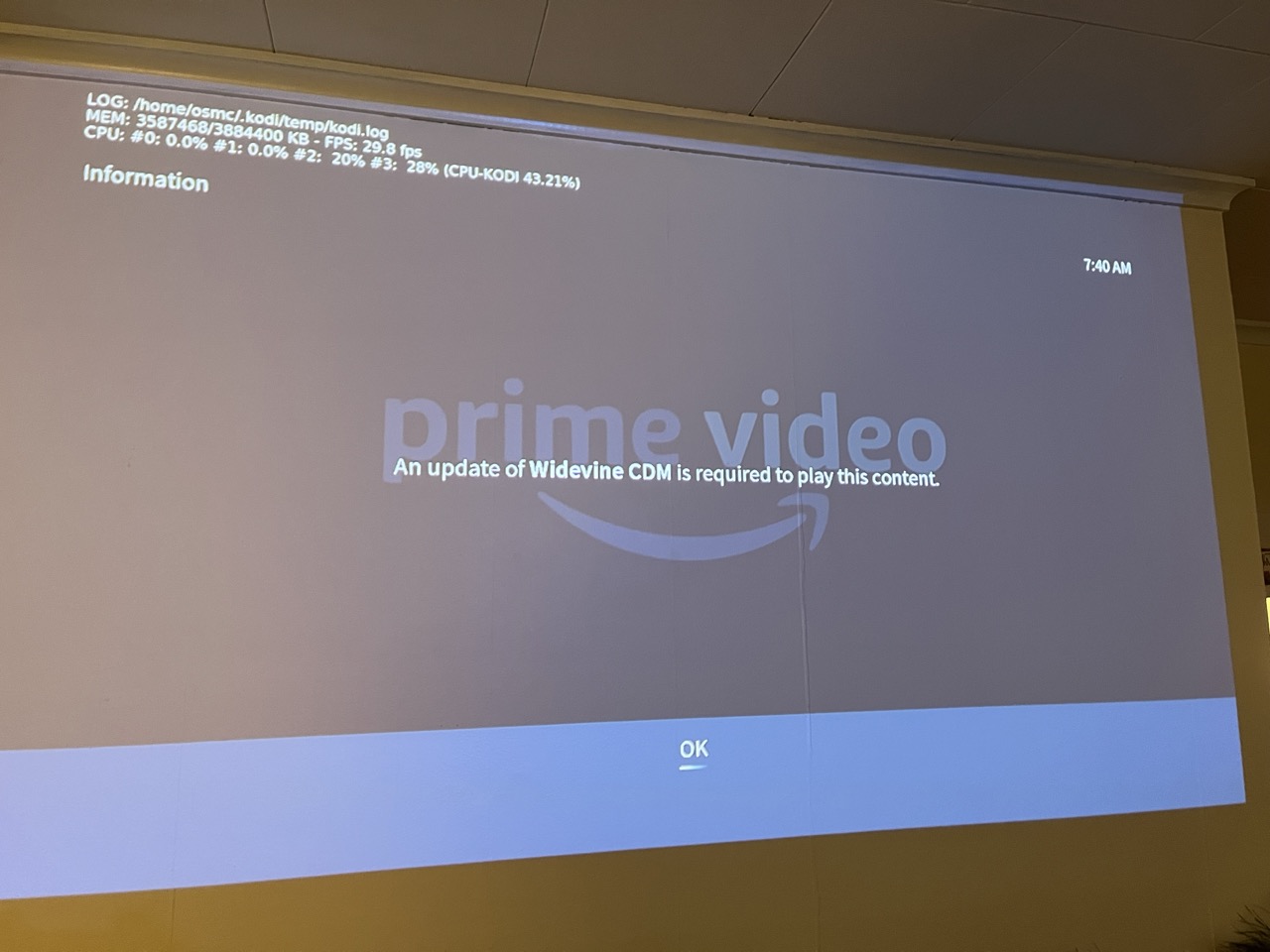
I’m trying to set up a new OSMC install to play videos via Netflix and Amazon Prime unofficial Kodi add-ons. Both require Widevine and prompt me through installing it, including a prompt that Widevine has to be extracted from a Chrome OS recovery image.

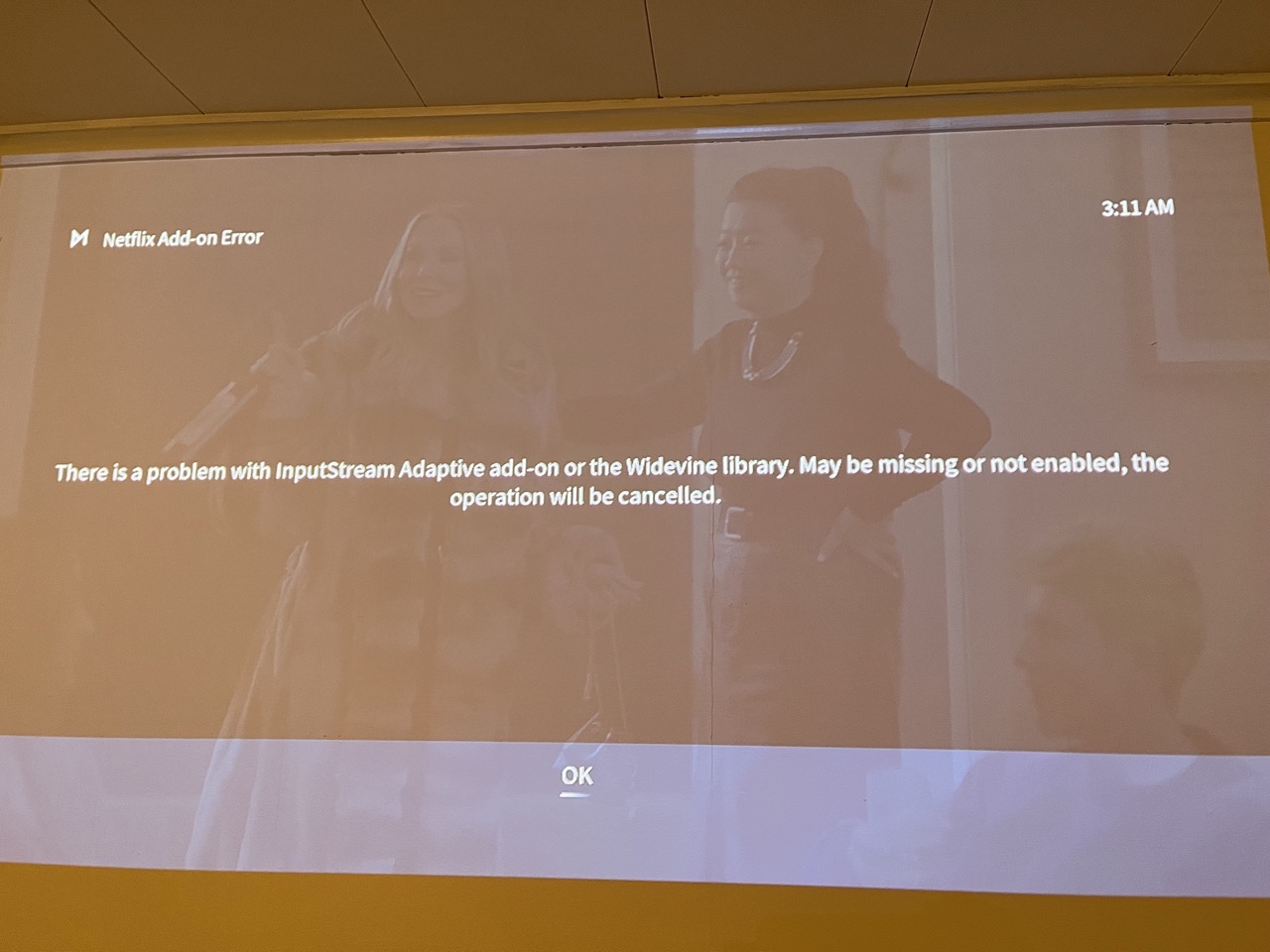
I follow the prompts, and the Netflix add-on shows an error: “There is a problem with InputStream Adaptive add-on or the Widevine library. May be missing or not enabled, the operation will be cancelled.”
Amazon Prime add-on doesn’t show any error message on screen - the prompts and progress bars just disappear and then videos fail to play and prompt again to install Widevine.
Also (not captured in the log file), I tried to install InputStream Adaptive from the command line, but got a different error in the Terminal, which doesn’t make any sense to me.
osmc@osmc:~$ sudo apt install kodi-inputstream-adaptive
Reading package lists… Done
Building dependency tree… Done
Reading state information… Done
Some packages could not be installed. This may mean that you have
requested an impossible situation or if you are using the unstable
distribution that some required packages have not yet been created
or been moved out of Incoming.
The following information may help to resolve the situation:The following packages have unmet dependencies:
rbp4-mediacenter-osmc : Conflicts: kodi
E: Error, pkgProblemResolver::Resolve generated breaks, this may be caused by held packages.
System info
- Kodi (21.3). Platform: Linux ARM (Thumb) 32-bit | Using Release Kodi x32 | Kodi compiled 2025-11-29 by GCC 10.2.1 for Linux ARM (Thumb) 32-bit version 5.15.92 (331612)
- OSMC VERSION_ID=“2025.11-1”
- OSMC is installed on top of PINN, alongside a couple of other operating systems on the same SD card.
- Raspberry Pi 4B