I am using a Vero V (with video files on an SSD) connected via a Denon AVC-X3800H receiver to a JVC DLA-N7 projector.
1080p60 material is displayed flawlessly, but 4K files have a lip-sync problem: the discrepancy is very small but also very noticeable. Is there anything I can do to eliminate it?
I wasn’t sure how to generate a log, and although I was sure they’d be here I couldn’t find any instructions by searching within this site, but Googling How to create and post a Vero V log led me to this article. I’ll follow the steps there.
Yes, thanks for the link. As I said, I felt sure that the information must be here, but I couldn’t actually find it. I must have been using inappropriate search terms.
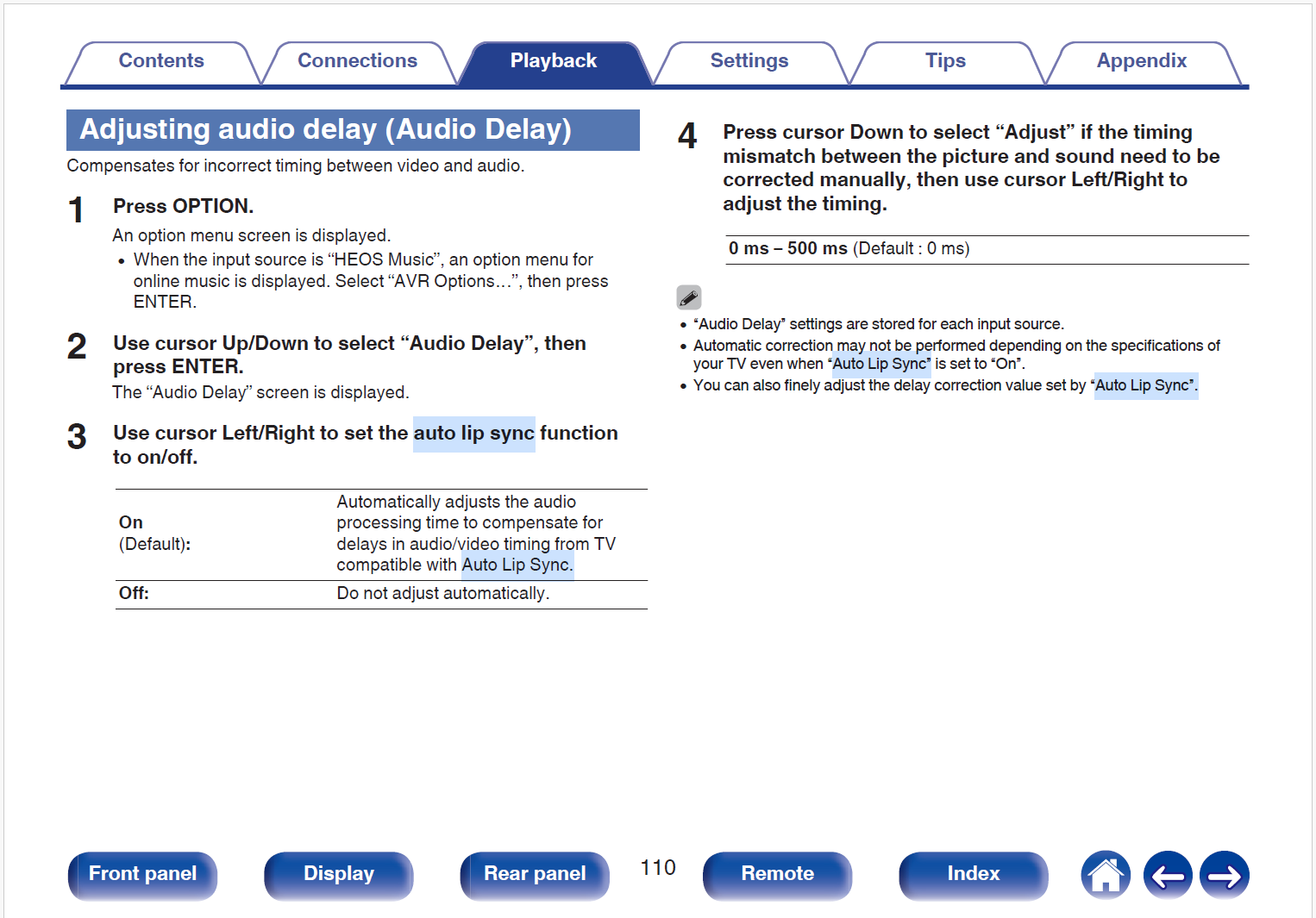
This matter is now resolved, and it was not caused by the Vero V. My Denon receiver has an option labelled Auto Lip Sync which evidently defaults to “on”: I switched it off and the problem disappeared.