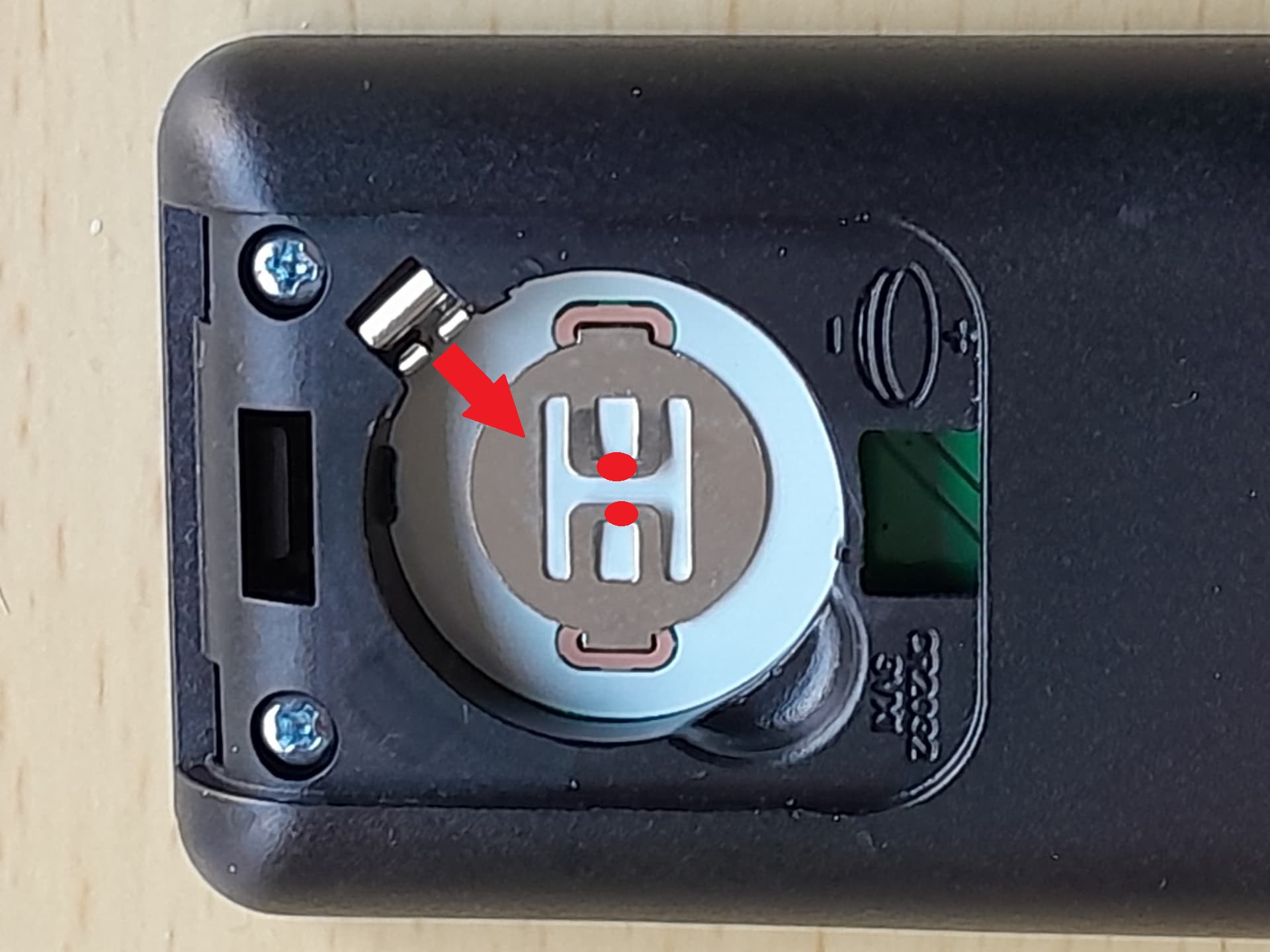
As the heading says, a couple of days ago, my remote expired: there’s no LED response to any keypress. I tried two replacement batteries, checking that the contacts were firmly in place, but with no luck. There’s nothing wrong with the Vero V itself, since my old HP HTPC remote operates it beautifully.
Confusingly the remote died at almost the same time as the update failure, but I don’t see how the two could be connected.
Is there anything else I can try? If not, I’ll head over to the shop and order a replacement.
No apology necessary. Yes, the replacement battery was from a brand-new, sealed pack. I suppose it’s possible (if unlikely) that it was faulty: I don’t have any others to try but I can check if any other remote in my collection has the same battery, and if so try that.
The HP remote is probably IR based and uses the built in IR receiver.
Or if it has an external receiver, it’s relying on that.
A log will let us see if the RF receiver is being detected, so lsusb isn’t needed.
To get a better understanding of the problem you are experiencing we need more information from you. The best way to get this information is for you to upload logs that demonstrate your problem. You can learn more about how to submit a useful support request here.
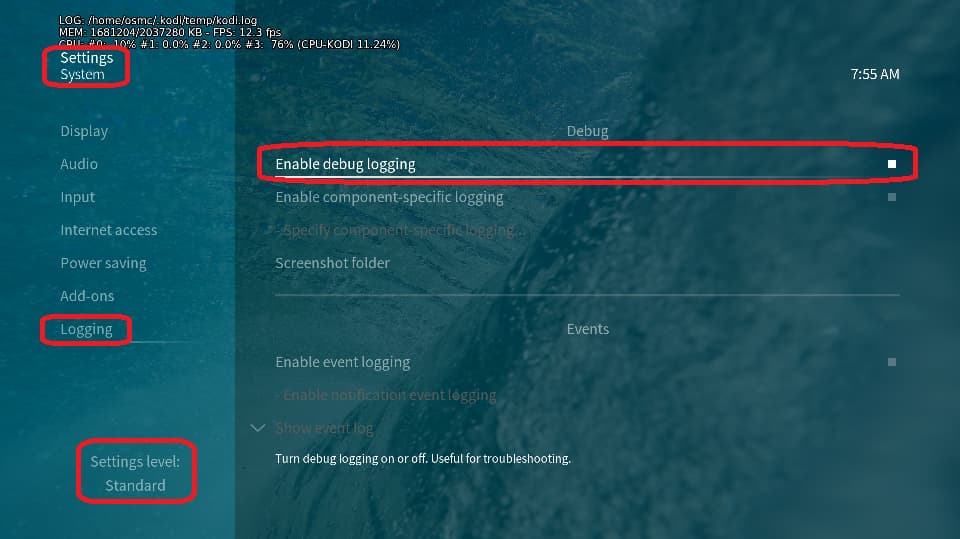
Depending on the used skin you have to set the settings-level to standard or higher, in summary:
enable debug logging at settings->system->logging
reboot the OSMC device twice(!)
reproduce the issue
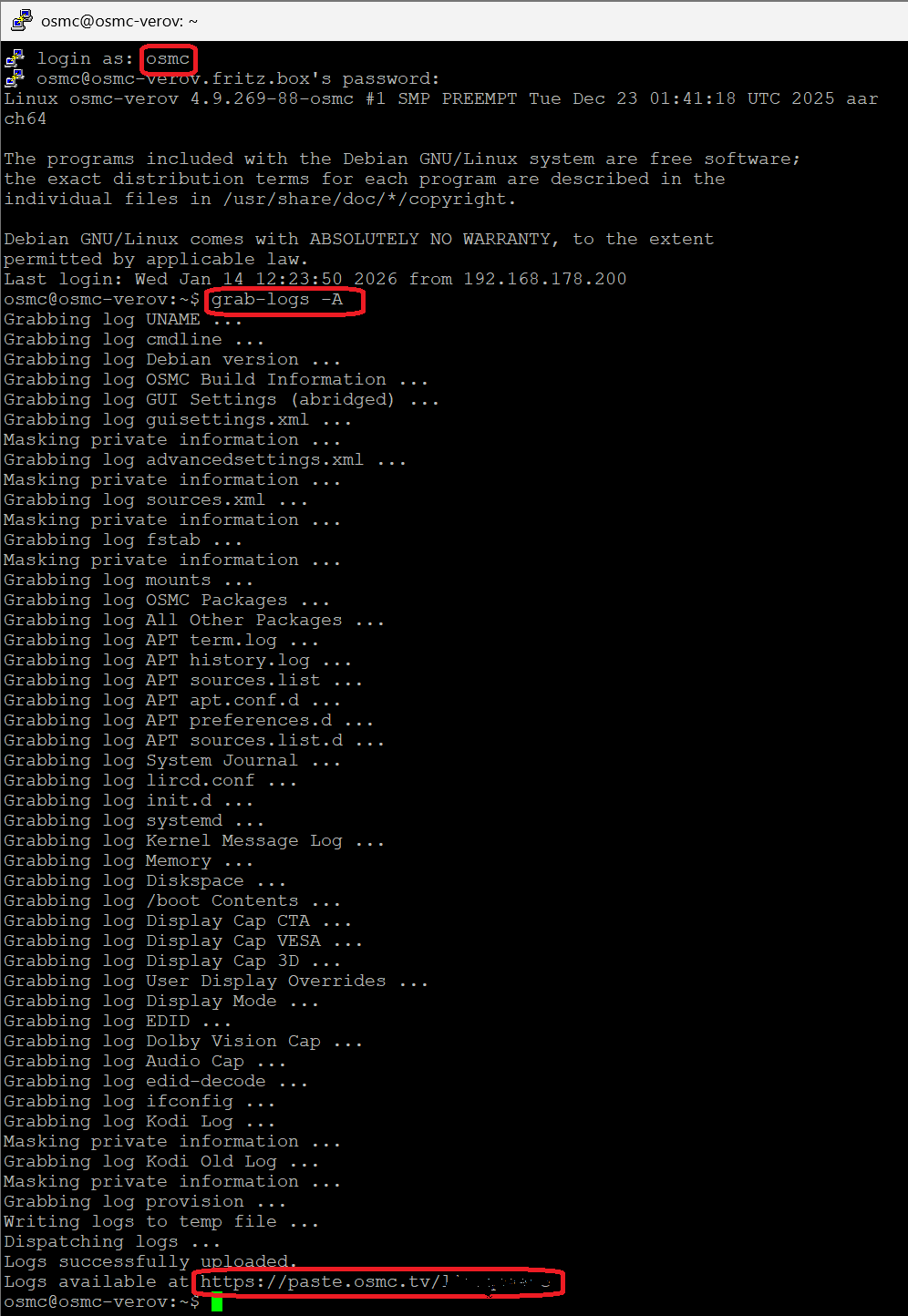
upload the log set (all configs and logs!) either using the Log Uploader method within the My OSMC menu in the GUI or the ssh method invoking command grab-logs -A
publish the provided URL from the log set upload, here
Thanks for your understanding. We hope that we can help you get up and running again shortly.
Your remote USB receiver is being detected, so it’s not the issue that was previously suggested
We need a blue light to show up on your remote when a button is pressed.
A dead remote obviously won’t work.
If you have another working remote, then swapping batteries out would be useful.
So it is definitely the remote where the problem lies. Good to know.
I don’t have any more sources for the correct battery (I did have one new one, but as I said above, putting that in the remote still didn’t bring it to life) so tomorrow I’ll buy some more and see what happens.
I can accept that one brand new battery could be dead, but the odds against it happening again and in the very first one I try from a new set are surely pretty long.
A couple of years ago I had a customer who returned a remote and swore it was faulty. I believed him. Sods law, he had two batteries from a dodgy pack that just let him down. Funny, but annoying as it wasted our time on each end.
You are more than welcome to send it back to me for me to look at.
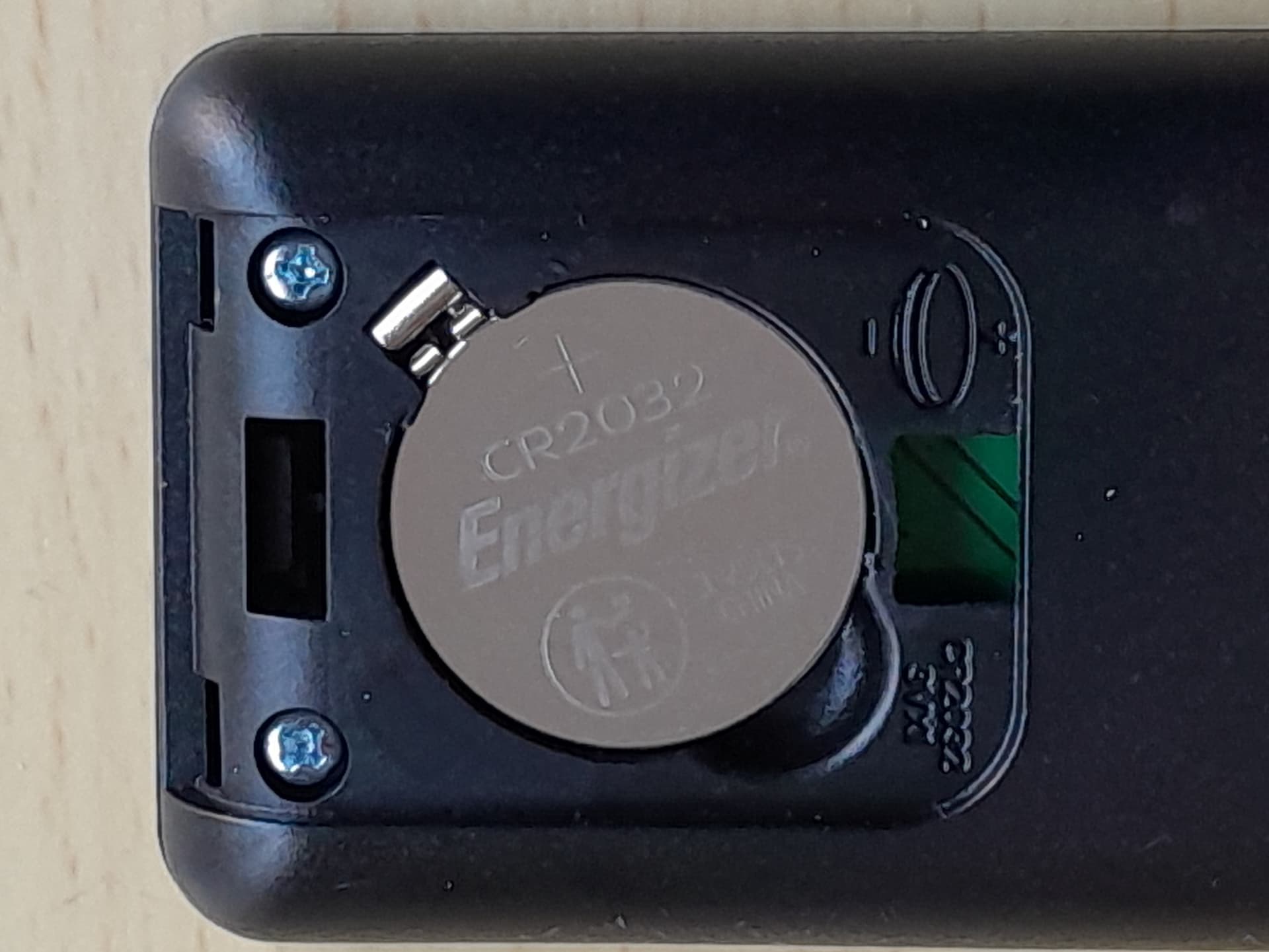
Before you do that, find any CR2032 you can and chuck it in.
Also try rotate the battery in as you put it to make sure it makes a good contact.
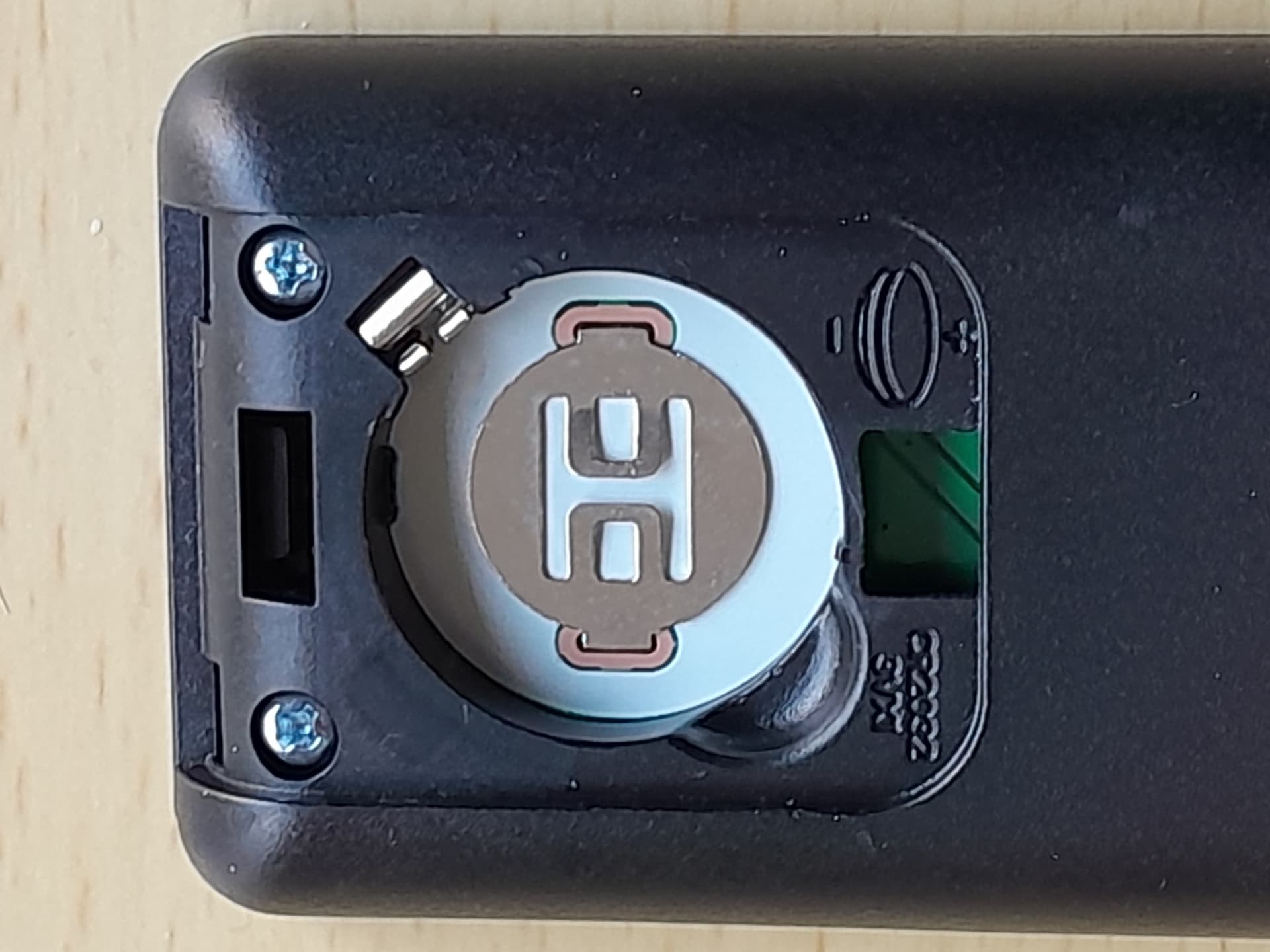
Thanks; try very carefully (!!!) bending the two outer contacts slightly toward the center and bending the two inner contacts upward toward the battery cover. The battery might simply not be making contact. Please do not use force.
Jim, thanks for that. Shortly after I posted the photos, I was able to get hold of a new pack of four batteries, so I decided to try one of them. It didn’t produce any response from the LED. So I tried another - and that worked.
Tomorrow I’ll try testing that first battery (and the two previous unresponsive ones) with a meter. If they’re not actually dead perhaps your thought was correct and they weren’t making proper contact, though if that was the case, why should the latest one, which is identical in size and weight, be any different?
I think I’ll very gingerly try adjusting the spring contacts and giving the earlier batteries another go…
LATER:
Well, that was interesting. With the contacts tweaked, the first battery from the new pack was then successful but the previous two were not, and therefore are presumably dead or as near as. Perhaps with the new one I’ll remember to make a note of when the remote becomes unresponsive again: it’s impossible I imagine to talk about average battery life, since every owner will use the remote by a different amount, but I’d like to see roughly what life I can expect.
So my problem is now solved. Many thanks to everyone who chipped in with thoughts and suggestions.