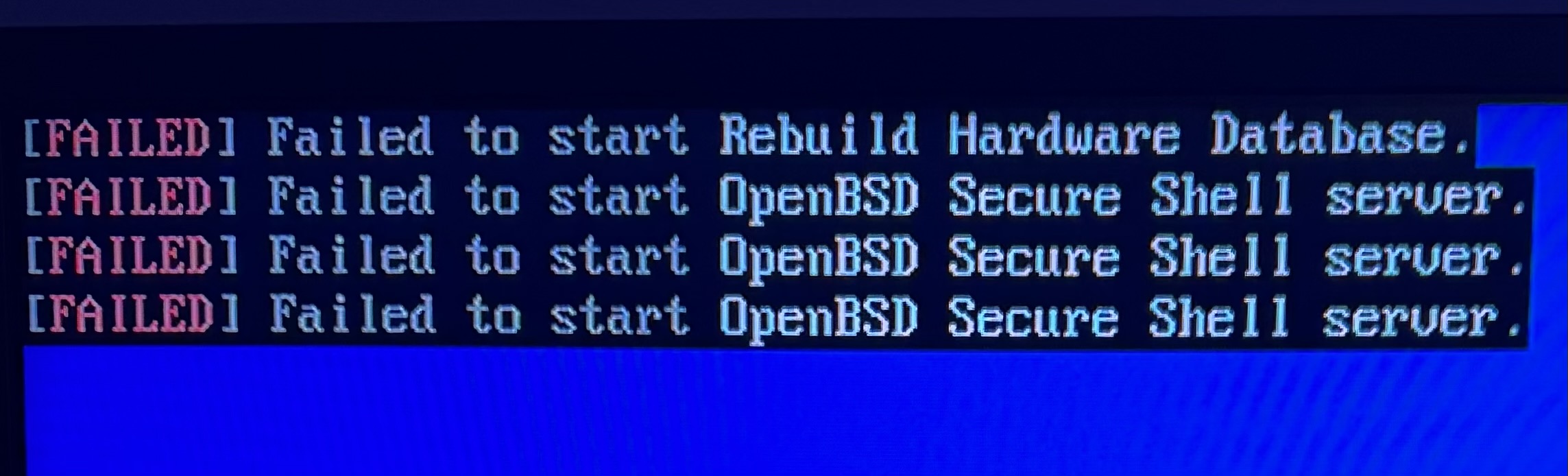
Just got my new OSMC 5, but getting this right on start up, can’t get it running. I’m able to connect via ssh, so it appears to be up at least and getting it’s IP, however osmc/osmc default login is not working so I’m not even able to login and check anything.
That’s strange
I’d suggest reinstalling OSMC via Reinstalling OSMC - Vero V - OSMC
If you still have a problem contact support@osmc.tv
Sam

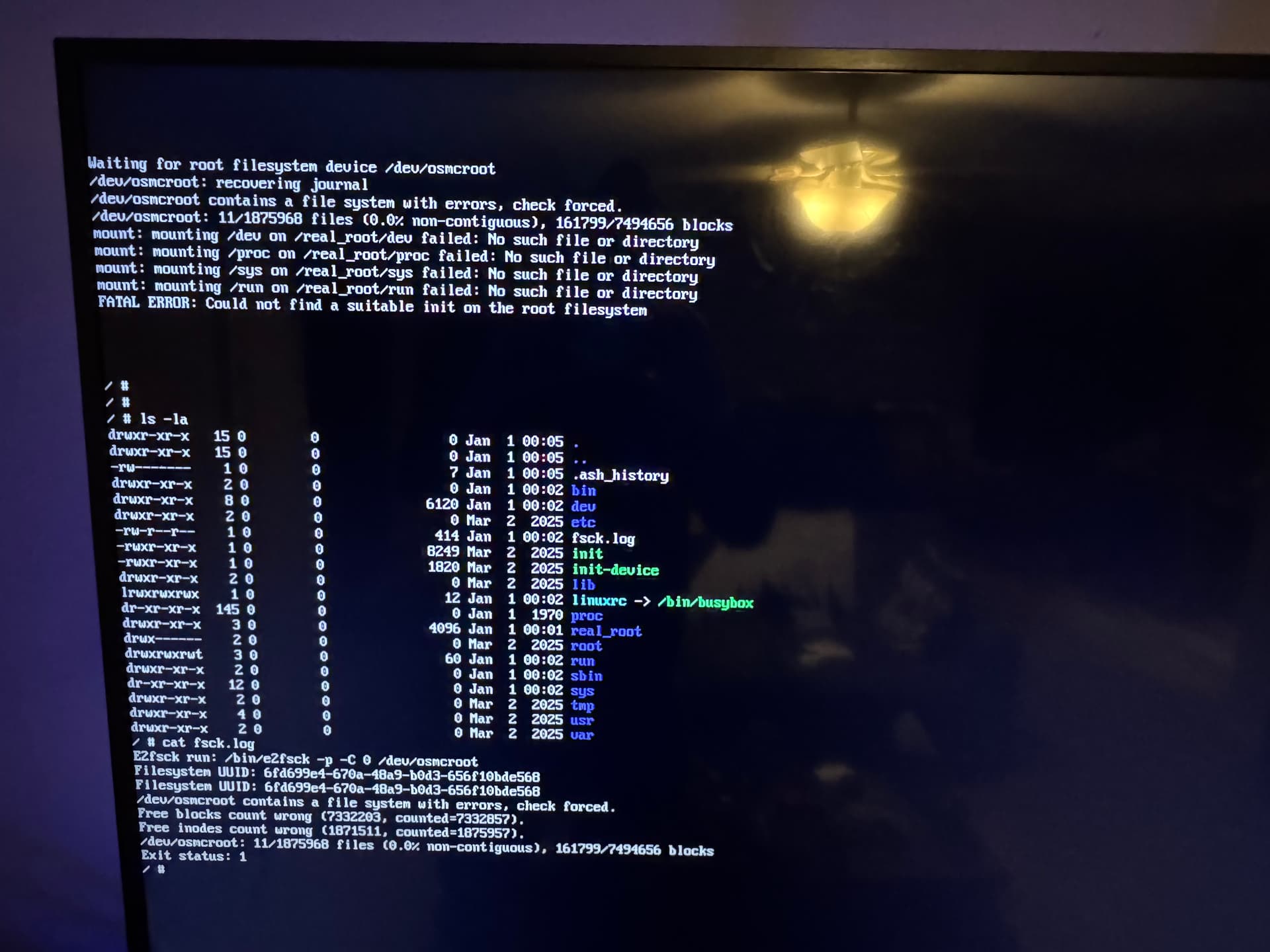
Hi
It shouldn’t be this difficult for you.
Use a known good Vero power supply (ie one from the 4K) and try the following:
Please write the following image to a SD/USB drive using the OSMC Installer selecting ‘local image’.
https://collab.osmc.tv/index.php/s/DHK8jdPMawiF5nW/download/december-recovery-image-verov.img.gz
And please take a screenshot of the contents of the media after doing so to ensure it’s correct.
With the Vero powered off, insert the USB or SD card.
Now apply power with the toothpick pressed in for about 10 seconds and release it. The toothpick needs to go in the 3.5mm CVBS port.
After a period of time, Vero V’s blue LED should start blinking periodically.
This means that the device has been re-imaged.
You can now remove the installation media, remove power, wait five seconds and re-apply power.
The device should now boot.
If you continue to have problems I suggest we swap the unit over for you
Cheers
Sam
Hi,
So I tried installing the image with both the Mac OSMC installer and the windows OSMC installer.
Mac

Windows

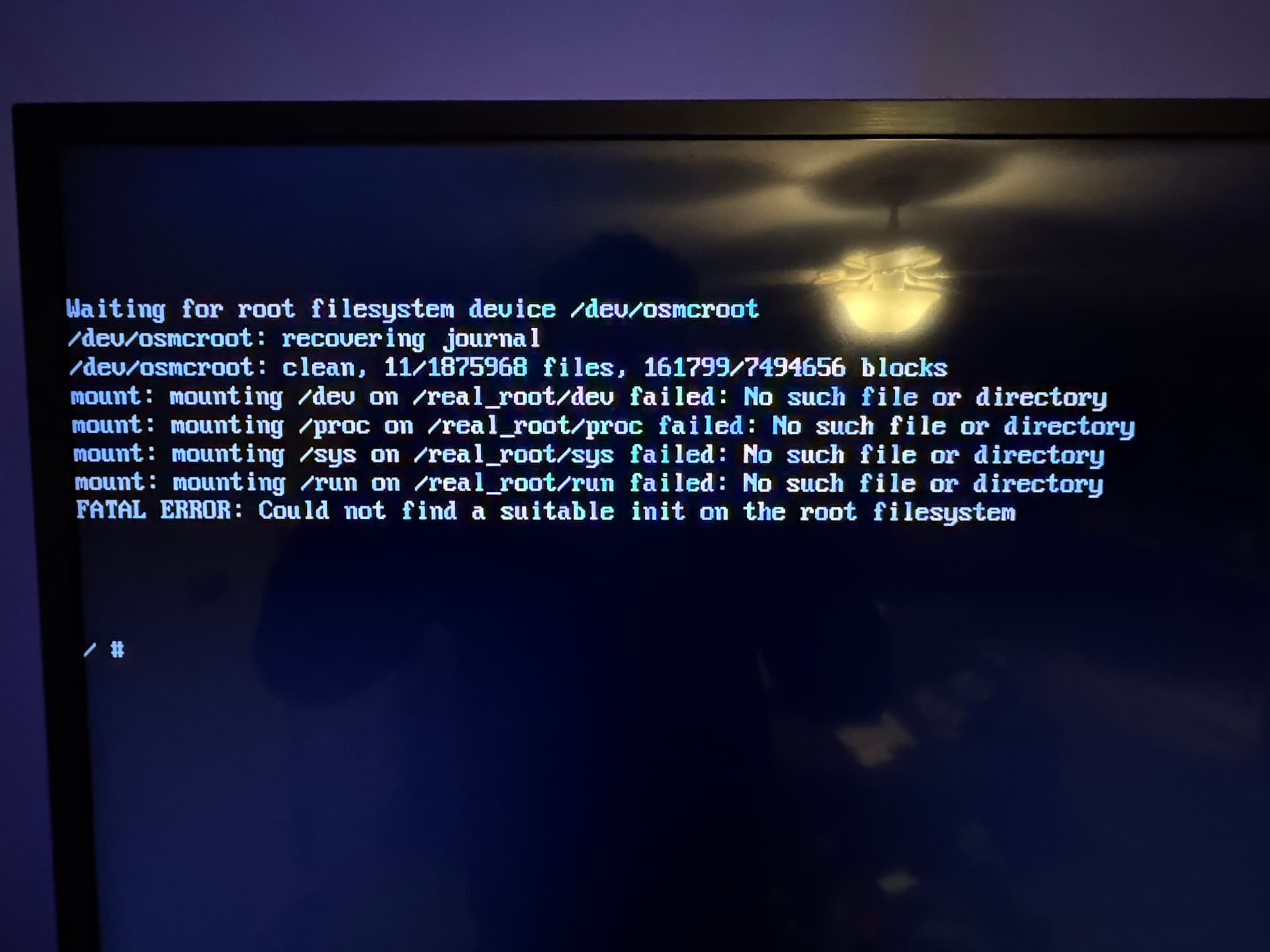
But the result is the same, it just keeps booting to this, with the button held down, the light doesn’t start flashing, it just goes directly to this.
Did the device ever blink blue on the front LED?
Sam
it turned on, but for less than even 10 seconds before it booted straight into this then went off
The LED is meant to turn off during normal operation.
What I mean is that during the re-imaging process, the blue LED should blink on and off indefinitely.
it doesn’t seem to be re-imaging at all, the light comes on, and then turns off when it boots directly to the CLI with the fatal error message, the recovery image doesn’t even give the blue screen with the timer giving the opportunity to power down, just straight to CLI
Are you applying the toothpick to the box as it starts?
yes I can hear and feel the button clicking
Think you’ve done enough then. Let’s swap it over. Send me another email.
Travelling to Kodi DevCon from Thurs to Monday, so won’t be able to do anything until then unfortunately
Sam