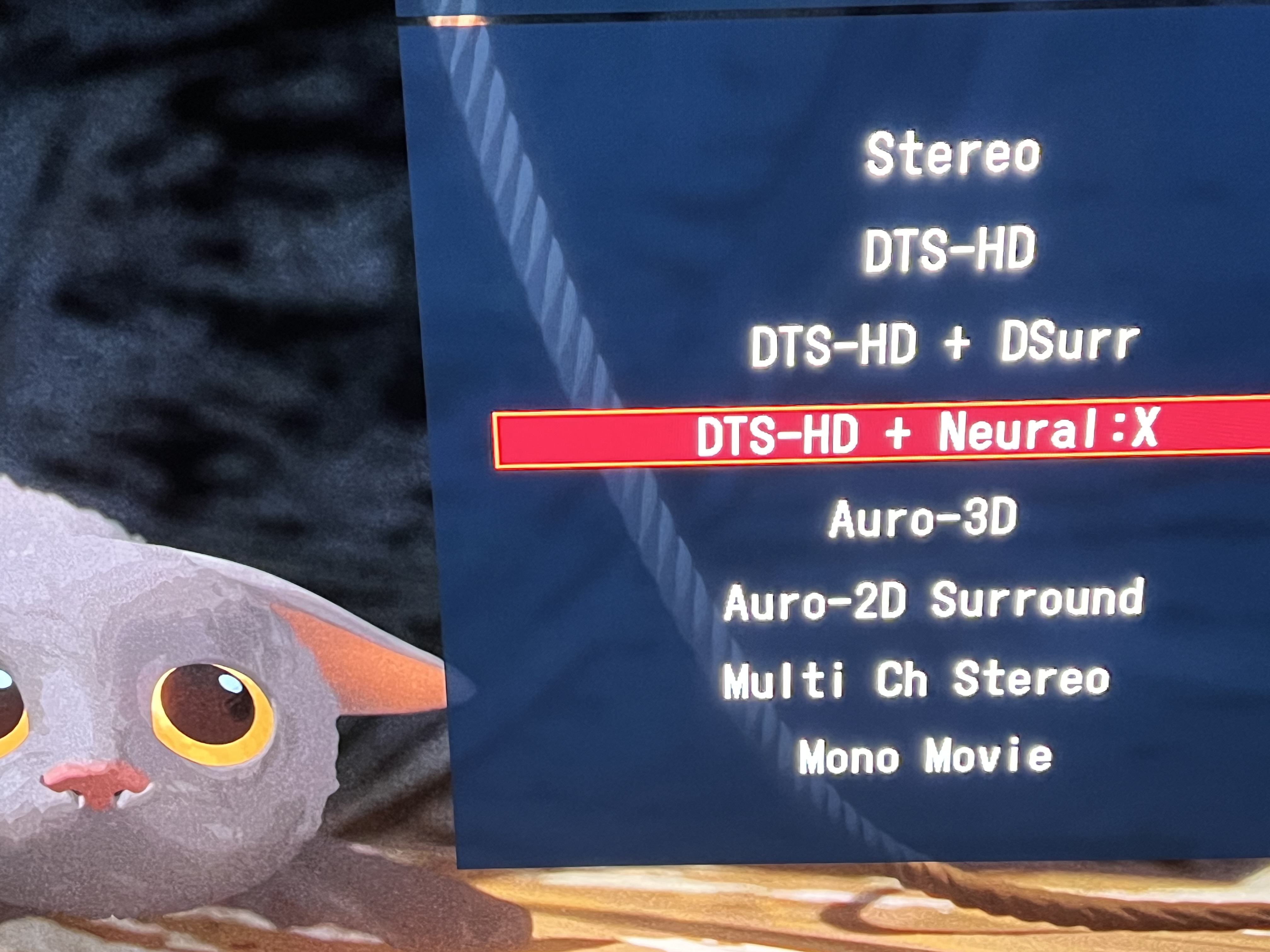
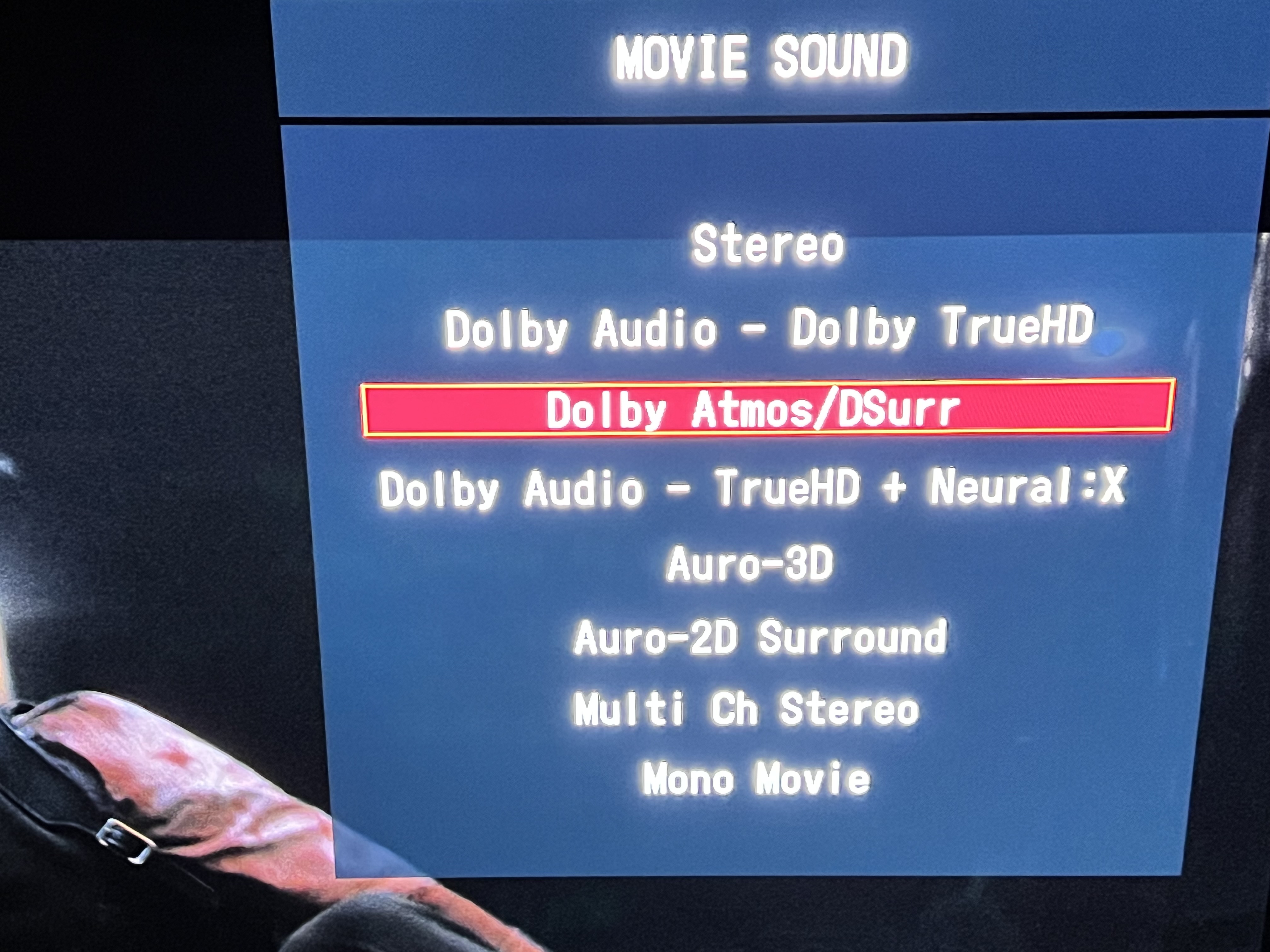
Just opening a new thread as the old one seems to have died
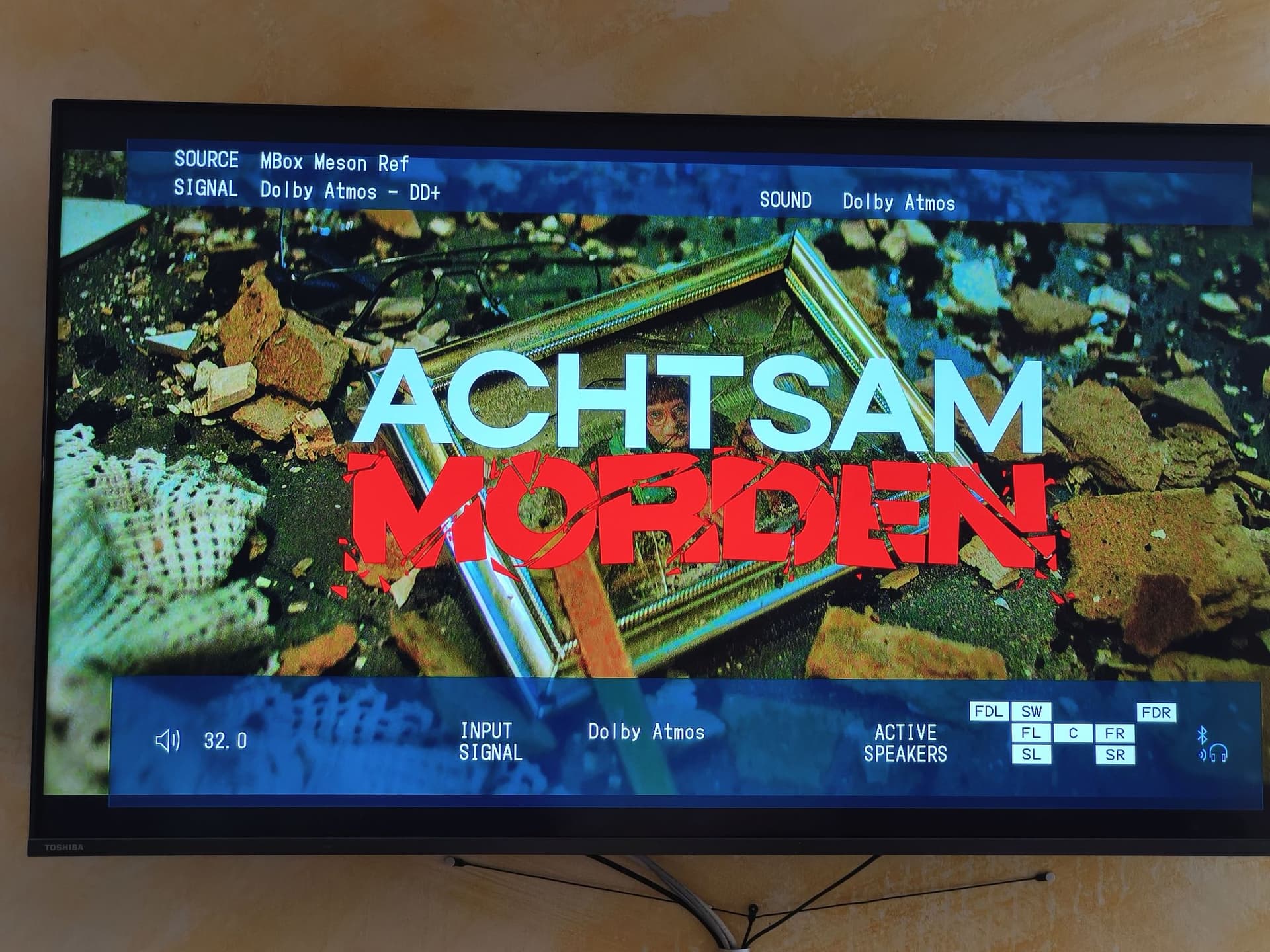
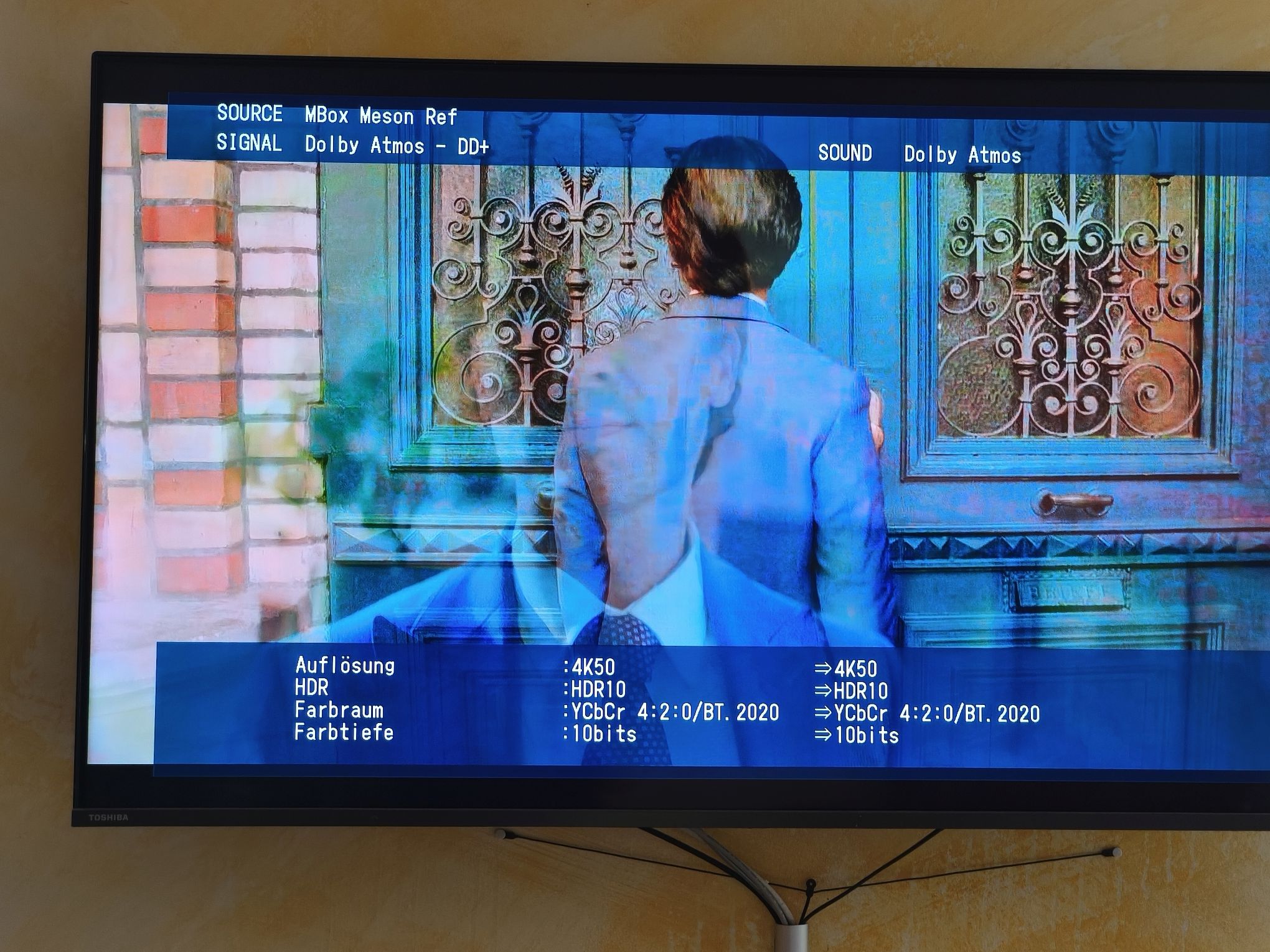
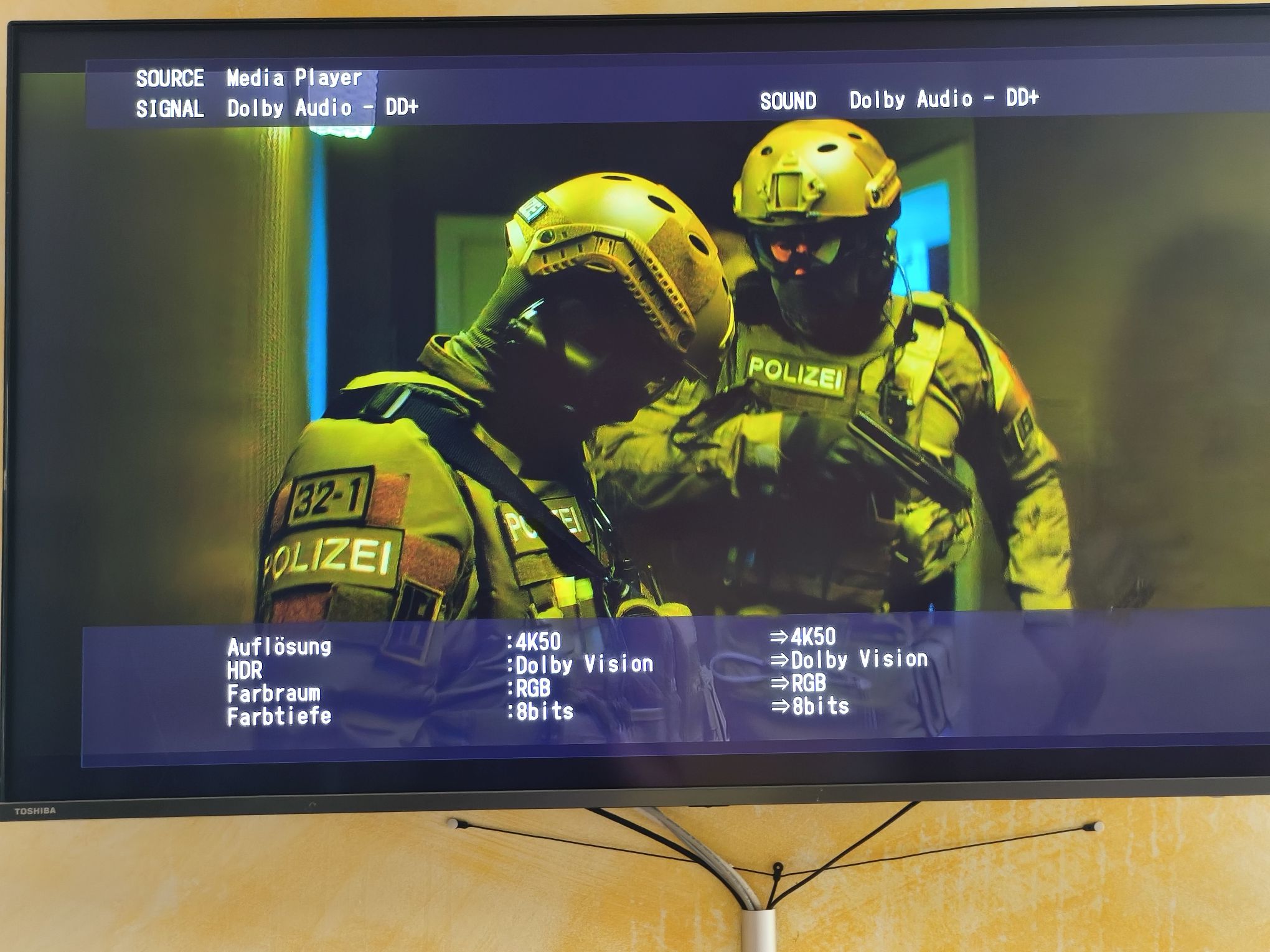
I’ve been switching lately from Vero 4K+ to Vero V. Vero V doesn’t play Dolby Atmos, which worked perfectly with my Vero 4K+. As both devices are still connected to my Denon AVR I can directly compare the output with the same input files. The AVR can show my the input he receives - I’ve made some pictures with the same file playing on both devices. I’ve checked every setting for Audio (most important: Passthru is enabled on both devices). The output from grab-log on Vero V is here: https://paste.osmc.tv/uwoloheqam
I also have available the Debug-Logs on both devices just for running the sample movie if someone wants to dig deeper into this.
It is exactly the same file on both devices. I’ve tried several HDMI-Ports, even have restarted the AVR and the Vero V several times. From Vero view the output of ‘cat /sys/class/amhdmitx/amhdmitx0/edid’ looks identical for both ports (only the ‘Source physical address’ refers to the other port, but that is OK).
We already have started discussing this topic in this thread:
If you think, it would be helpful I could add The debug Log with component logging for audio/video/ffmpeg for both devices.
The version runing on Vero V is:
2025-08-13 21:22:41.105 T:5681 info : Starting Kodi (21.2). Platform: Linux ARM 32-bit (version for Vero)
2025-08-13 21:22:41.105 T:5681 info : Using Release Kodi x32
2025-08-13 21:22:41.105 T:5681 info : Kodi compiled 2025-07-23 by GCC 10.2.1 for Linux ARM 32-bit version 5.10.158 (330398)
2025-08-13 21:22:41.105 T:5681 info : Running on OSMC Vero V with Open Source Media Center 2025.03-1, kernel: Linux ARM 32-bit version 4.9.269-84-osmc
The version on Vero 4K+ is:
2025-08-12 18:46:18.837 T:2957 info : Starting Kodi (21.1). Platform: Linux ARM 32-bit (version for Vero)
2025-08-12 18:46:18.837 T:2957 info : Using Release Kodi x32
2025-08-12 18:46:18.837 T:2957 info : Kodi compiled 2025-04-25 by GCC 10.2.1 for Linux ARM 32-bit version 5.10.158 (330398)
2025-08-12 18:46:18.837 T:2957 info : Running on OSMC Vero 4K / Vero 4K + with Open Source Media Center 2025.03-1, kernel: Linux ARM 32-bit version 4.9.269-62-osmc
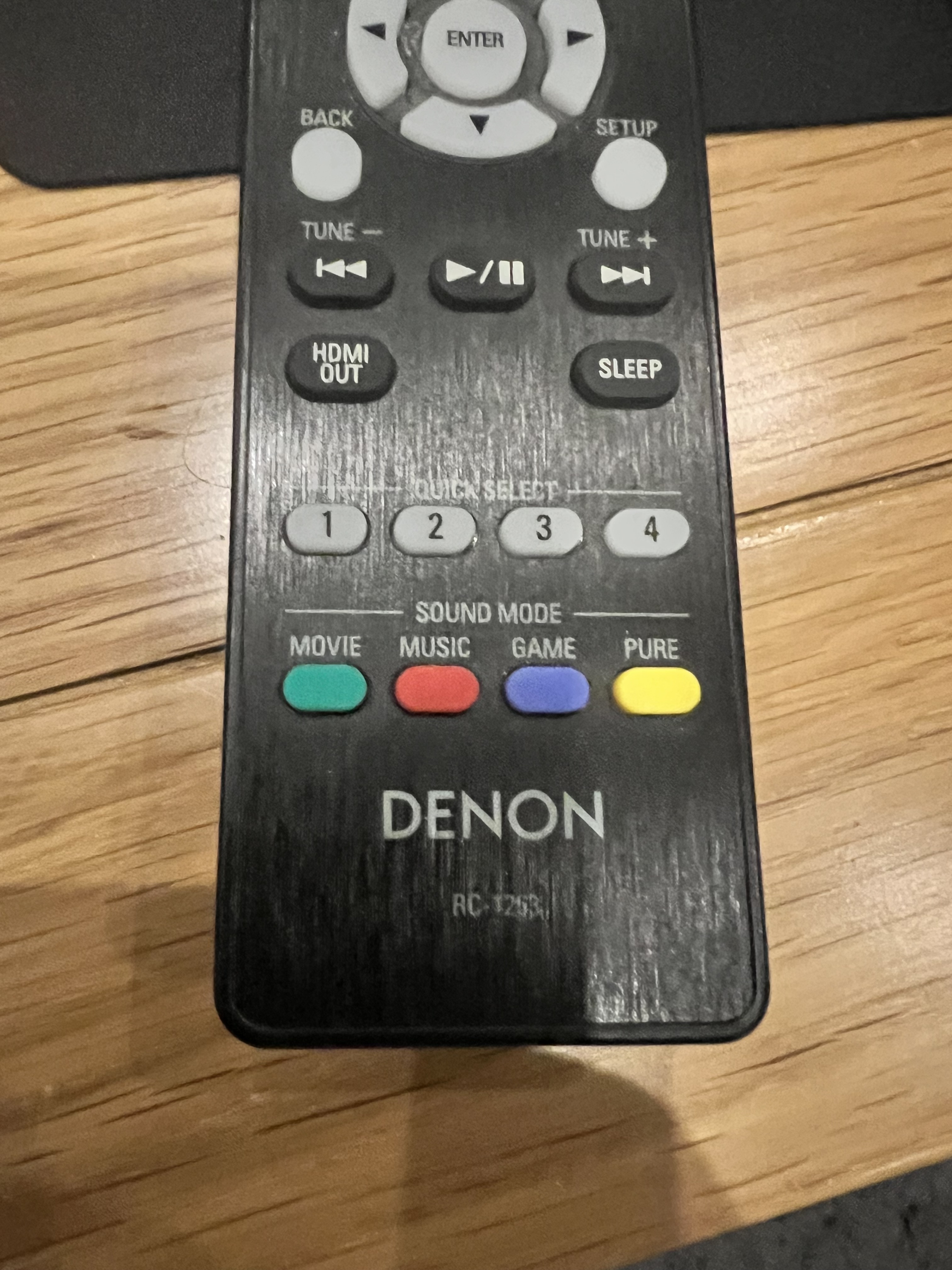
Hey, I also have a Denon Amp (AVC-X3800H) I had a similar annoyance and found that you have to select Atmos from the sound mode buttons (green for movie for me) on the bottom of the remote. The fun part is you need to have selected Atmos from there before Atmos will play but it’s only an option when an Atmos track is being played! Once selected it should play Atmos when available. See examples where available for one film but not the other
Meant to add I think the Denon amp remembers the setting for the input as I tracked it down when my AppleTV would play Atmos but Vero (V) would not… can’t recall if I switched physical HDMI inputs or not l but somehow I found it… normally those kinds of buttons are for the gimmick sound field effects no one wants but are on every device with a DSP yet this is where Denon hides them in plain sight… not available from any other menu. Really shit design in my opinion but there we are
Hi @pharcycle , your hints did the trick. Playing Atmos with Vero V is now working. I have no idea, why it was working before on Vero 4K+ and not on Vero V - maybe the mode is stored per HDMI port? But I’m happy that it is working now. Many thanks for the solution and also to @sam_nazarko and @grahamh for investigating the problem
It definitely is, yes. It’s stored per port and per input format. For Dolby it’s stored for all Dolby formats, ironically: If you select a different upmixer for DD+ than Dolby (which gives you Atmos output, if the metadata is present), it’ll also select that upmixer for Dolby TrueHD.