I upgraded to the latest version of OSMC (August - Kodi 19.1) on my Raspberry Pi 3 but unfortunately after booting I am just presented with the background and no icons. The time updates so the system is running:
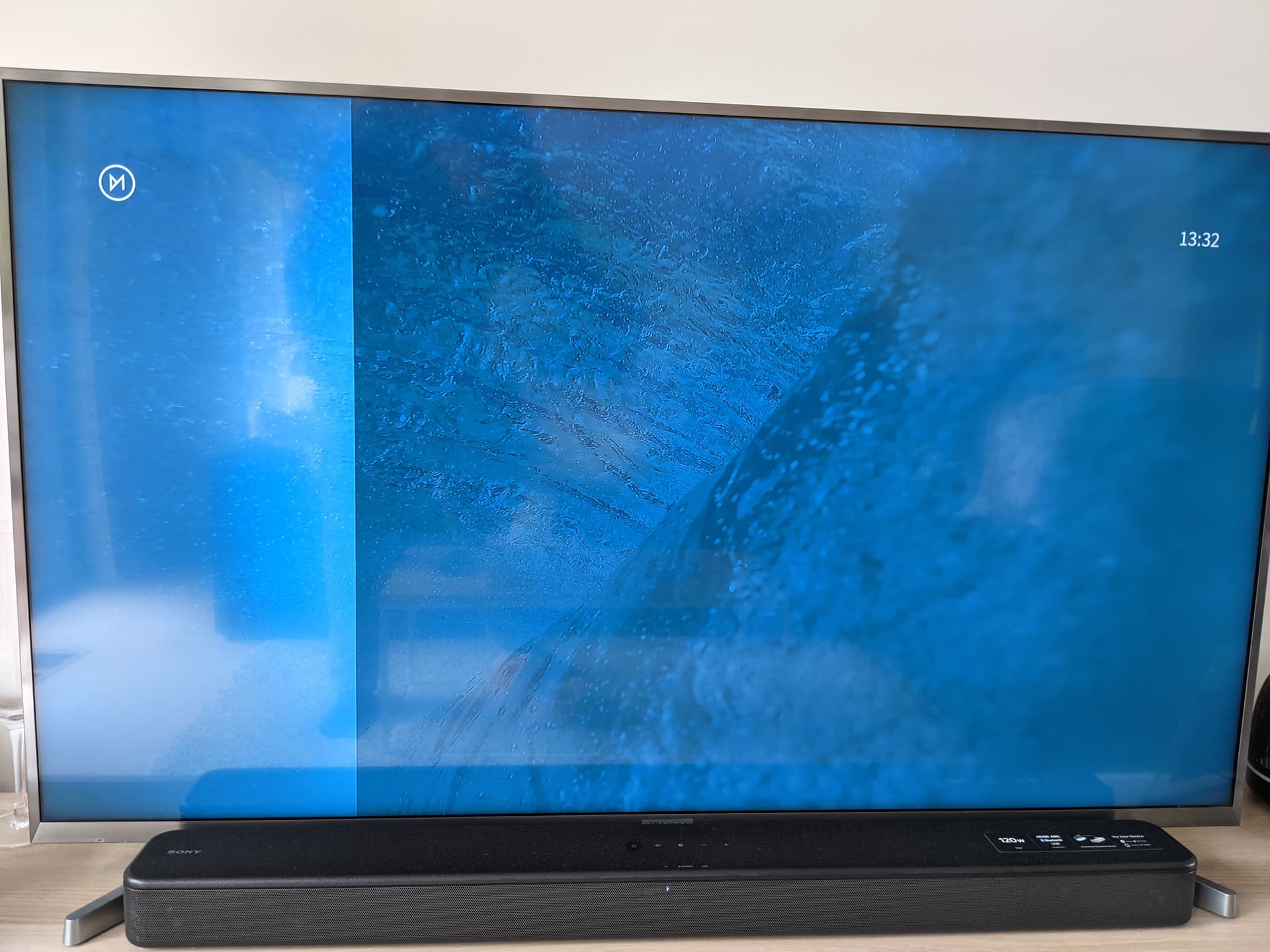
I have tried removing the guisettings.xml file and also setting general.addonupdates = 0 (auto update i believe) incase an out of date add-on was causing an issue but (after mediacenter restart) this doesn’t help.
The skin is set to the default=“true” in the guisettings.xml file. I was using the aero skin (I think) prior to the update but not 100% sure.
Everything is working in the background as I can use Yatse remote to play media and play add-ons however I cannot get to the add-ons or settings screens to make other changes via the GUI.
I have also done apt update and apt dist-upgrade so everything should be fully up-to-date.
Any thoughts on how to get the menu back?