First off - I understand full or even limited support is EOL for 4K and 4K+ just hoping someone may have a direction for me.
My original 4K lost connection last week and now is not detected on 2 separate TVs. No picture, no light for power and I can’t see it on my network.
The exact same thing has happened to my 2nd box, a 4k+.
Tried multiple HDMI and power cables on 2 different TVs, multiple HDMI ports as well. So bizarre.
Don’t think it was a power surge because the 4k+ was at my parent’s place.
Appreciate any thoughts on any possible next steps.
If you follow @grahamh’s suggestion make sure it’s via a direct USB-A to USB-A cable. USB-C adapters or cables will use power delivery negotiations which means the device won’t receive power at all.
Have tried new hdmi cables and a 3rd tv. This is super odd since both units were at 2 different physical locations so I don’t think it would be power surge related. I dunno
Sorry for the delay, life got busy.
Also, 3 storage bins later, and I did not have 1 single USB-A to USB-A cable…
1 trip to local PC store and $5.99 later - the 4K is up. Not going to lie, I was not optimistic.
I’ll be trying the 4K+ next.
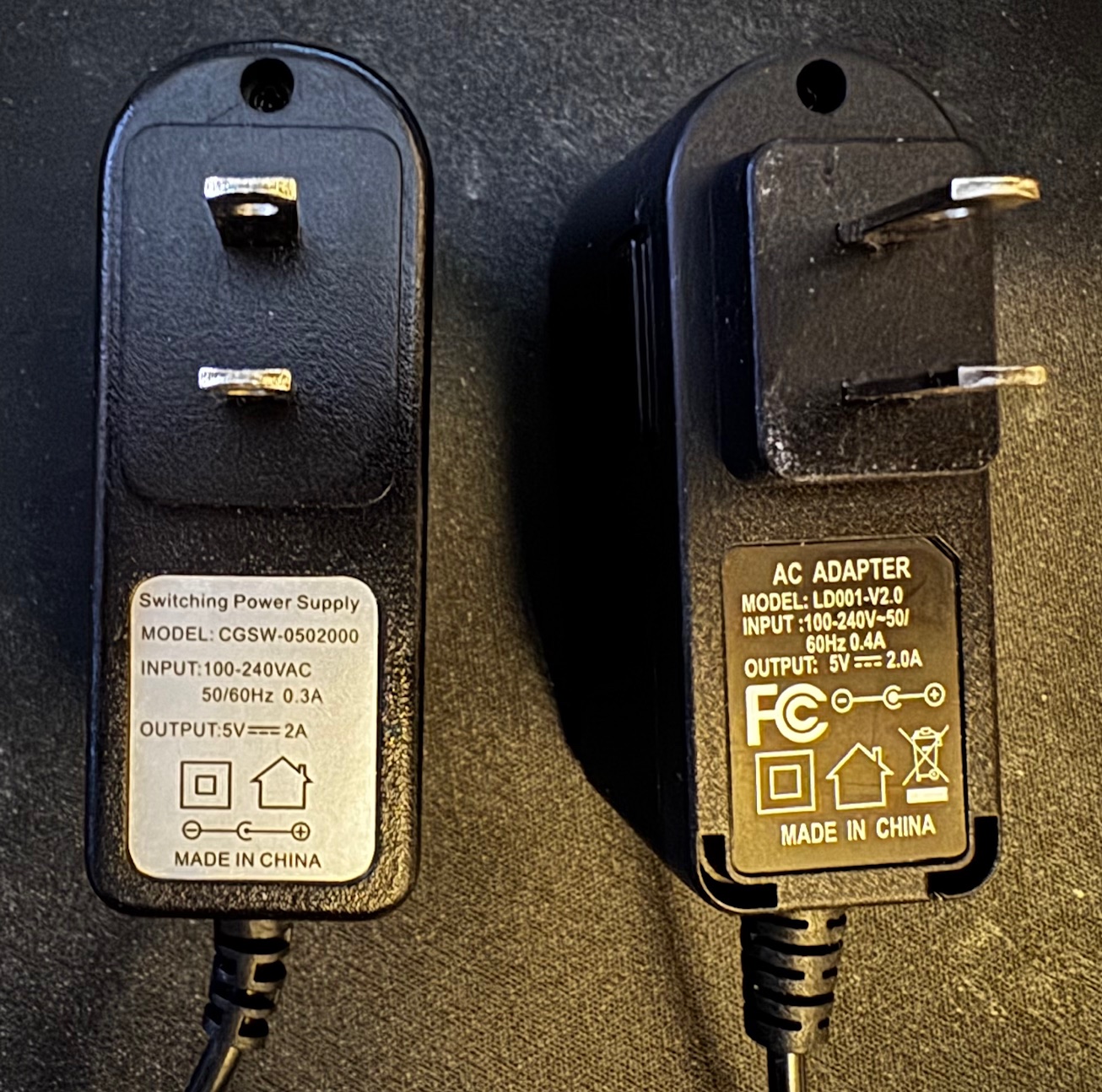
This begs the question though, however unliklely, is it possible that BOTH power cables are no good?
Super odd scenario.
Thank you all for the support.
UPDATE
The 4K+ is still dead using the same cables (USB + HDMI - both brand new) that got the 4K up.