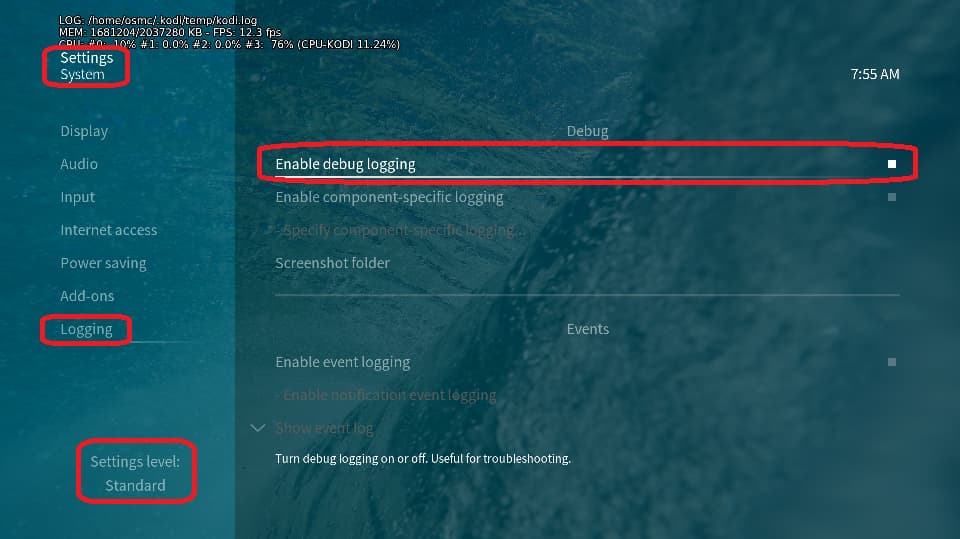
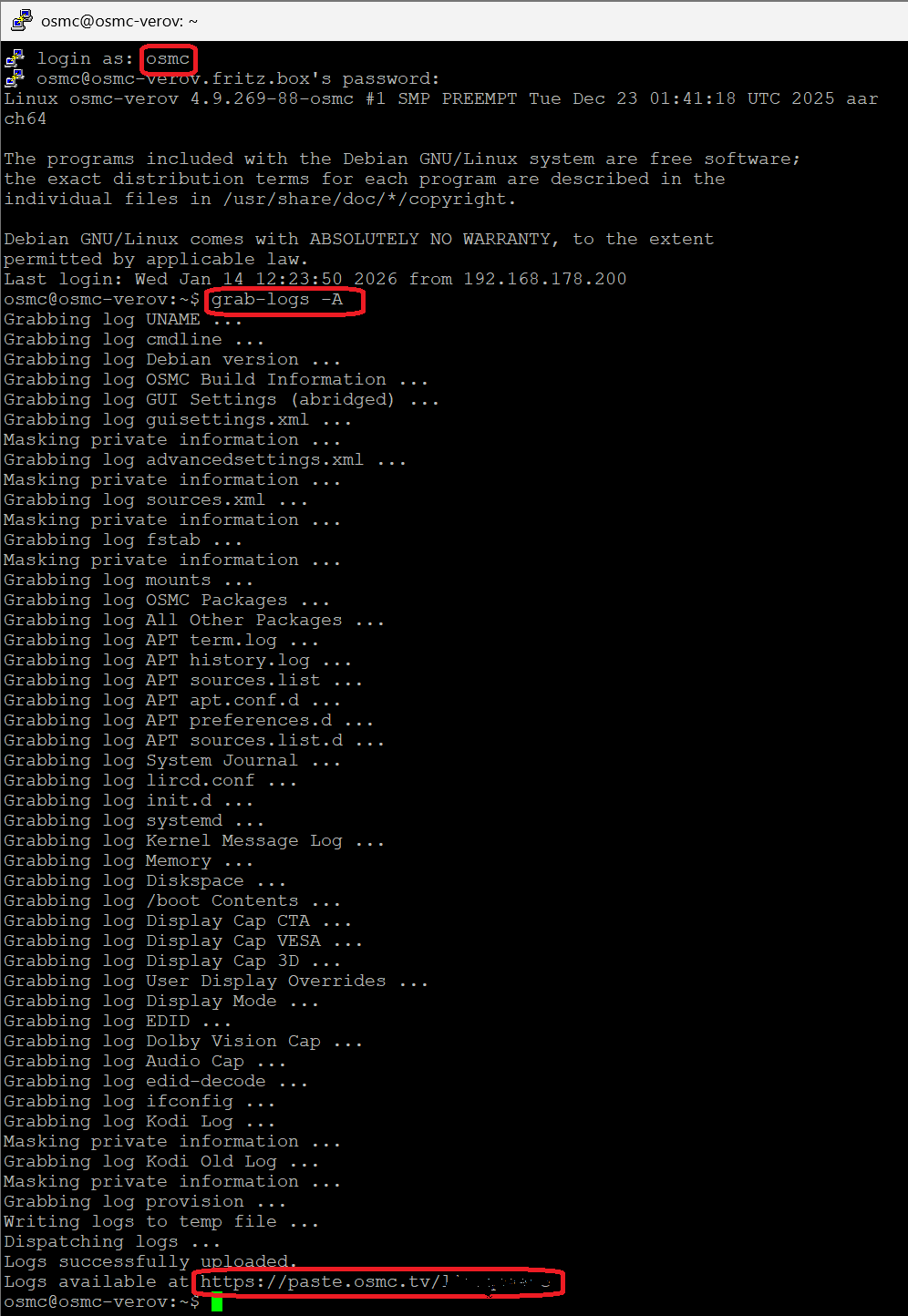
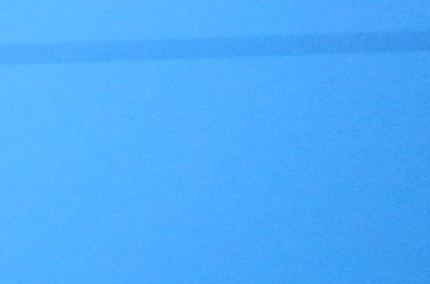
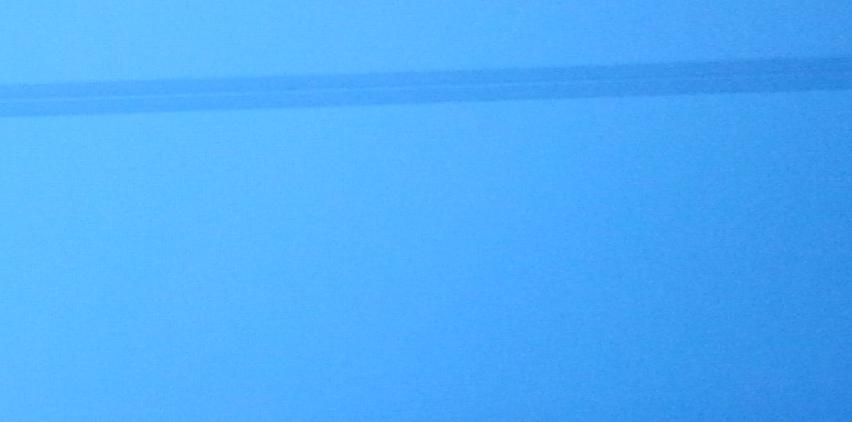
As title said, i have two stripes in the bottom part of screen using raspberry pi3 and latest osmc. I will put a pic soon, atm i will reproduce it using this screenshot
what can it be? The configuration is standard osmc (i have modify only the resolution to 1680x1020, but also with 1920x1080p or 1920x1080i is the same).
Try a different HDMI cable or port on the TV. If that doesn’t help:
To get a better understanding of the problem you are experiencing we need more information from you. The best way to get this information is for you to upload logs that demonstrate your problem. You can learn more about how to submit a useful support request here.
Depending on the used skin you have to set the settings-level to standard or higher, in summary:
enable debug logging at settings->system->logging
reboot the OSMC device twice(!)
reproduce the issue
upload the log set (all configs and logs!) either using the Log Uploader method within the My OSMC menu in the GUI or the ssh method invoking command grab-logs -A
publish the provided URL from the log set upload, here
Thanks for your understanding. We hope that we can help you get up and running again shortly.
The same tv with Vuduo2+ make strip with openelec, no problems with original firmware but is too old to use. Openelec wizard say I have to disable overscan by tv, probably is this the problem. I also see wrong resolution (same problem as kodi, letters are cut).
It seems you have an issue with Overscan. Ensure that you did not have any calibration configuration in Kodi/OSMC and use one of the following methods depending on the TV Brand you use.
Samsung TV - go to Menu / Picture / Picture Options / Size / Screen Fit (instead of 16:9).
LG TV - go to Settings / Picture / Aspect Ratio / Just Scan (instead of 16:9)
Sony TV - hit Home button, go to Settings / Screen / Display Area / Full Pixel
Sharp TV - hit View Mode button, select “Dot by Dot” or “Full screen”
Sharp Aquos - go to Menu / System Options / View Option / View Mode / Dot by Dot
Panasonic TV - go to Menu / Picture / Screen Settings / 16:9 Overscan / Off
Thanks, is a Philips, I have search everywhere but I cannot found option to disable overscan, is only possible to select zoom, fit screen, screen large and “original” which make video little like a stamp!