The app store version of tvheadend is 4.2.8. If you try to open a ticket about this, their github repo will let you fill in all the fields, painstakingly gather logs, write reproduction instructions — and then a bot will auto-close it 30 seconds later because 4.2 is no longer supported.
Could the app store install a supported version of tvheadend, please? Or is it safe to follow the install instructions in the tvheadend README in order to get the latest version?
Ah — I didn’t phrase that very clearly. This was a bot on the tvheadend repo, not an OSMC one.
They don’t support 4.2 any more, so it seems they’re saying the choices are between “stable and unsupported” or “unstable and supported”
Is it safe to just uninstall the app store version and follow the tvheadend README’s install instructions to get 4.3?
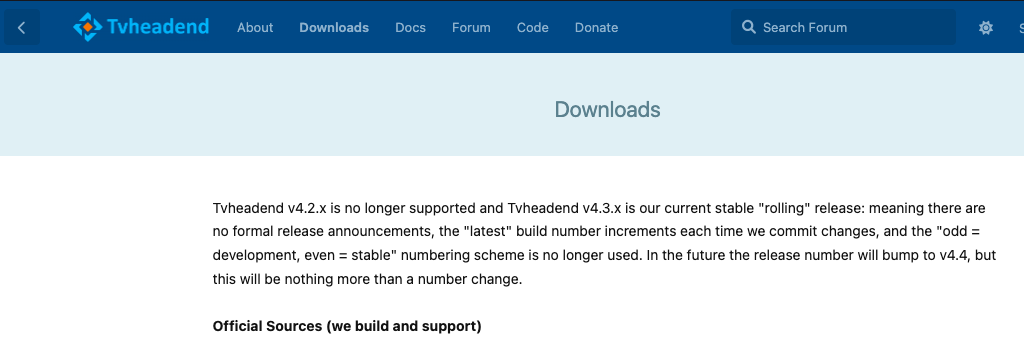
@sam_nazarkoDownloads - Tvheadend.org says that 4.3.x is the current stable rolling release, and the old “odd = development, even = stable” numbering scheme is no longer used.
Install it with sudo dpkg -i armv7-tvheadend-app-osmc.deb. IIRC it picks up your existing settings and data.
I had a quick look at what it would take to update in the OSMC build tree and it needs a bit of work (some patches are failing) plus we need to have a look at the new GUI and decide whether to adopt it.
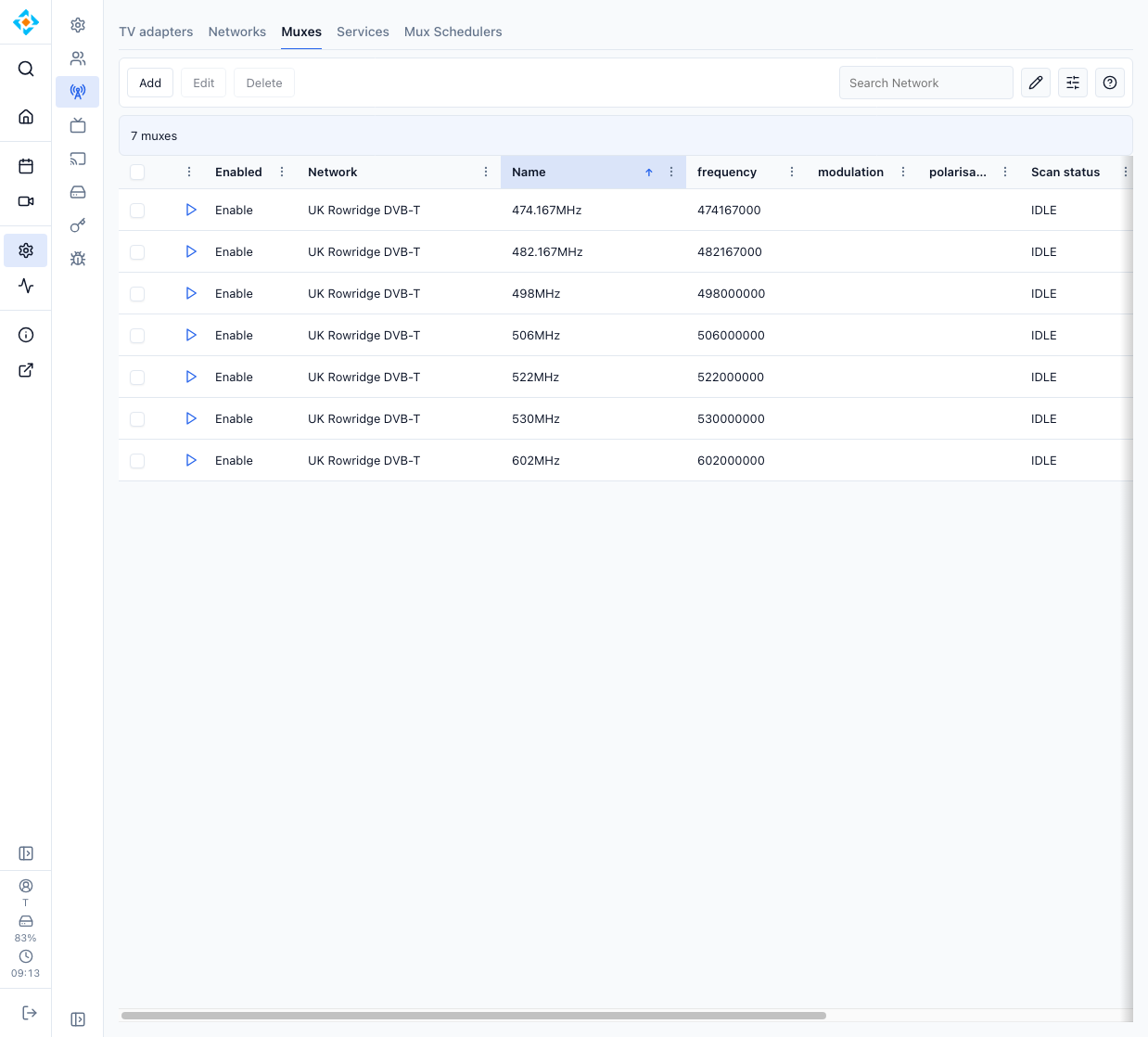
Ooh, new web interface. I think it’s fair to say there’s quite a few things I don’t like about the old one
That said, I still can’t get the USB tuner to actually see anything on the muxes. Without a powered hub, it wasn’t offering the Sony tuner at all, just the RealTek — but at least that would tune the non-HD channels.
With my existing powered hub, it showed the Sony tuner, but that then refused to tune anything. As the Amazon reviews showed some complaints about the power provided by the ports on that hub (an Amazon Basics USB 2 hub) I bought one with good reviews — and it was back to not showing the Sony tuner!
At this stage I’m really thinking of throwing the tuner in a drawer and just buying a Raspberry Pi 4 with the TV HAT, just to get something that works…
No — this was with the .hts folder removed and a clean start. It just doesn’t offer the Sony tuner if the stick’s not getting enough power, which is why it hardly ever showed up before I added a powered hub to the mix.
The tuner stick seems to be incredibly fussy about how much power it gets — and hubs seem to be incredibly variable in how much power they supply!
I was able to tune the SD channels when selecting the Realtek tuner; it’s only when starting again with a new .hts folder and using the Sony that it wouldn’t tune anything.
The new tvheadend UI’s been released, though. Looks nice!
Mine is plugged into a USB2 port on a powered USB HDD enclosure which is attached to Vero V’s USB3 port. I do have an aerial head amplifier but I have no line-of-sight to any transmitters and the aerial is in the loft.
FWIW, lately, HD channels have been cutting off unexpectedly but I’ve come to expect poor reception with high atmospheric pressure.
Odd — if I connect the hub to the USB 3 port, I’m back to seeing only the Realtek tuner again. It only bothers to show the Sony if I connect it to the USB 2 port — but then it doesn’t tune anything. Only the Realtek will find a signal on the SD channels — but it can’t tune HD, of course.
Atmospherics shouldn’t be an issue, as the signal was full strength when the antenna was installed last week right in the middle of the high pressure period — and in any case, the Sony device doesn’t even see the SD channels.
@sam_nazarkoIs it possible I have a faulty tuner stick here? It’s never worked… Never mind. I moved the connection back from USB 3 to USB 2, rebooted Kodi, and now it has actually worked. It seems that tagging you in was the missing piece that was needed
Indeed. And IIRC if you have a powered hub, start Vero first. (having said that, my setup with the tuners hanging off a USB HDD enclosure does come up fine after a power cut).