I plugged in my NETAC ZX20 and watched some 3D movies with no problem, but the next time I switched it on the Netac was not recognised. I then plugged it into my Laptop and it was also not recognised.
Disk manager said Unallocated and Not Initialised, it would not initialise and threw up an error.
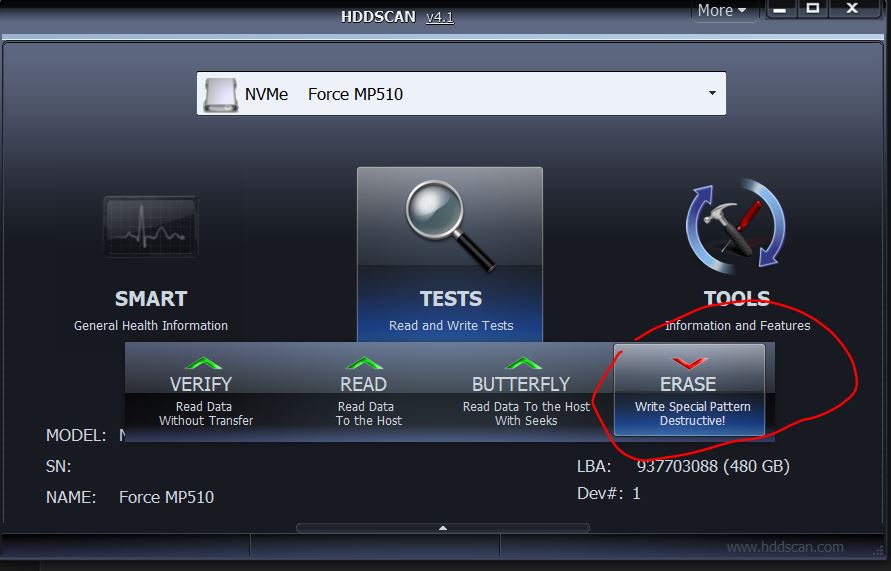
I did a very long erase process (10 hours) with a different software to eventually get it to initialise and allocate space.
It then worked fine copying and playing on the laptop.. until I decided to try in in the Vero V again and it didnt recognise it and broke the SSD again.
Don’t do such things since writing to an SSD for hours will shorten the lifetime of this storage significantly. Better would have been to use the ’diskpart clean’ method with Windows which only writes some MBs in the beginning and end of the LBA range.
Regarding VeroV usage: There is no known issue with SSDs but there are two ports: A black usb 2.0 port providing max. 500 mA and a blue usb 3 port with max 900 mA. Good question is whether you can operate this ssd at a usb 2.0 port at all like the Vero 4k/4k+ models only provide.
I suggest to first check the health condition of this storage. The manufacturer should tell you, how to do this. Perhaps, there is a special tool at their home page.
I couldn’t see anywhere the manufacture listed power specs. I wasn’t finding them anywhere else either with a quick search. I wonder if the drive has high current demands and can get corrupted if underpowered. This thing is listed as being a high speed NVME and that type of device is not usually something that operates at under half an amp at max draw. If this is the case then you might have to use a powered USB hub that can supply more current.
Ok, I meanwhile looked at the datahseet of the ZX20 on the NETAC web pages and it states
Interface: USB 3.2 Gen 2x2 with Type-C; Backwards compatible with USB3.2 Gen 2x1, USB3.2 Gen 1 and USB2.0
So, try first the USB 2.0 port. But the correct port to get the performance benefits is the blue left port of the Vero. Try this afterwards.
Is there anything installed in addition on the Vero V which could write data to the connected SSD?
I plugged the SSD into the blue USB port yesterday and it worked fine.
Either, last time I used the other USB socket, or more likely, this drive has some issues and will probably stop working at some point in the near future.
I couldn’t find power consumption figures but I did find it has no DRAM cache.
“ To improve write speeds, a pseudo-SLC cache is used, so bursts of incoming writes are soaked up more quickly. The cache is sized at 90 GB. Copying data out of the SLC cache (folding) completes at 170 MB/s.”.
Since writing data to an SSD uses a lot more power than reading and is where drawing more than the vero V can supply is likely it would be worth leaving it connected to your laptop for long enough that the SLC cache has been emptied.
I have several nvme m.2 drives in usb-c enclosures and the fastest can peak draw at around 12W when writing from my desktop, but only draw 0.2W when reading to my Vero V.
I had a few disconnects when writing when I originally plugged it into my USB 3 hub until I figured out what was happening and switched to the 15W USB-C port on my mobo. I have an older equally specced Samsung T7 portable SSD that was fine on my USB 3 hub.