It was set to home, I ran the commands and got the same reply that you posted
In case you missed it here is the history, all shares were visible on map network drive and I could send files no problem. The SSD with the OS stuttered then died, I fired up the HDD that I cloned to produce the SSD a few years ago, since then network hell
One detail that I missed, I cloned the HDD to a new SSD and am running from that.
If you have your network set to home then Windows firewall shouldn’t be blocking the connection. Are you running some other firewall on this system? Maybe try running this command at Windows command line…
net use X: \\192.168.18.5\osmc /user:osmc osmc
This is assuming the IP address of your Vero hasn’t changed. If this worked it should map your Veros home folder to a “X” drive in windows.
why don’t you install SMB server on your vero from the addon my osmc → app store → smb server → install
Because there is no point in doing something that had already been done.
I was asked for the password for osmc, I entered osmc, it generated an error 86, the specified network password is not correct. At least it’s consistent, it has a password stored that it will not clear.
On map network drive when the box comes up asking for username and password there is an Access denied symbol before any data are entered
Can I post photos on here, I have a report from network diagnostics saying that the remote computer isn’t responding on port 445 when I tried to log on via \\192.168.18.5\osmc, no password was asked for this time. I had cleared all net connections before this operation as I suspect there was a corruption in the log.
Yes
So it is working now?
I have one drive mapped, that is working but I am getting access is denied on one other. I suspect that windows is prefixing Asus before the share name, I entered .\osmc as username and it accepted my new longer password (the VeroV would not let me use a short password when I tried to change from default.
Now all 3 drives are working, a generic credential was added, windows never did this before, that seems to have sorted it.
1 Like
How to post photos?

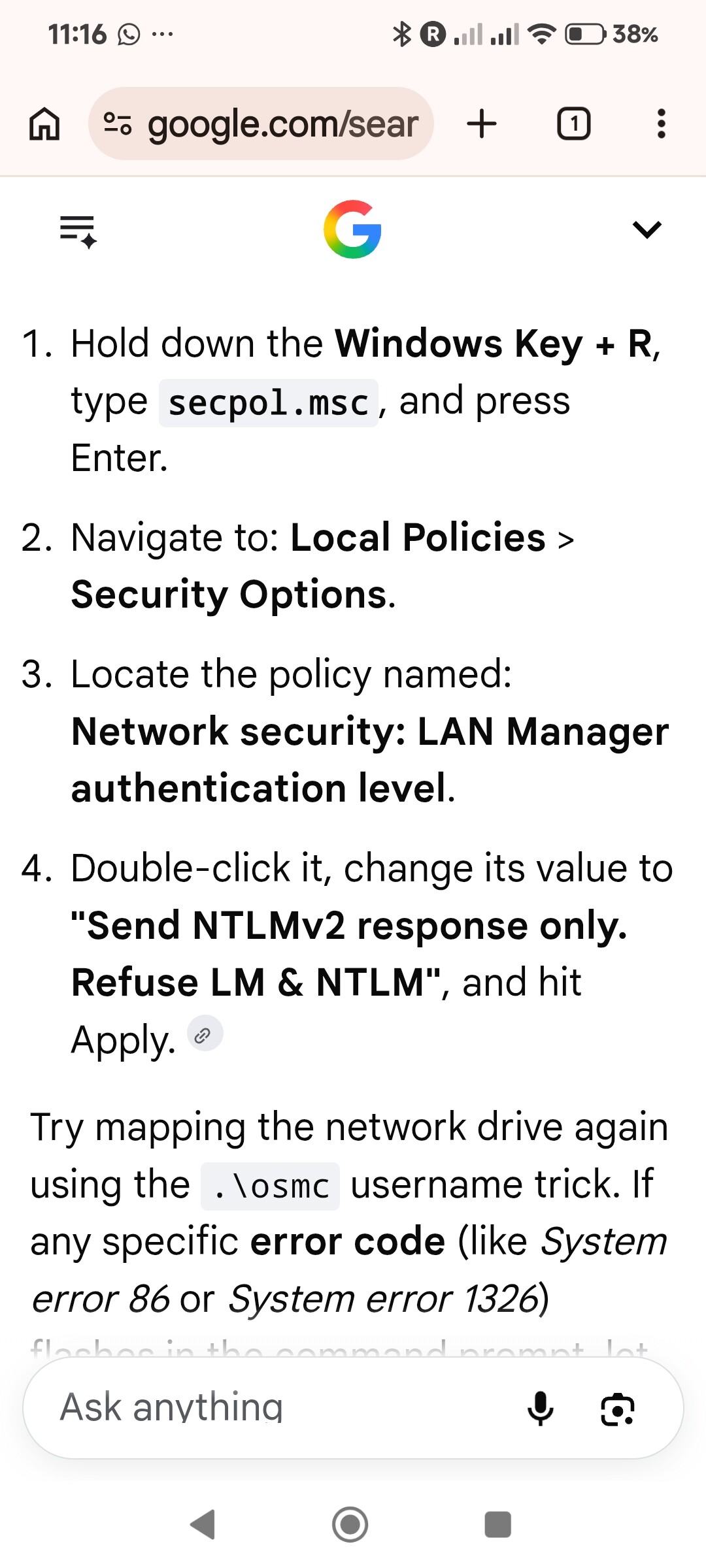
So your saying that you used policy editor to force smbv2 handshake and that fixed it?
I had to clear broken log ins, AI on chrome guided me through it, once I got all the net shares showing I couldn’t connect due to password problems. Username .\osmc cleared the asus\osmc problem then my new long password worked
The generic credential that it added enabled me to connect to all drives on 192.168.18.5