I agree it is very dark, but I can’t say if it is not intended.
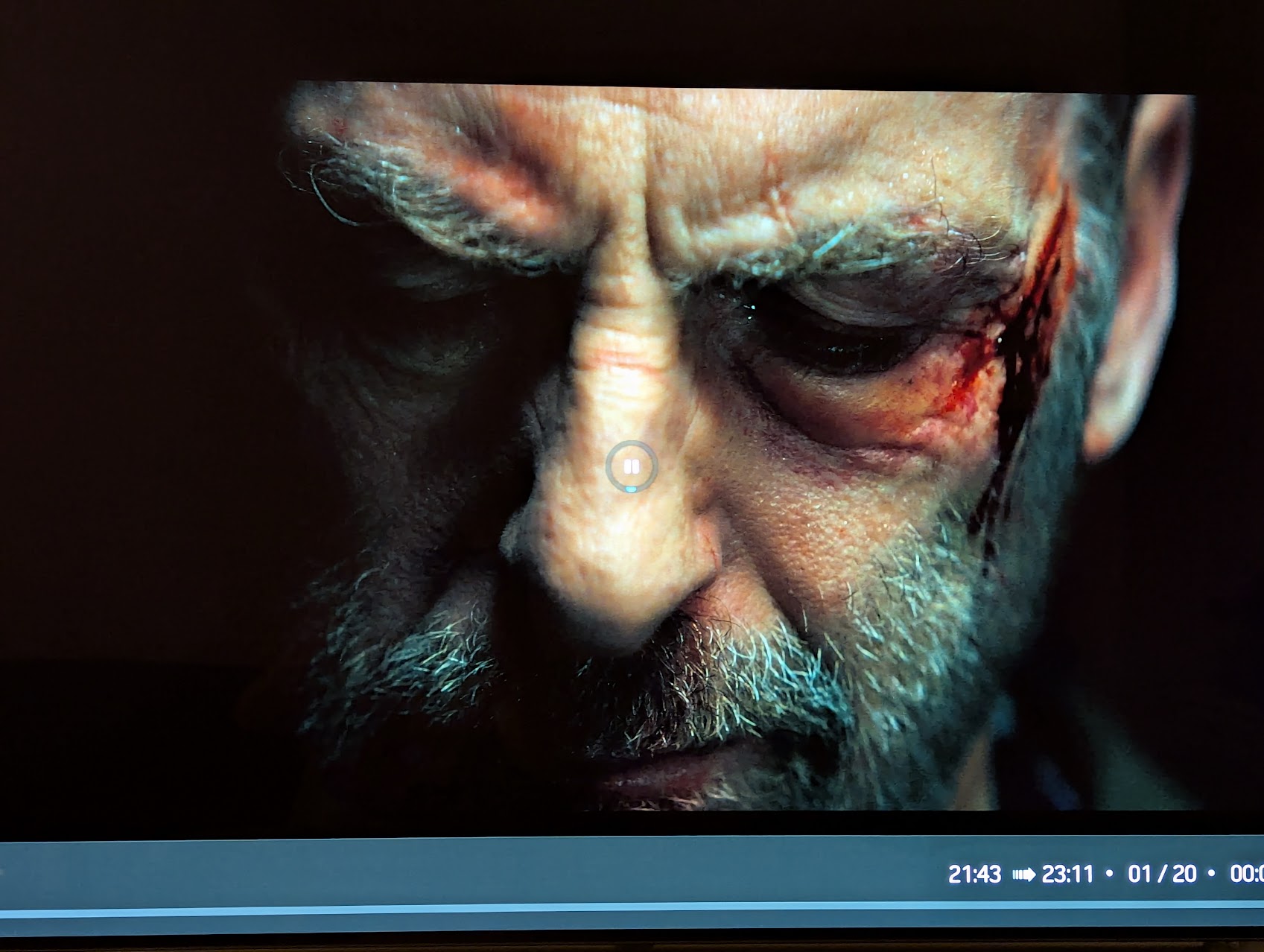
Here is a sample of my file, maybe others can check as well:
I agree it is very dark, but I can’t say if it is not intended.
Here is a sample of my file, maybe others can check as well:
Yes, that’s pretty much exactly what I’d “hope” to see. It’s too bright here at the moment to take a decent photo, but when I use the test build I basically can’t see anything to the left of the nose. Using Android box Dolby Vision or Vero with forced HDR (not DV) gives an image like you’ve shown here.
I cant be sure, but I don’t think I had this problem when I FIRST installed the test version, I’ve only really noticed since I reinstalled a few days back. Has anything changed in the test build that could possibly cause this? Is it all in my head? Is this middle age…?
I’ve been testing that film on my PX1 projector and haven’t noticed anything out of the ordinary, considering that Dolby Vision is quite limited on projectors. It also varies a lot from film to film. For example, Killers of the Flower Moon in its U.S. The Criterion Collection edition shows very washed-out black levels, arguably excessively so, compared to the Italian version.
I don’t have this issue with the provided clip, I see details as shown above. Only idea which came to my mind: Did you change anything with the used TV display profile since then?
If you’re the only one, think about to restart from scratch by re-install the VeroV with latest/greatest official OSMC release.
I have the same Dolby Vision setting as before (and what’s more, it’s the same setting for the Android box too, where it looks fine). Maybe I really should consider a reinstall… 
Just checked it, looks very nice here, phenomenal quality and detail where it needs it. I am going through a Denon X3300W to a Sony Bravia 9 TV
I would have tested, but all browsers I’ve tried give me a blocked message when clicking the link.
Not really…
I got this (in red) only:
Incomplete or wrong Download URL.
Please check that you copied the link completely. If you’re still encountering this error, please contact the person who shared the link with you and ask them to resend it.
ditto
Here:
@ac16161
I will delete this share in a day, but this way you guys should be able to test
Clip looks fine here on Philips OLED806.
Thank you - this worked well 
Greetngs,
is the new update still scheduled for tomorow?
no issues here with an LG C5, right side of the face, while in deep shadow, has clear detail and facial features.
Ok, it’s good that I know this is a problem specific to me. My LG OLED is getting a bit long in the tooth, maybe I need to upgrade… 
Yes  (as long as Github doesn’t fk it up.)
thank you my friend, have a good weekend
I’ve got the same problem. Not only with UHD ISOs, but also with UHD Blu-Ray folders. The audio is out of sync. Just like with te36. Audio plays fine in the current stable version.
Further analysis on my “DV too dark on Vero V” issue, I had some interesting results with testing today. Please bear with me on this.
It struck me that the image problems I’m having are very similar to those I’d expect if I turned “Use Limited Colour Range” off. I checked, and it is set correctly (i.e. ticked). HOWEVER, I discovered that the DV image is identical whether I have this ticked or not. If I force HDR (not DV) output, then I can clearly see that unticking “Use Limited Colour Range” causes the black level to mess up. Interestingly, this (incorrect) setting gives a HDR picture identical to my eye to the problematic DV picture.
Is it possible that the test build has inadvertently forced a full colour range setting for DV rather than limited colour range? Is it possible that my local setup is somehow ignoring this setting for DV, but using it correctly for HDR? It doesn’t make much sense to me, but the symptoms are right.
A DV signal for TV-led operation is full-range and that can’t be overridden by a user setting.
What settings do you have on your TV? I have DV Bright, DV Dark and DV Game. I have it set to Dark, which, oddly, makes the picture brighter.