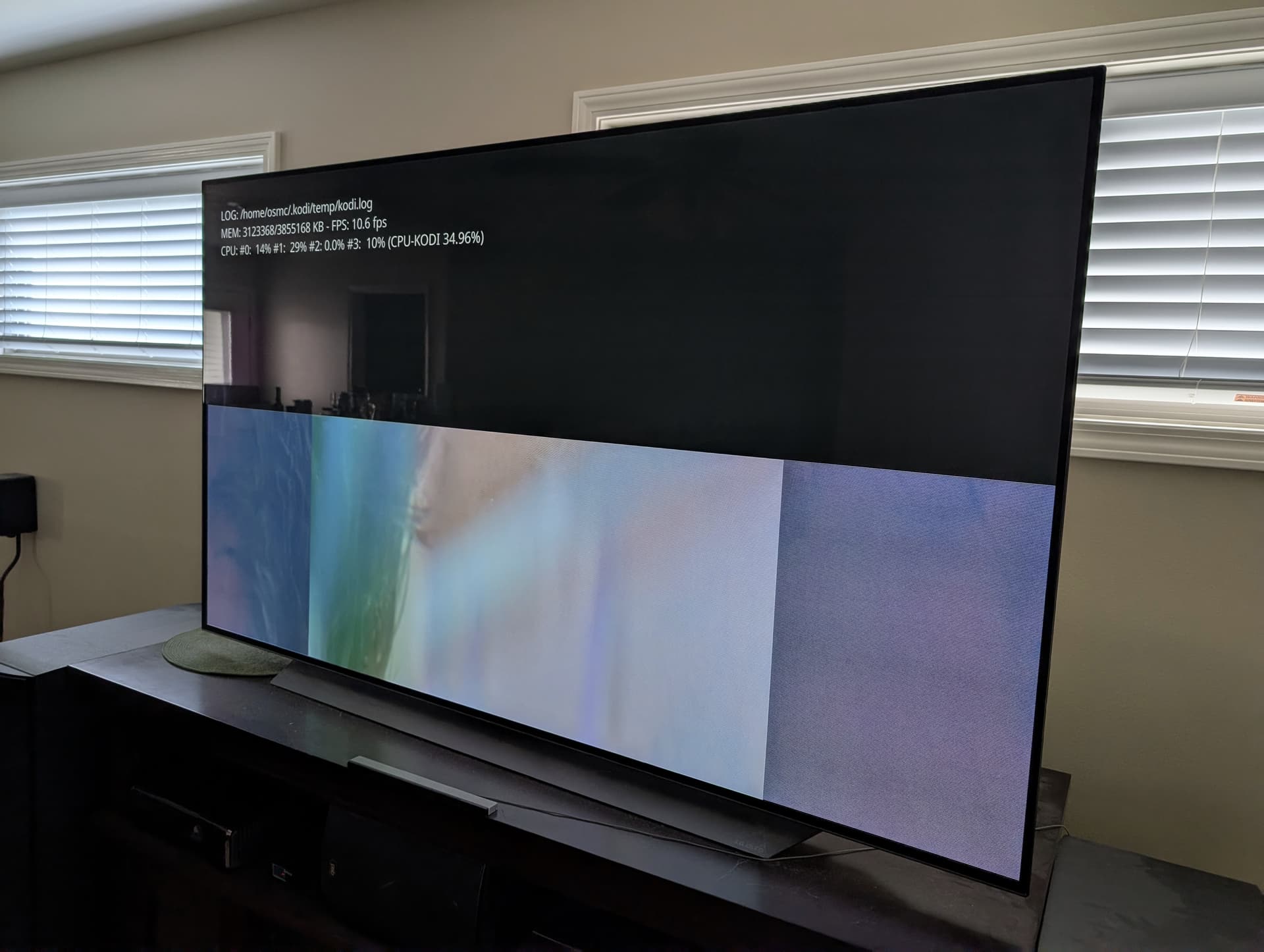
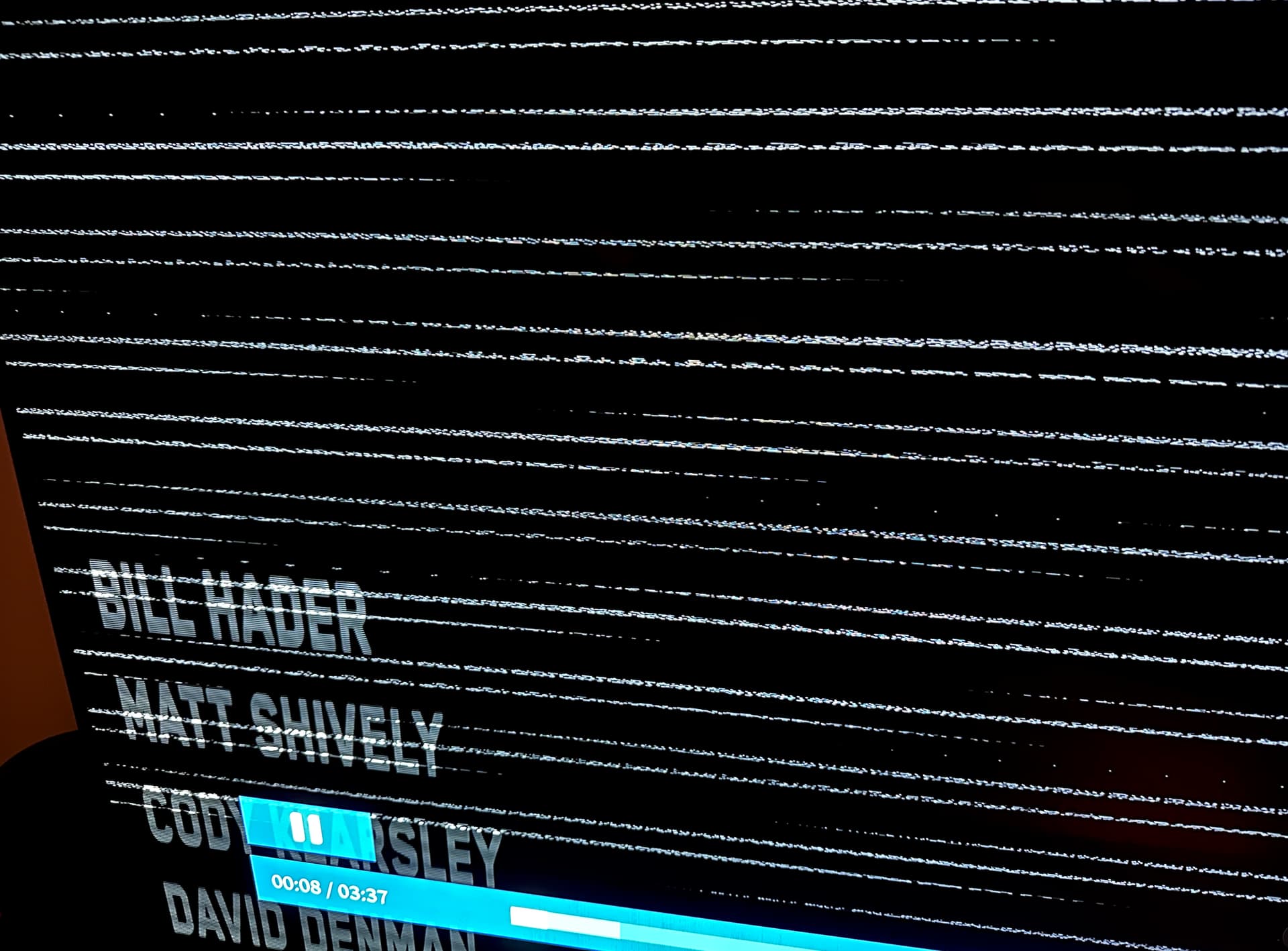
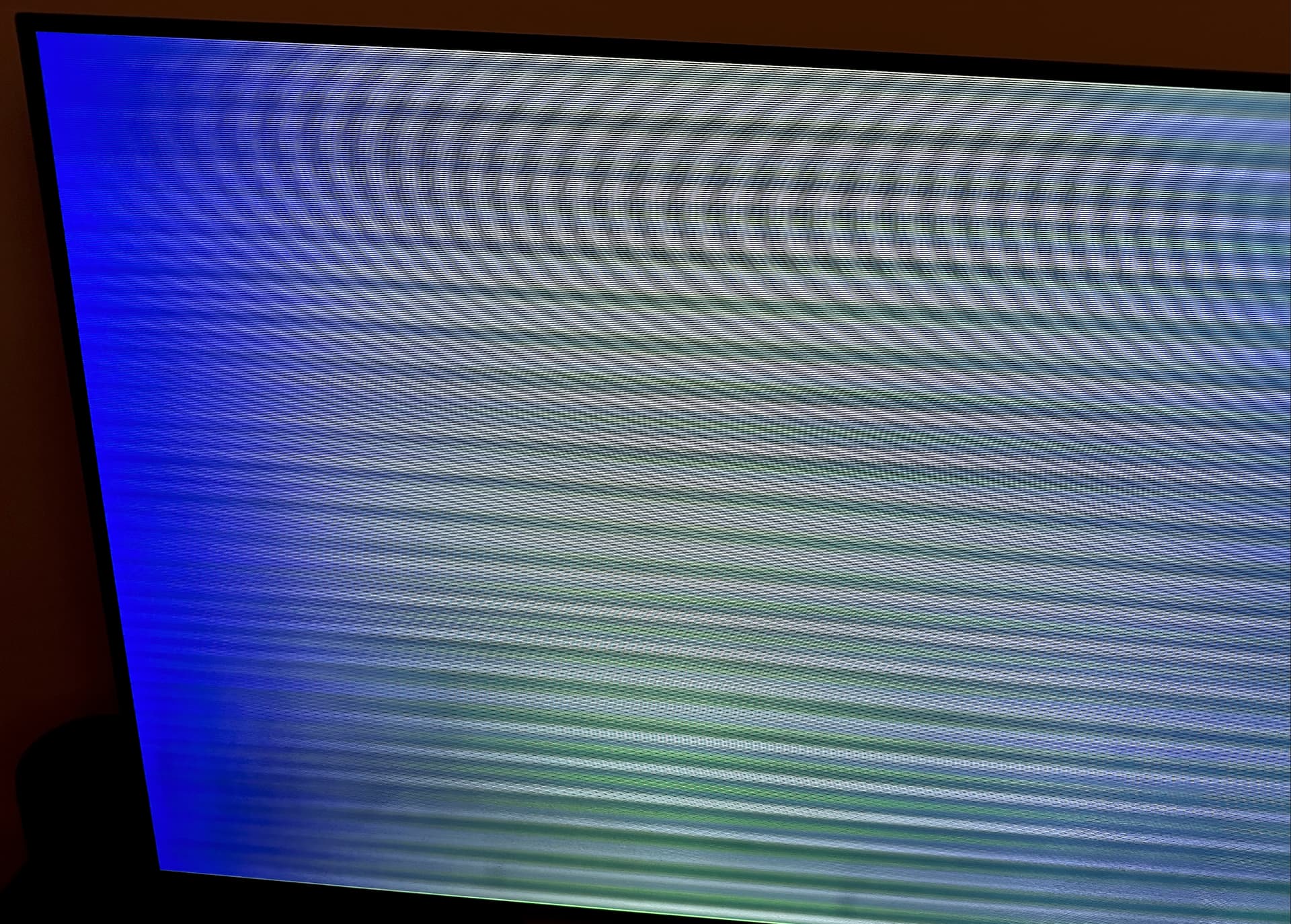
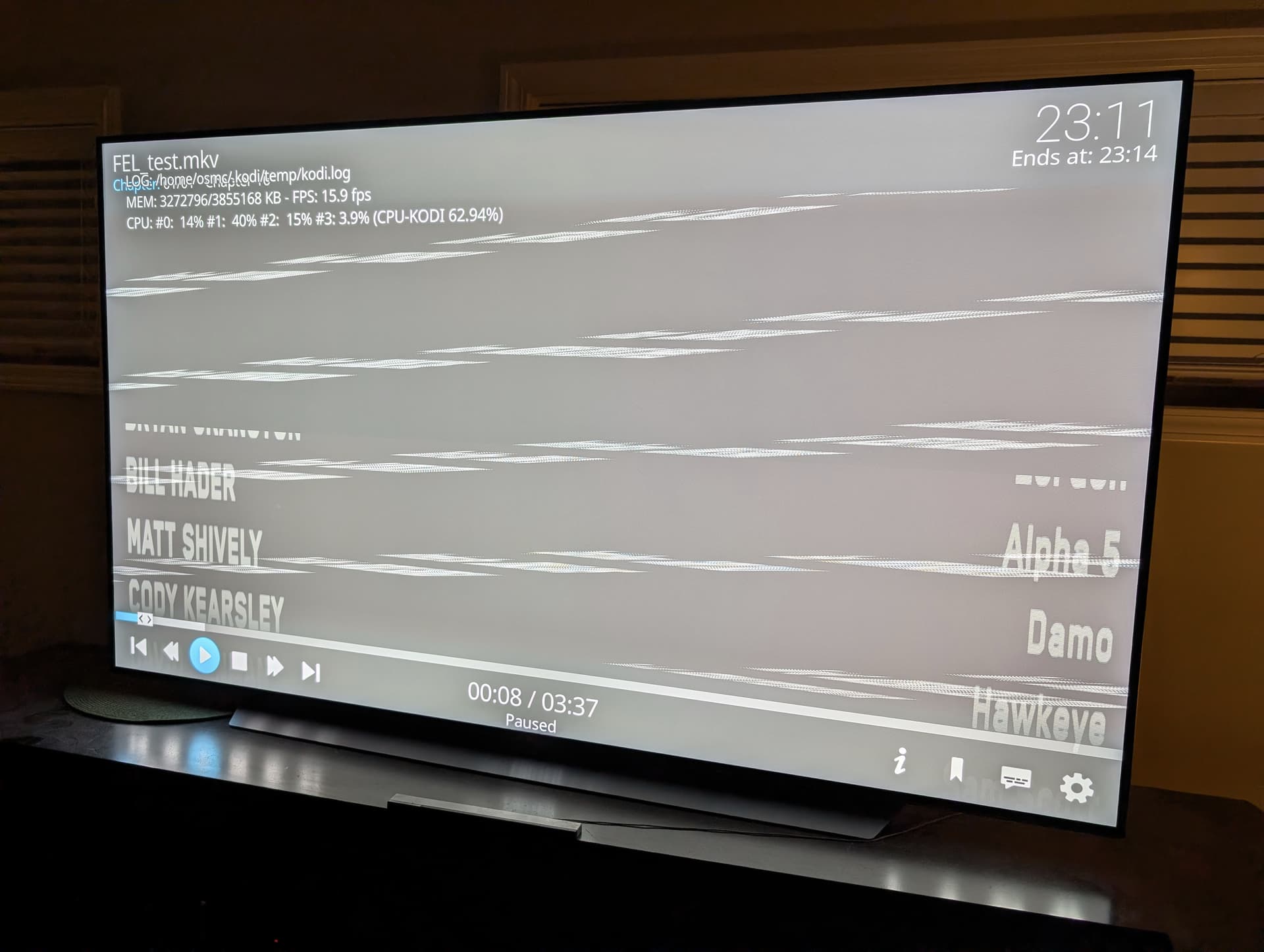
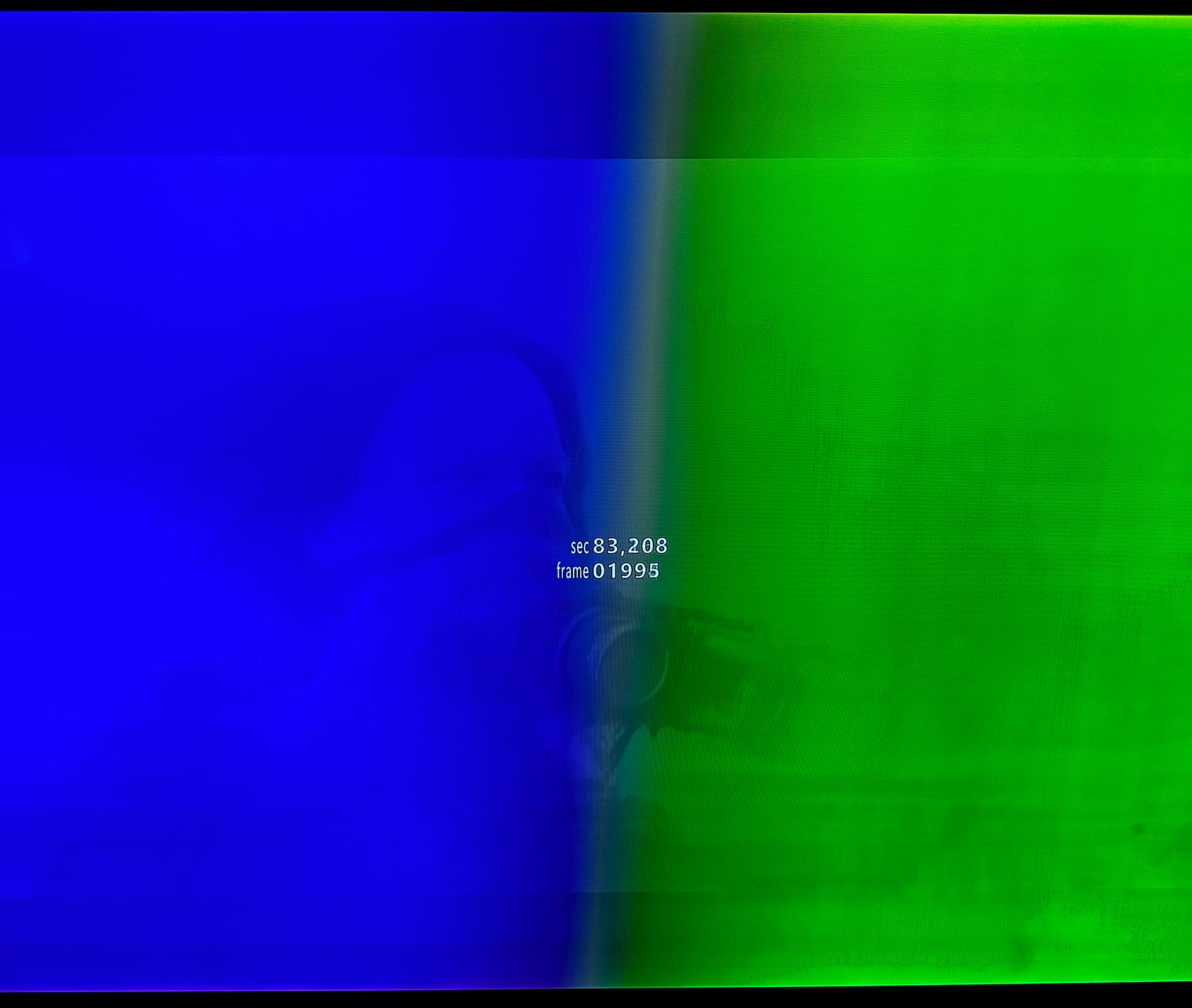
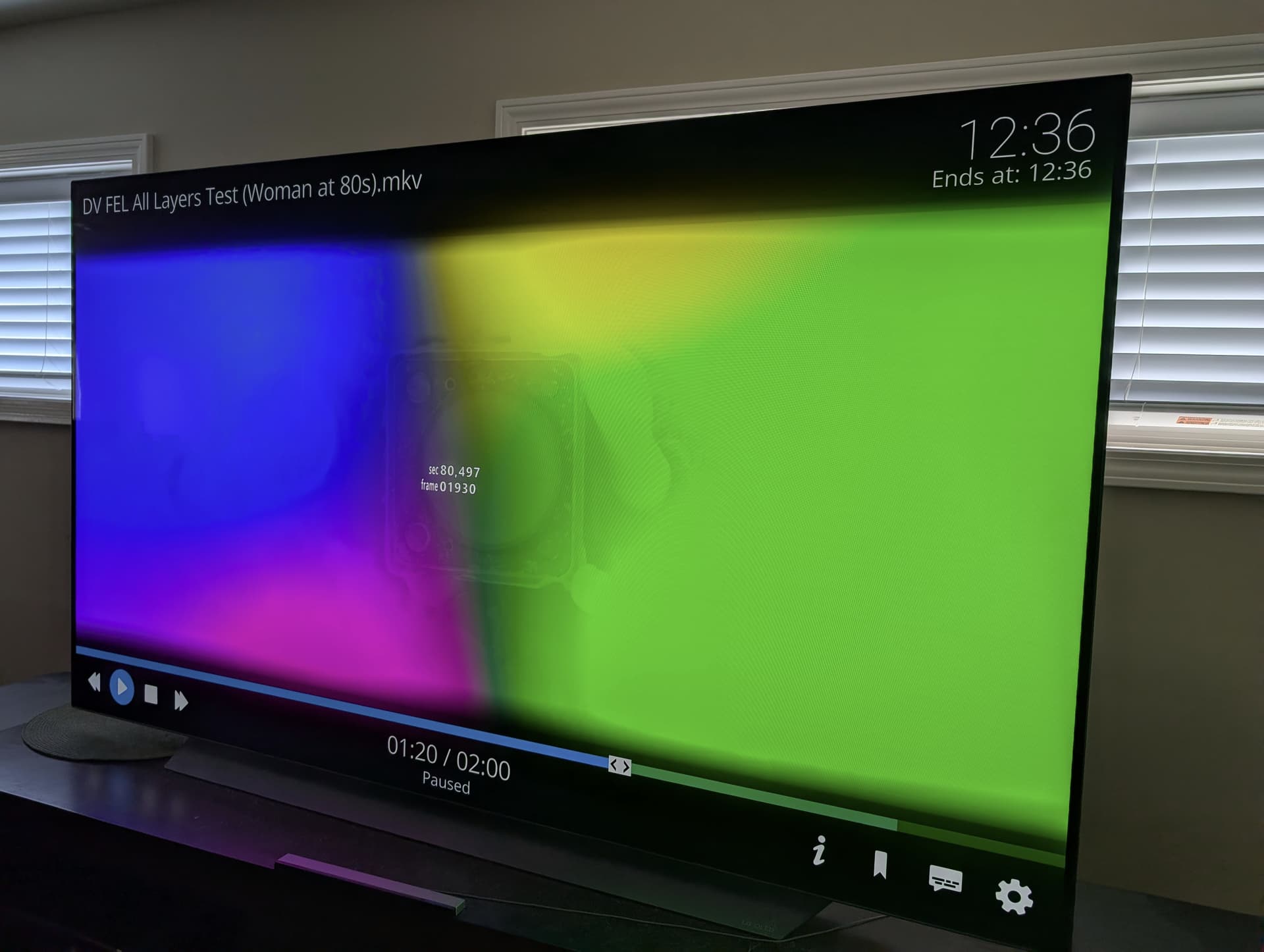
TV-led Dolby Vision was working on Vero V plugged into our LG OLED65C9AUA after updating to the November 25 update but now after the May 26 update, Dolby Vision is getting triggered on our TV when playing back DV content but the image is cut in half with a “ghosted/double” image with lines through it.
Here is a paste of MediaInfo for the title I tried to playback in the logs above but I’ve tried several DV test patterns and movies that used to work on the November update but now do not on the May update: https://paste.osmc.tv/nunexasuji.mel
FWIW I’ve had some problems recently (detailed on the FEL testing thread) on my older LG B8 OLED. For whatever reason DV rips of the new series of The Boys give me an all white screen (Dolby Vision banner shows on screen, audio is fine, picture is full white and I can’t see any OSD either.) The files work fine with Kodi on my Android box.
The only thing I have vaguely in common with your problem is the “half screen” bit. If I’m watching DV and hit Back, only half of the screen displays. Now, I never want to do this, I only ever hit back in error when I’m watching something, but it’s definitely odd behaviour. I can’t be sure if it’s skin related or not as I haven’t really had a chance to dive into it.
@sam_nazarko is there anything more you need from us to figure out what the cause of this regression in DV playability might be after the May 26 update?
Yes. All DV files regardless of FEL or MEL. Even titles I’ve watched before on the November 25 update that worked perfectly are now all failing in exactly the same way.
Actually I misspoke. I finally got a DV title to play properly. Using dovi_tool it only has MEL. I’ll get a script ran against my UHD library to find which titles are MEL and which are FEL but now I’m wondering if it’s specifically DV titles with FEL that are failing in this way.
I assume so. In fairness they’re the ONLY DV files I’ve had a problem with, everything else is fine (bar the FEL black level problem/behaviour we discussed elsewhere). It’s every episode I’ve checked, which is weird, but it’s an outlier.
Hopefully not. We always recommend not using Kodi’s ‘calibration’ but some displays don’t have a ‘just scan’ option so we need to cater for users that do need to use calibration. We’re looking into getting that fixed.
2014 LG C4 OLED here - Confirmed similar with the above.
Turns out I never knew about the “Just Scan” setting.
Appears I had a user error.
After changing the aspect from 16:9 to Original, and “Just Scan” from Auto to “ON”, was then able to restore all of the overscan settings to 0,0 and confirm that all my Dolby Vision content plays fine.
I have the same issue as the first screenshot. i set my hdmi2 to PC mode, enabled overscan, set aspect ratio to original and reset the calibrations to 0. it does not solve it for me. the m2ts file is detected as being DV but mediainfo does not show a DV stream. another movie just shows black picture with the menu flickering. also detected as DV video but according to mediainfo no DV stream present. I have this with only 2 movies so far. most have no issue at all.